
Family First Online Shop
WooCommerce shop for kids camp subscriptions, with child selection on products, conditional vouchers, a group management admin page and CSV exports.
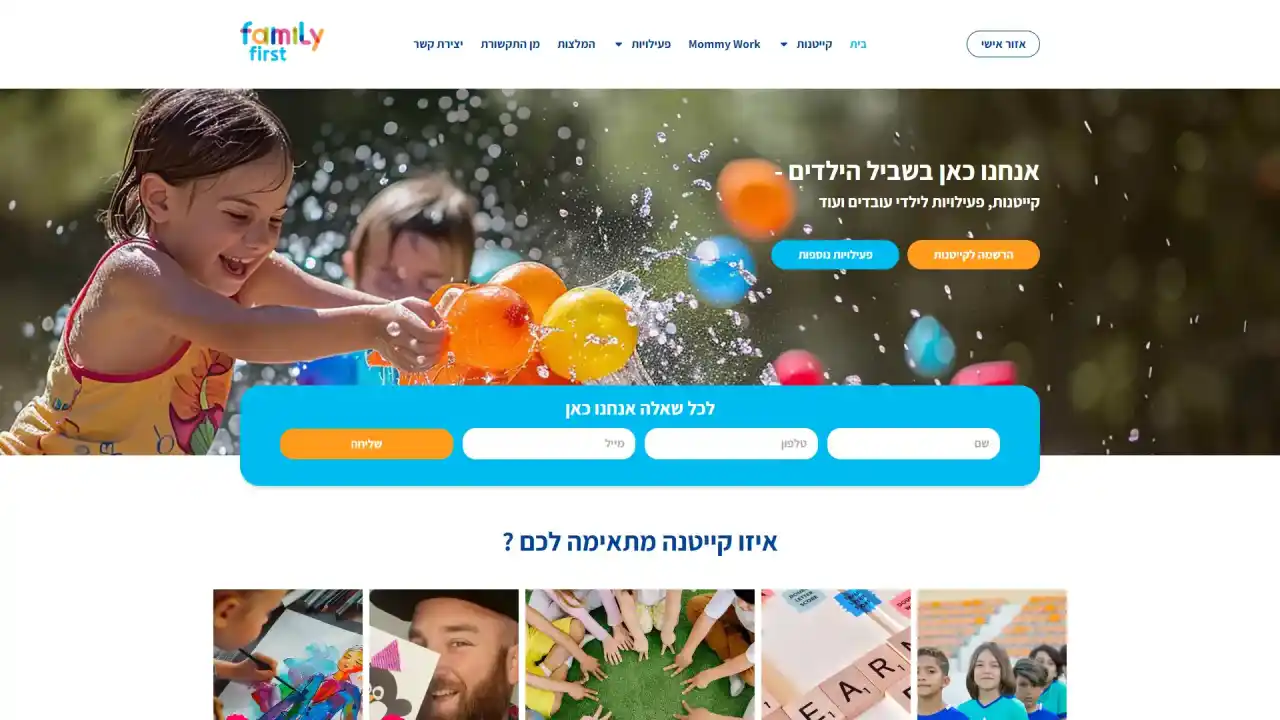
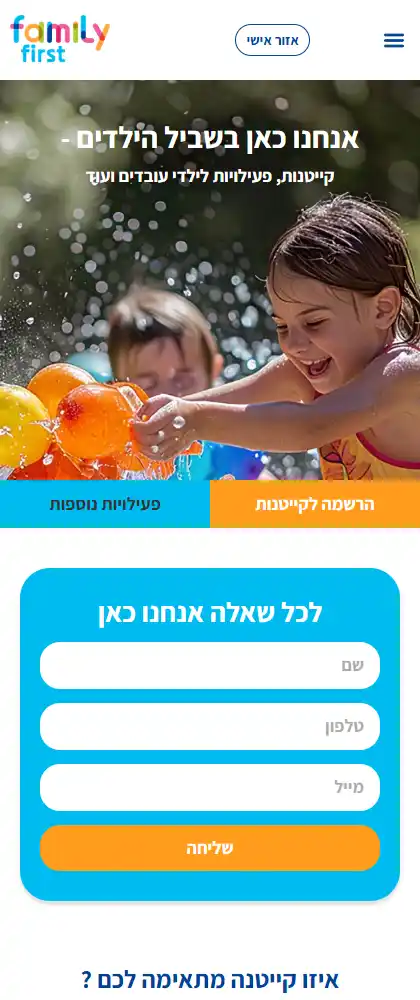 Desktop + mobile
- CategoryWeb Projects
- TypeOnline shop
- TypeBooking application
- TypeManagement application
- TypeWeb content
- TypeWeb design
- TypeWeb maintenance
- TagWeb
- TagContent web
- PlatformWordpress
- CollaborationIndividual
- CollaborationTeamwork
The project.
Online shop, Booking application, Management application · Mar 2024 — May 2024

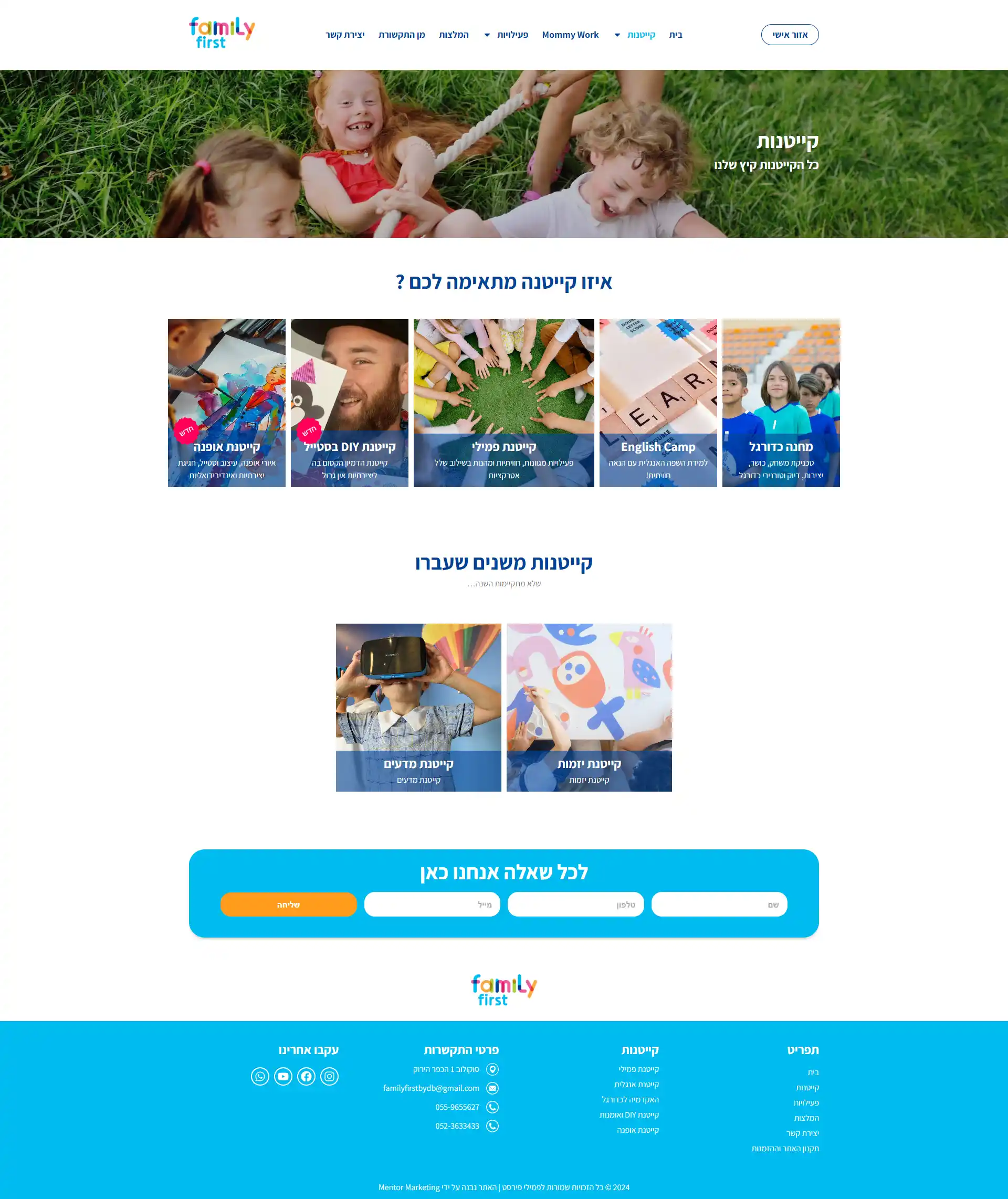
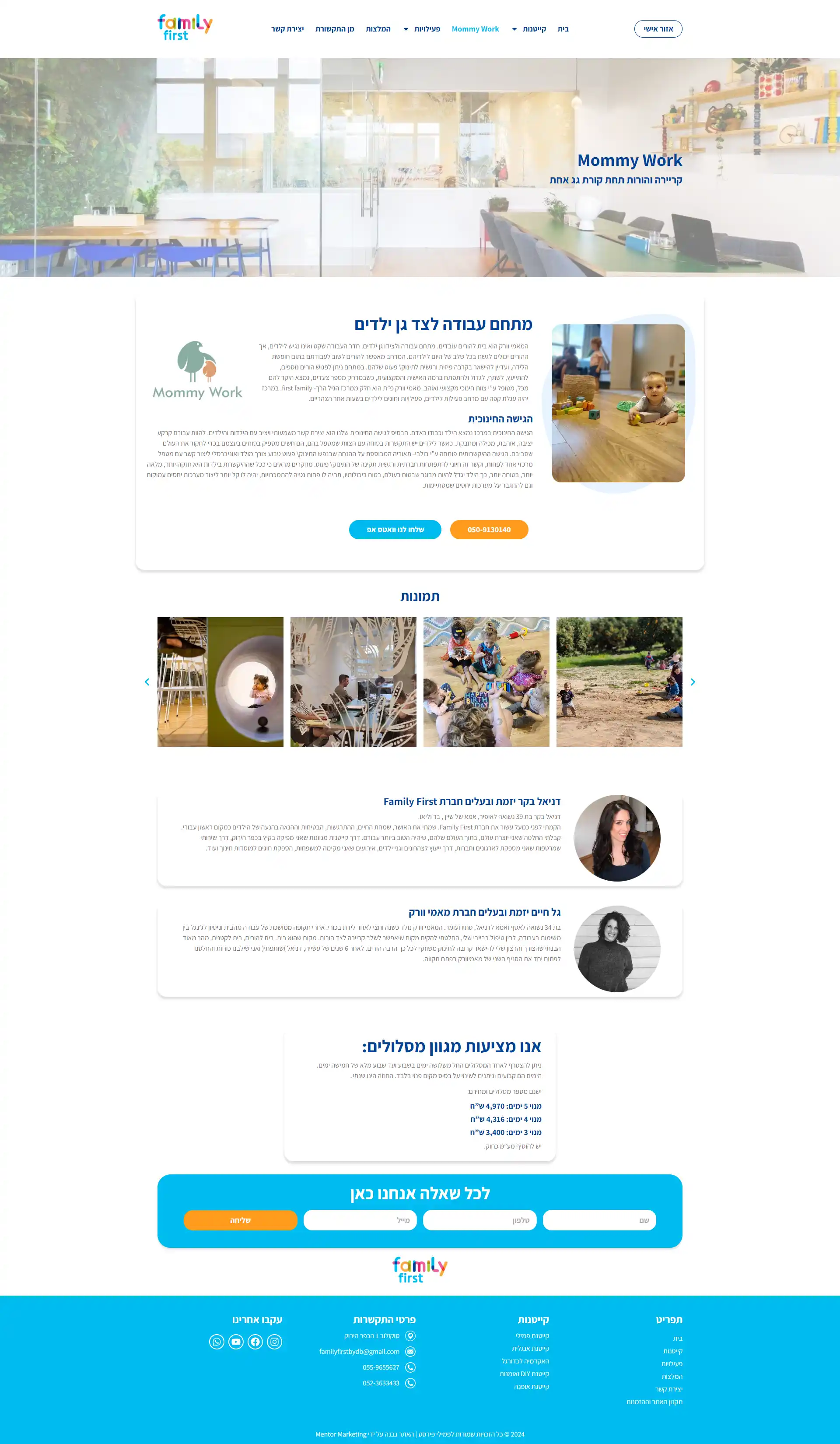
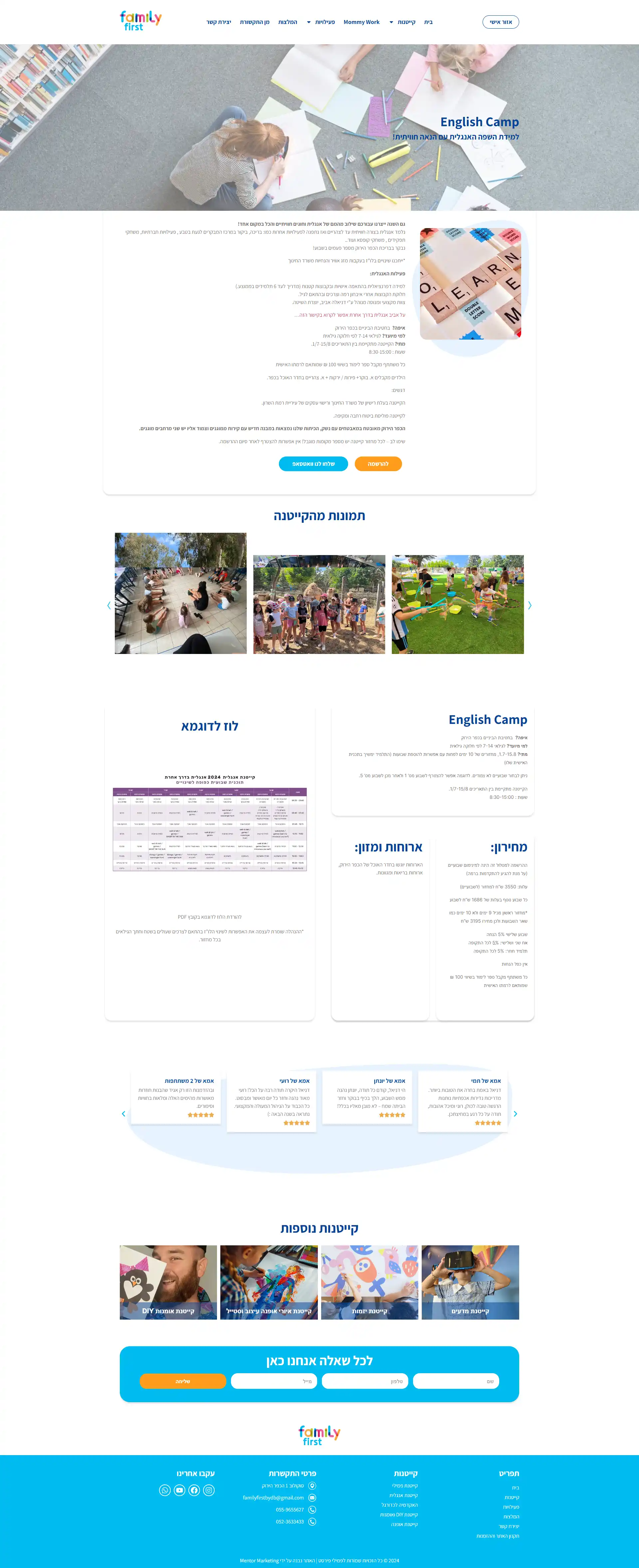
Online shop made in WordPress with WooCommerce and Elementor Pro, from a Figma design, where parents buy subscriptions for kids camps such as summer and English camps. Users create an account and add their children, then pick a child on each camp product, built with custom PHP and jQuery and the Product Add-Ons Ultimate plugin. Vouchers apply automatically only under conditions based on the number of weeks and the children in the account. Later I added a private admin page to assign registered children to groups, with advanced filters, and a script that exports any table to CSV, including the custom fields hidden in toggles.
Website showcase
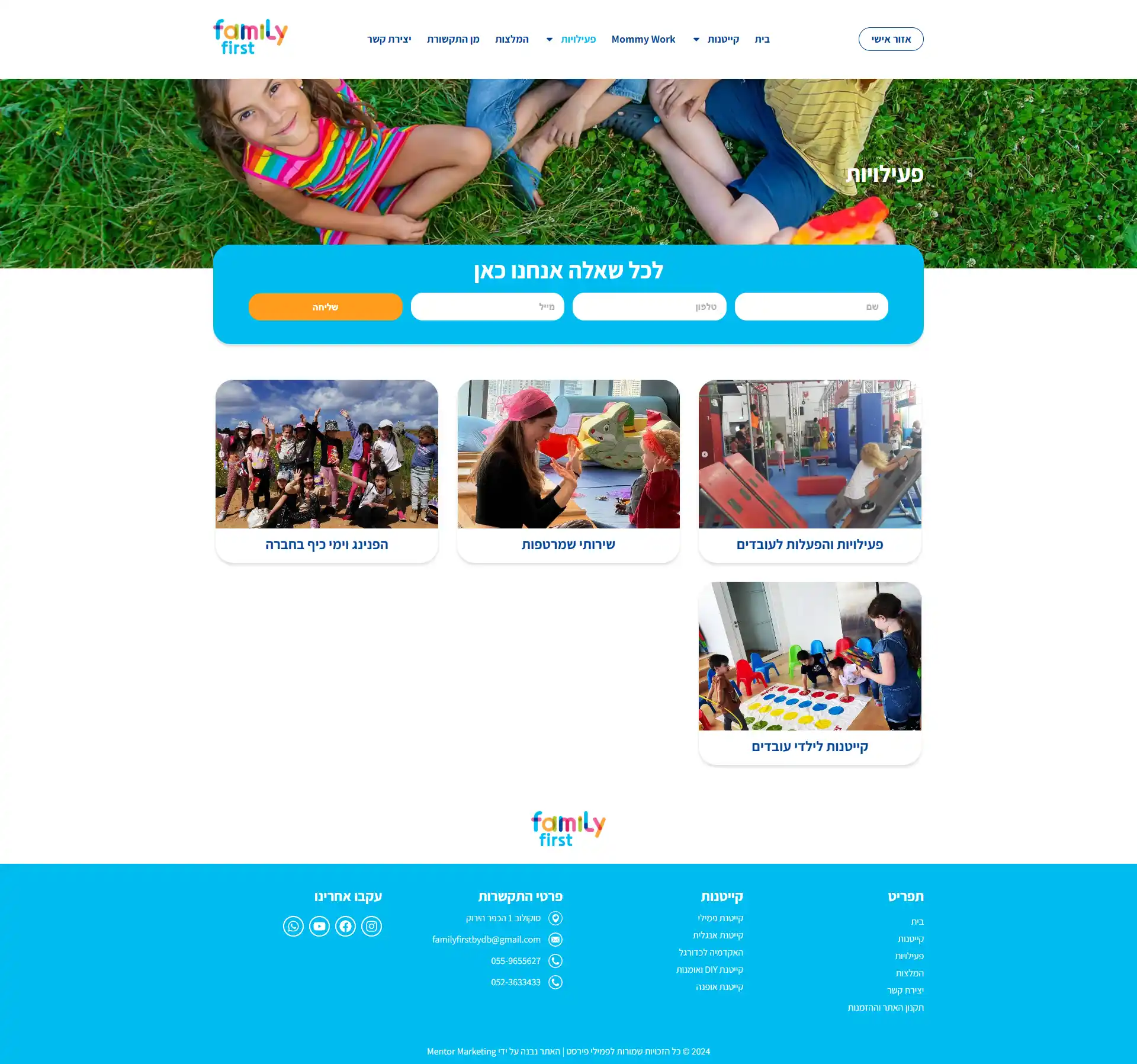
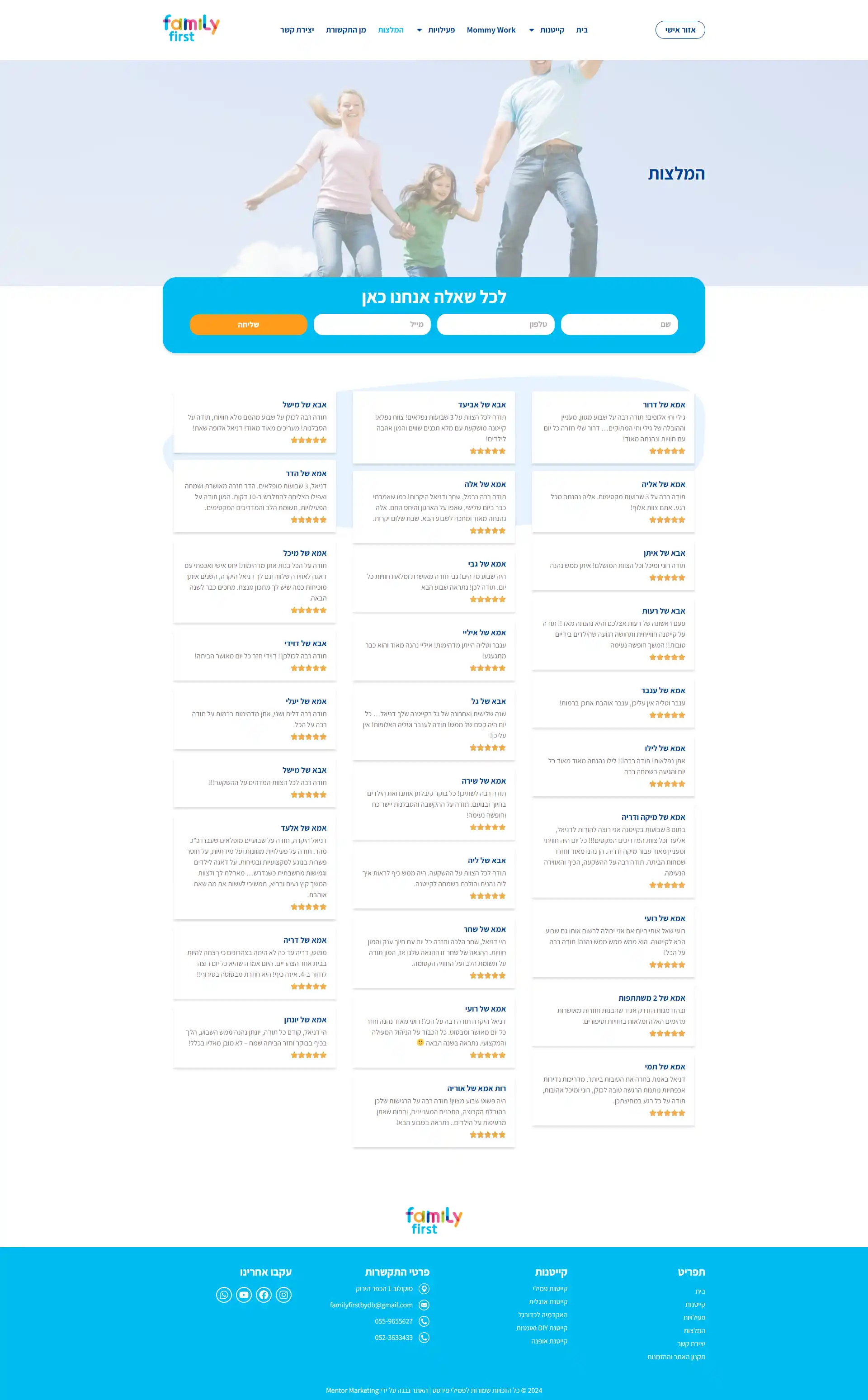
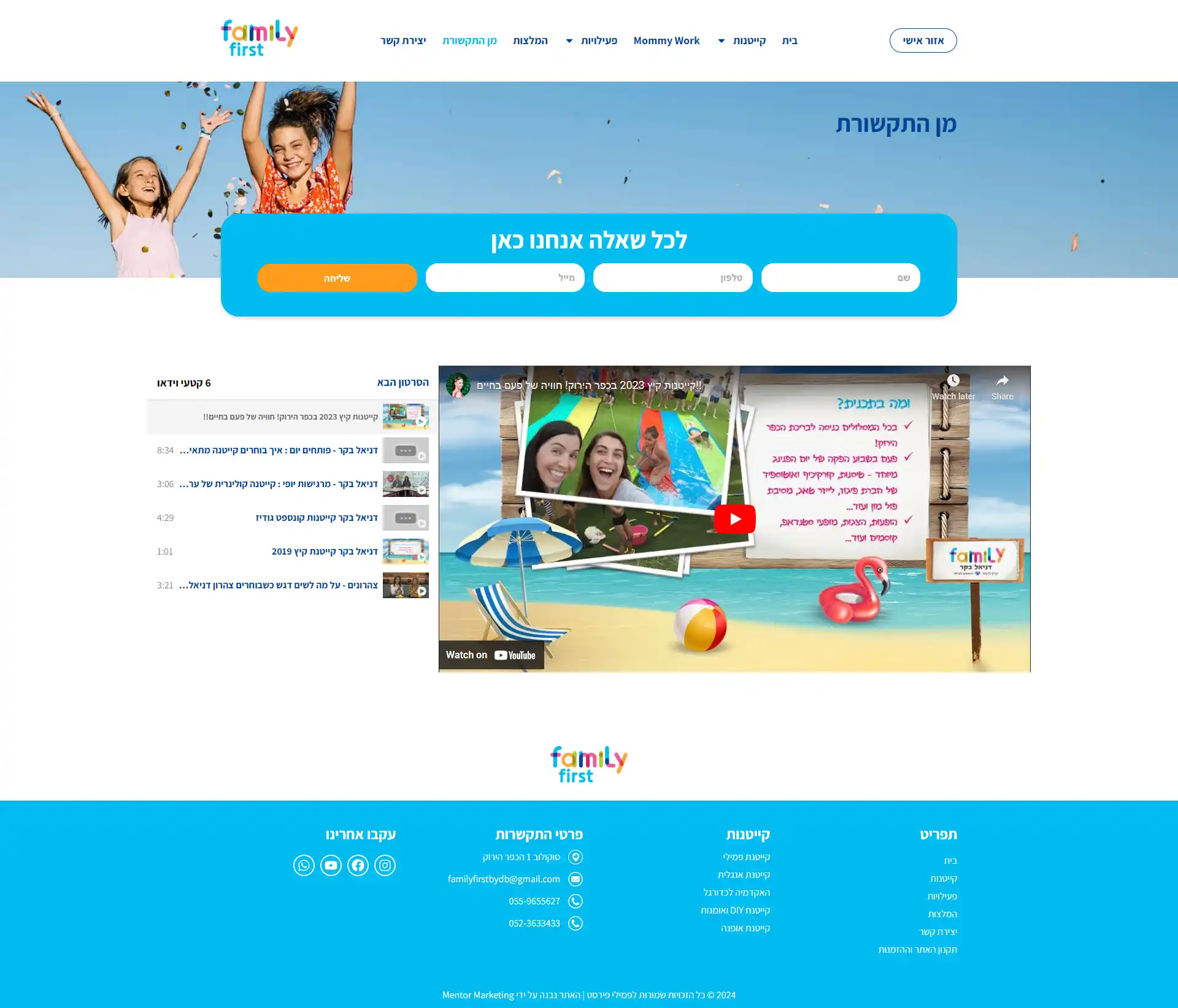
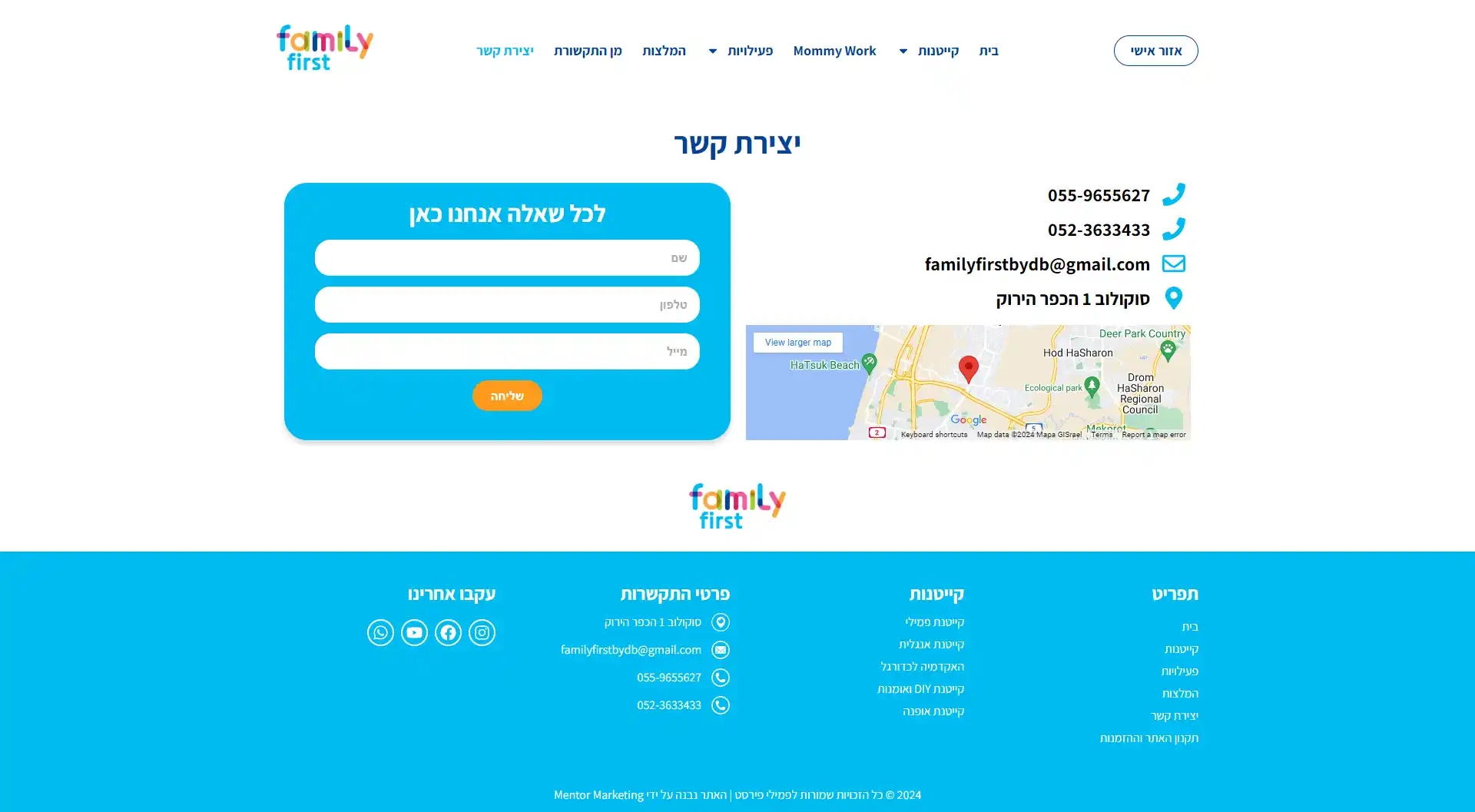
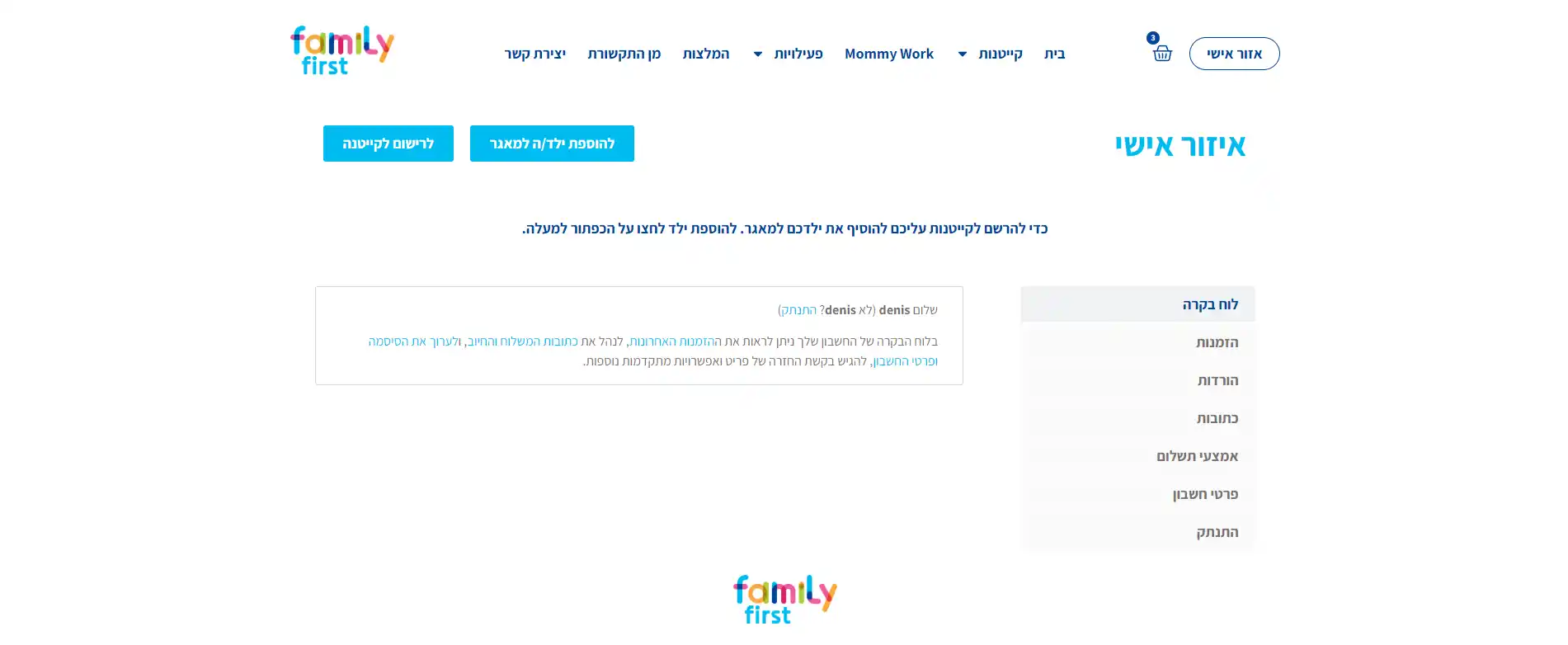
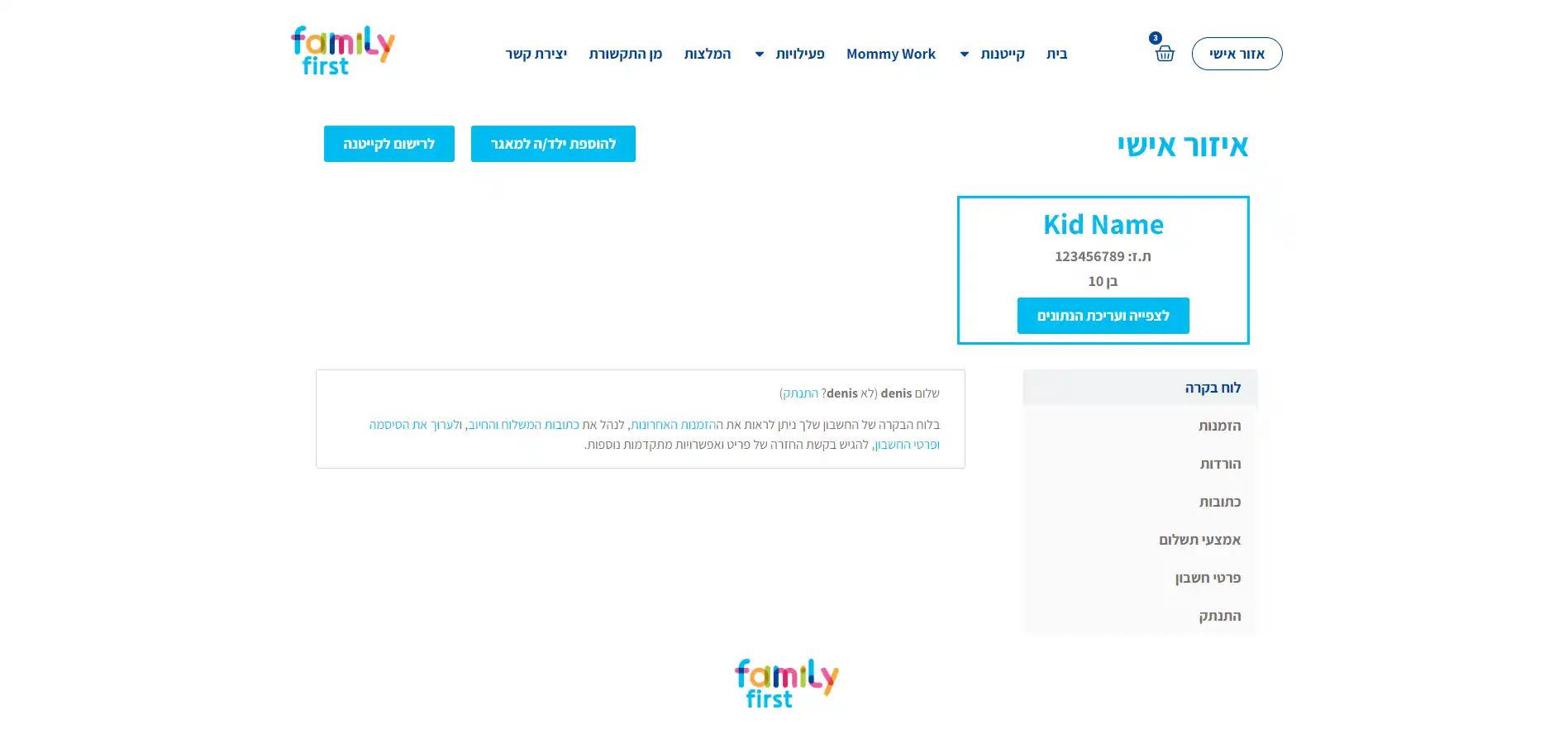
16 desktop and 15 mobile views, shown in pairs. Pick a screen from the rail; open the stage for the full capture.


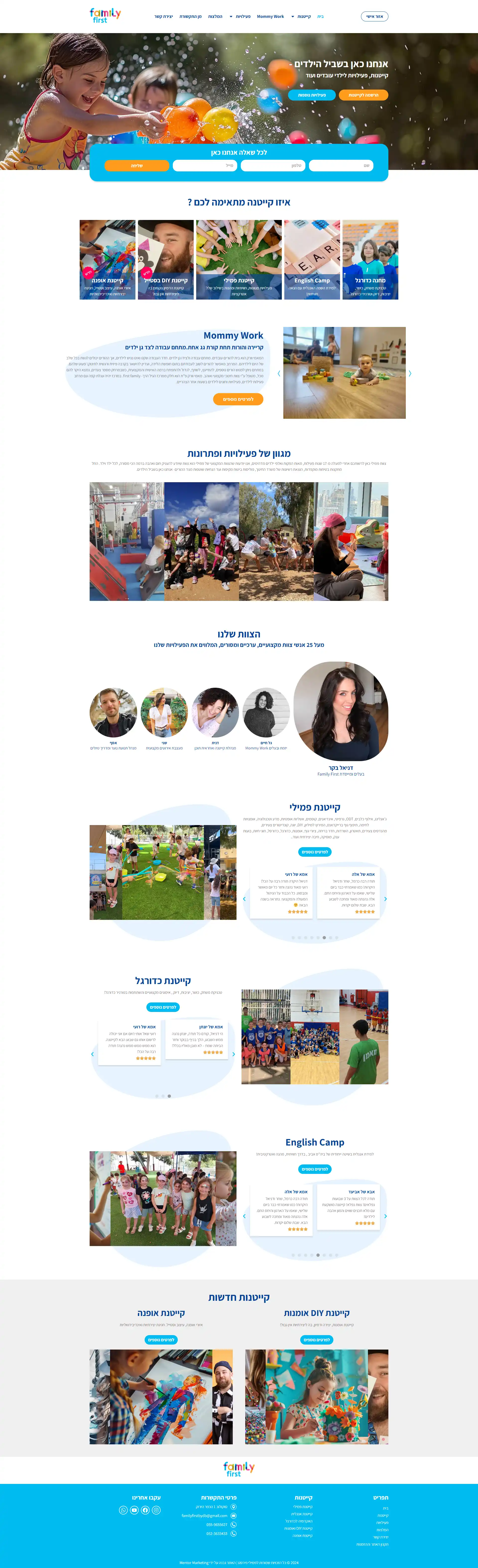
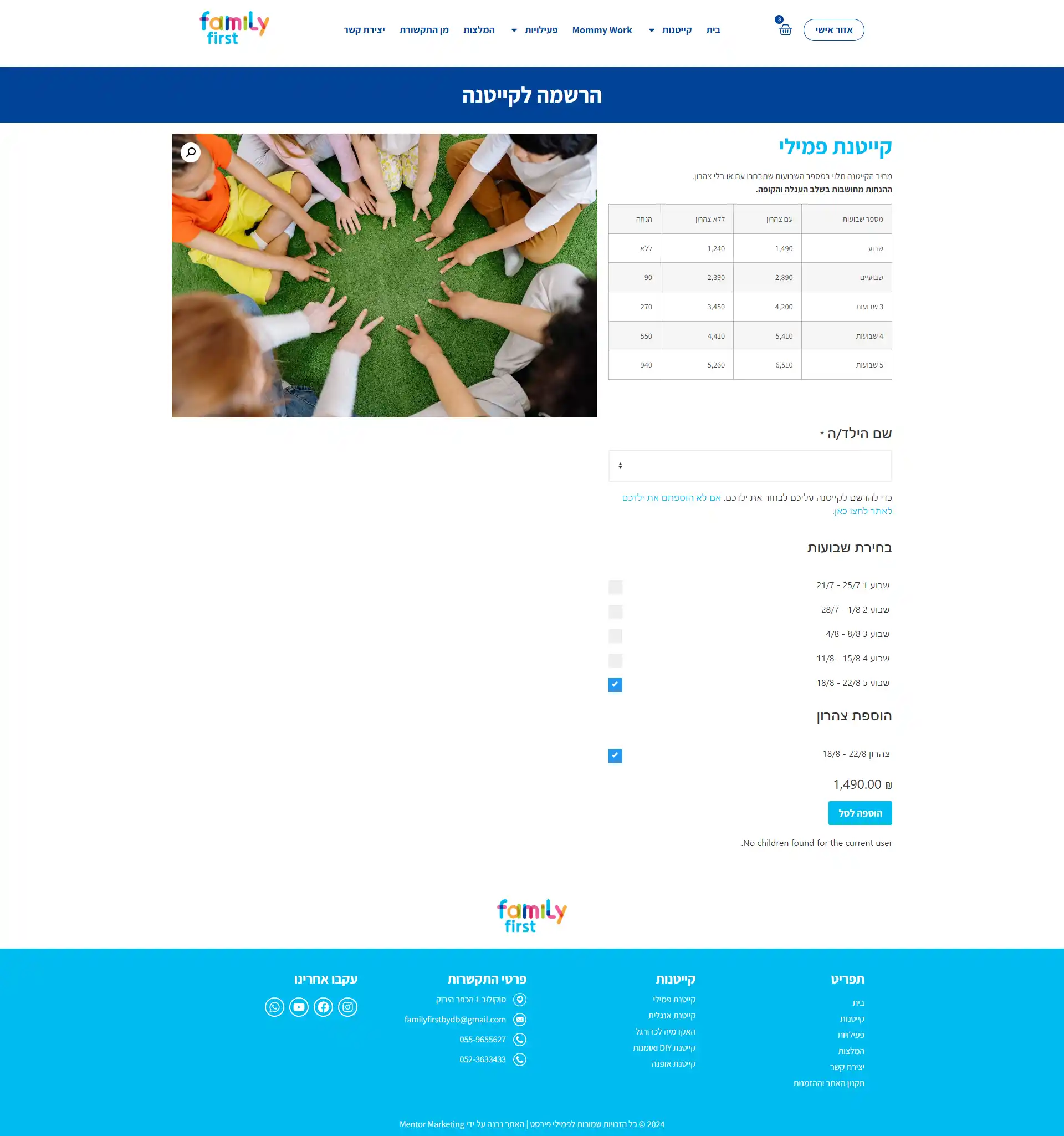
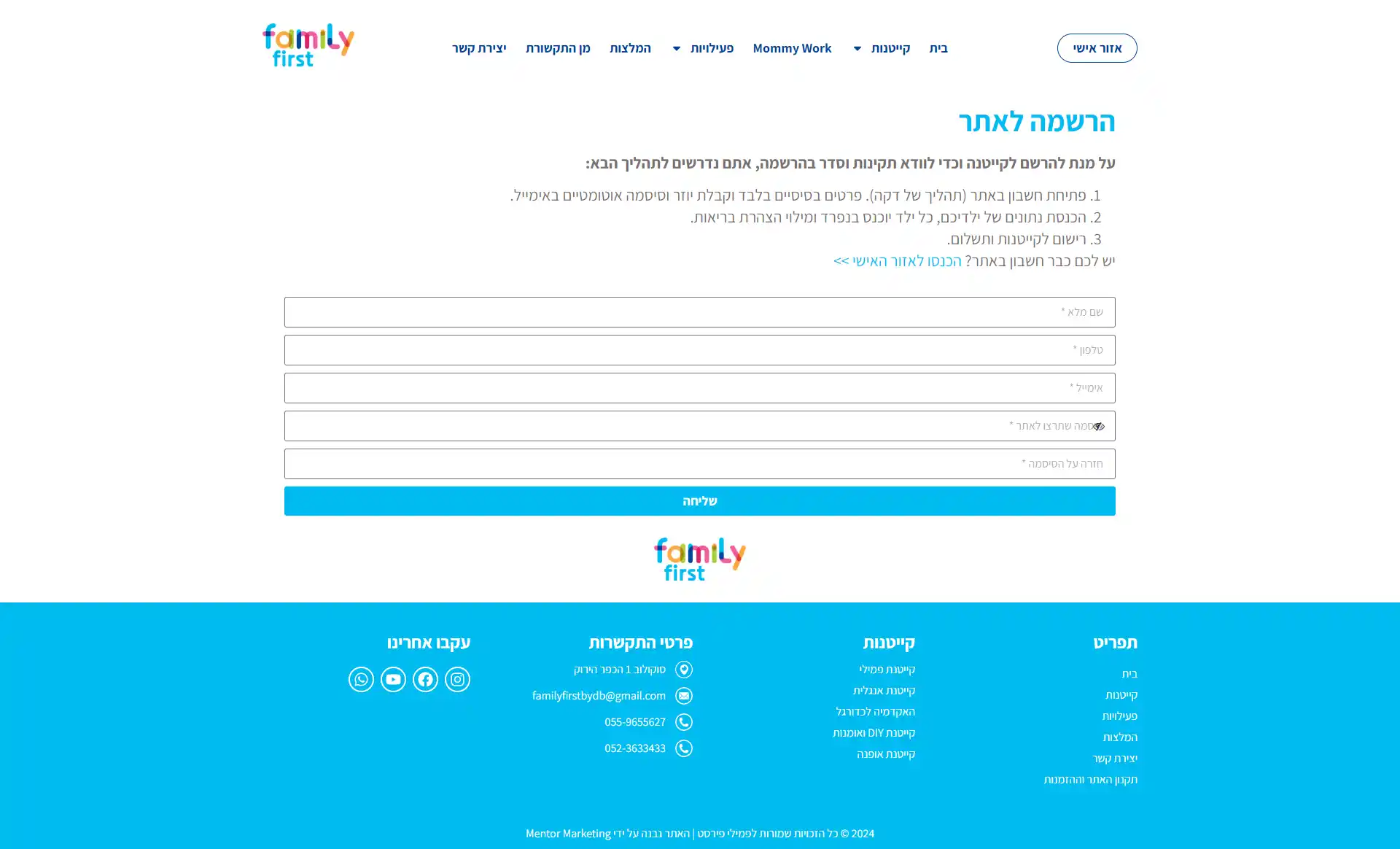






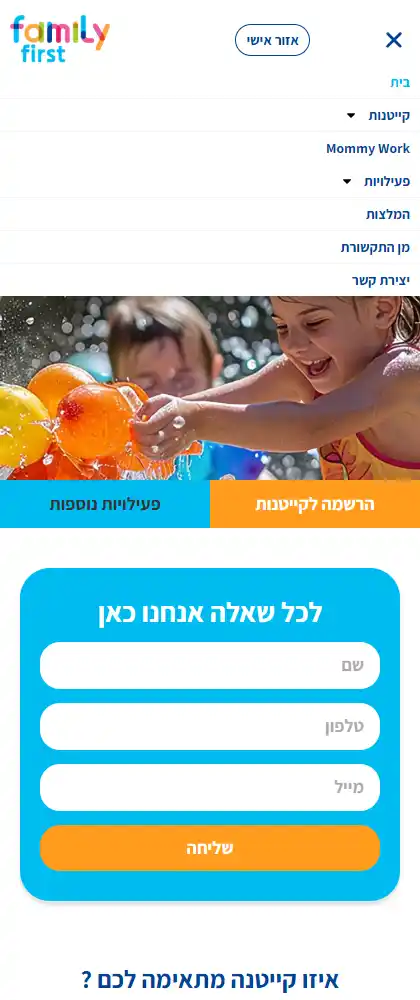
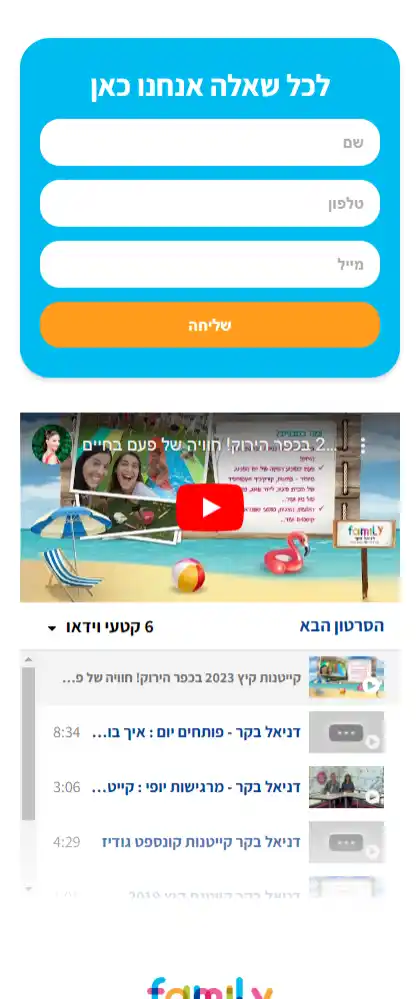

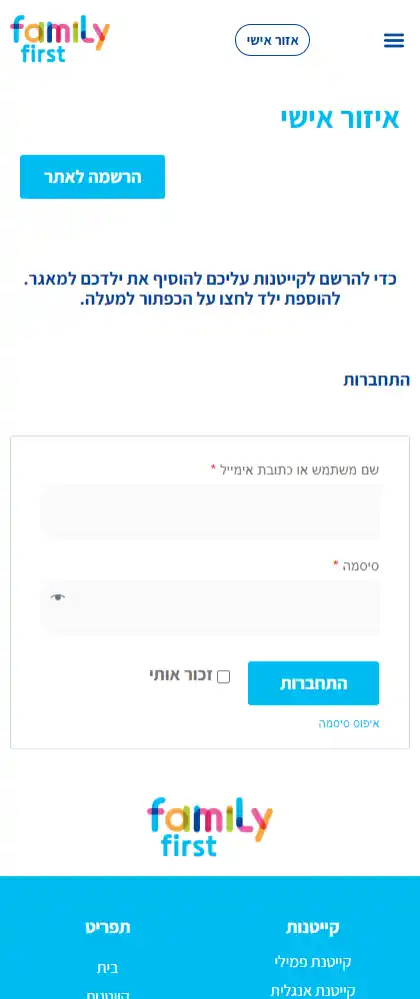
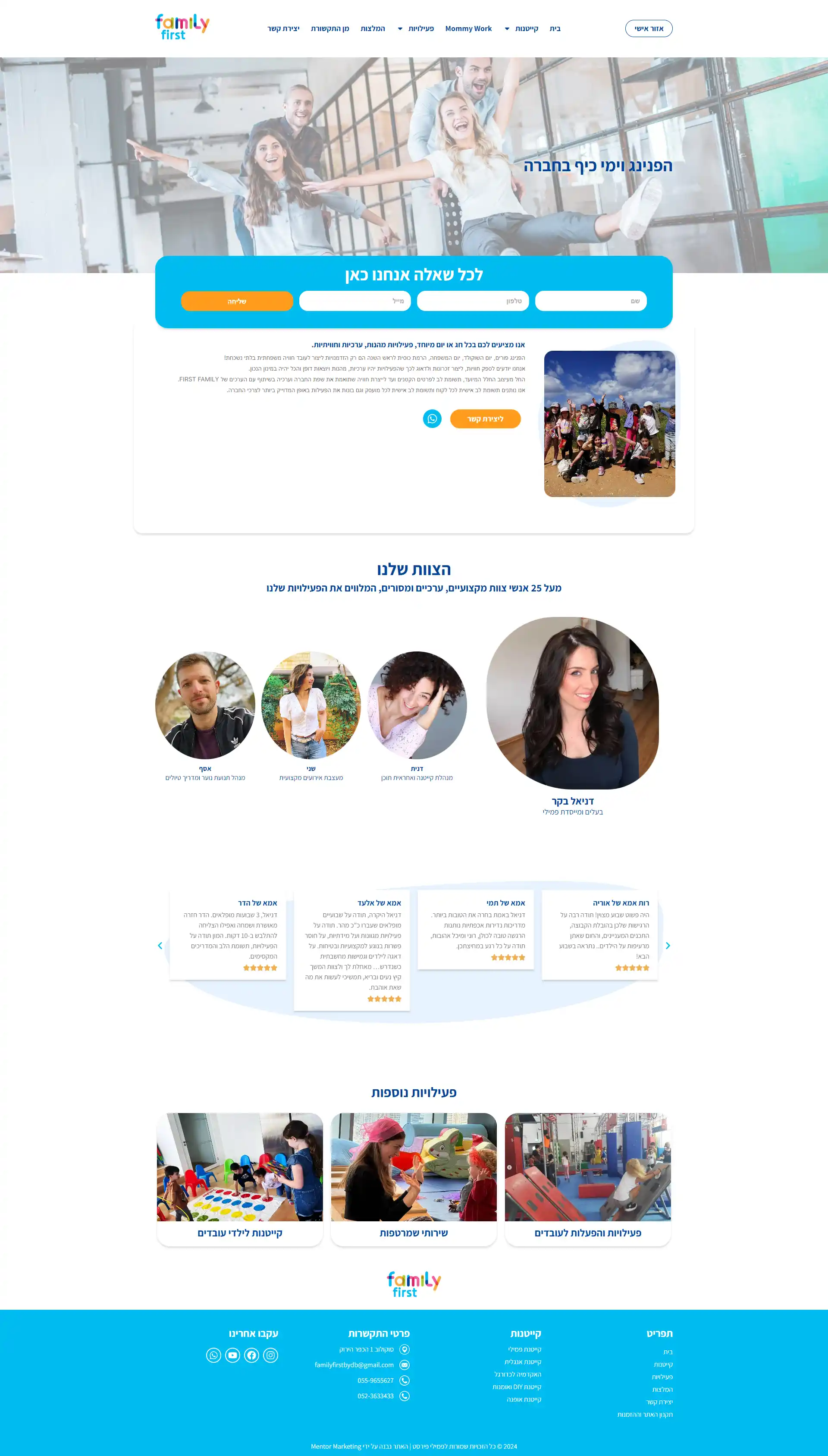
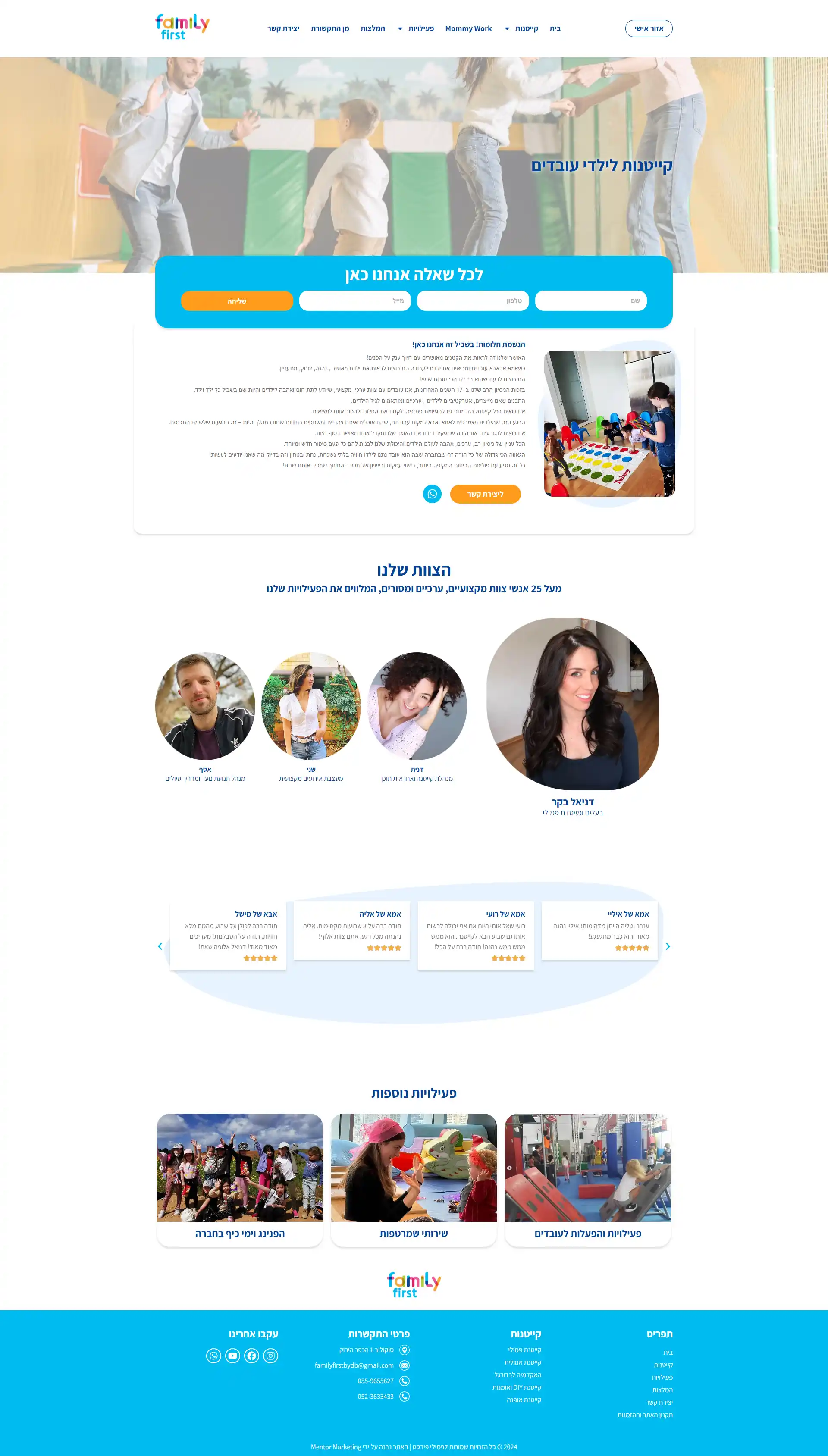


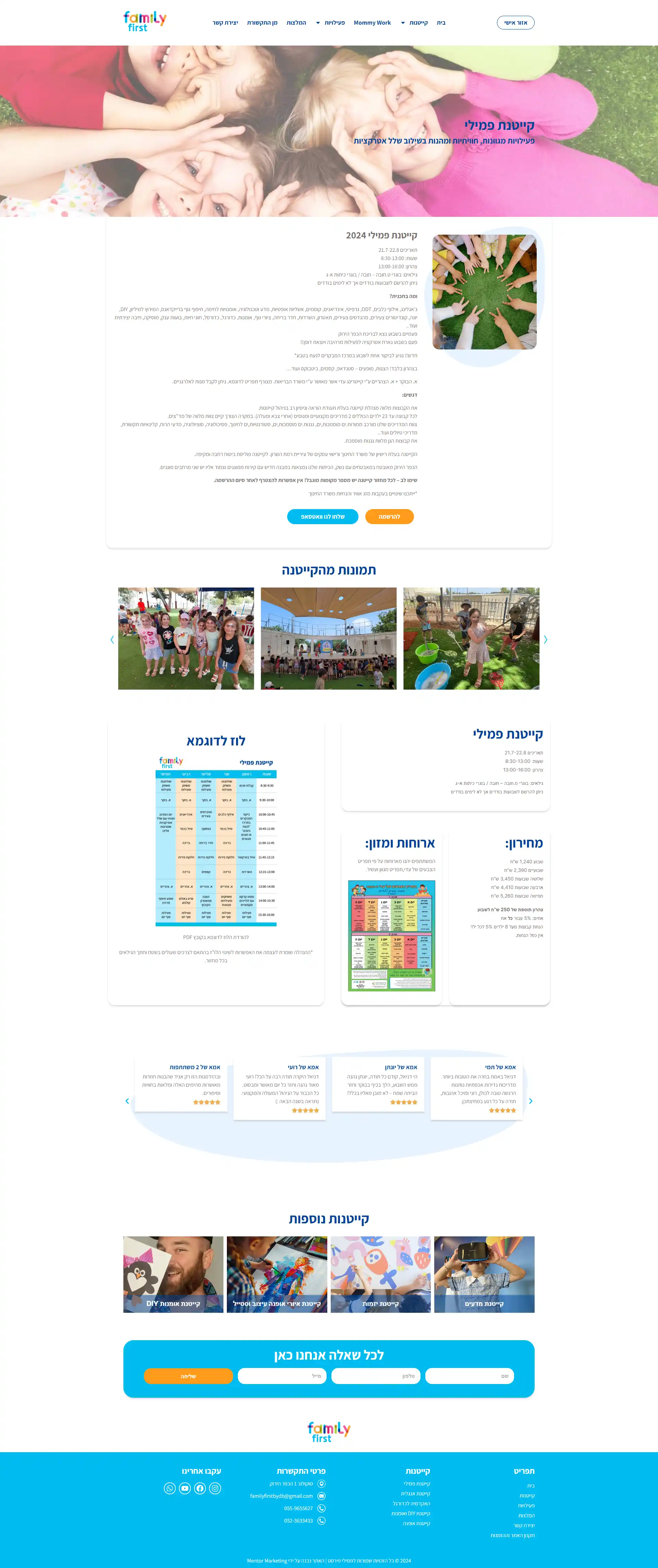


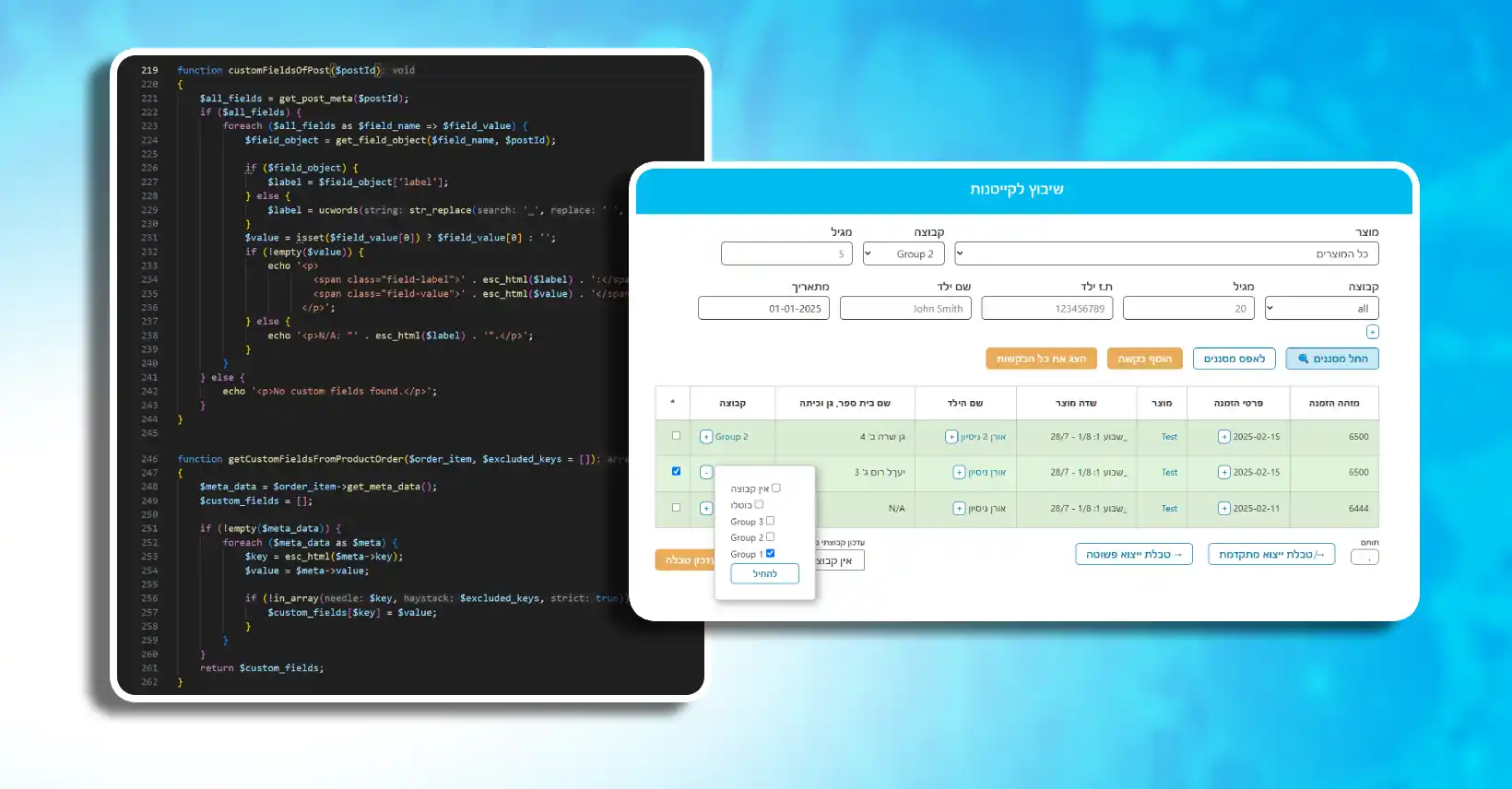
I developed a custom environment that dynamically generates a table by extracting child data and custom fields (such as the selected weeks) from orders, displaying each child as a row. Administrators can then assign children to groups, which are stored in a separate custom post type with all relevant data saved.
Additionally, I implemented advanced filters for the table, allowing sorting and searching by child name, group, registration weeks, order date, and other custom fields.
Date: 02.2025
Manage Kids In Groups
This task involved creating a private admin page for website administrators to efficiently manage children registered through camp orders, ultimately helping camp teachers better organize their groups. Each order includes camp products, which contain child-specific data and selected registration weeks (1 to 4 weeks).
Export Advance CSV from HTML Table
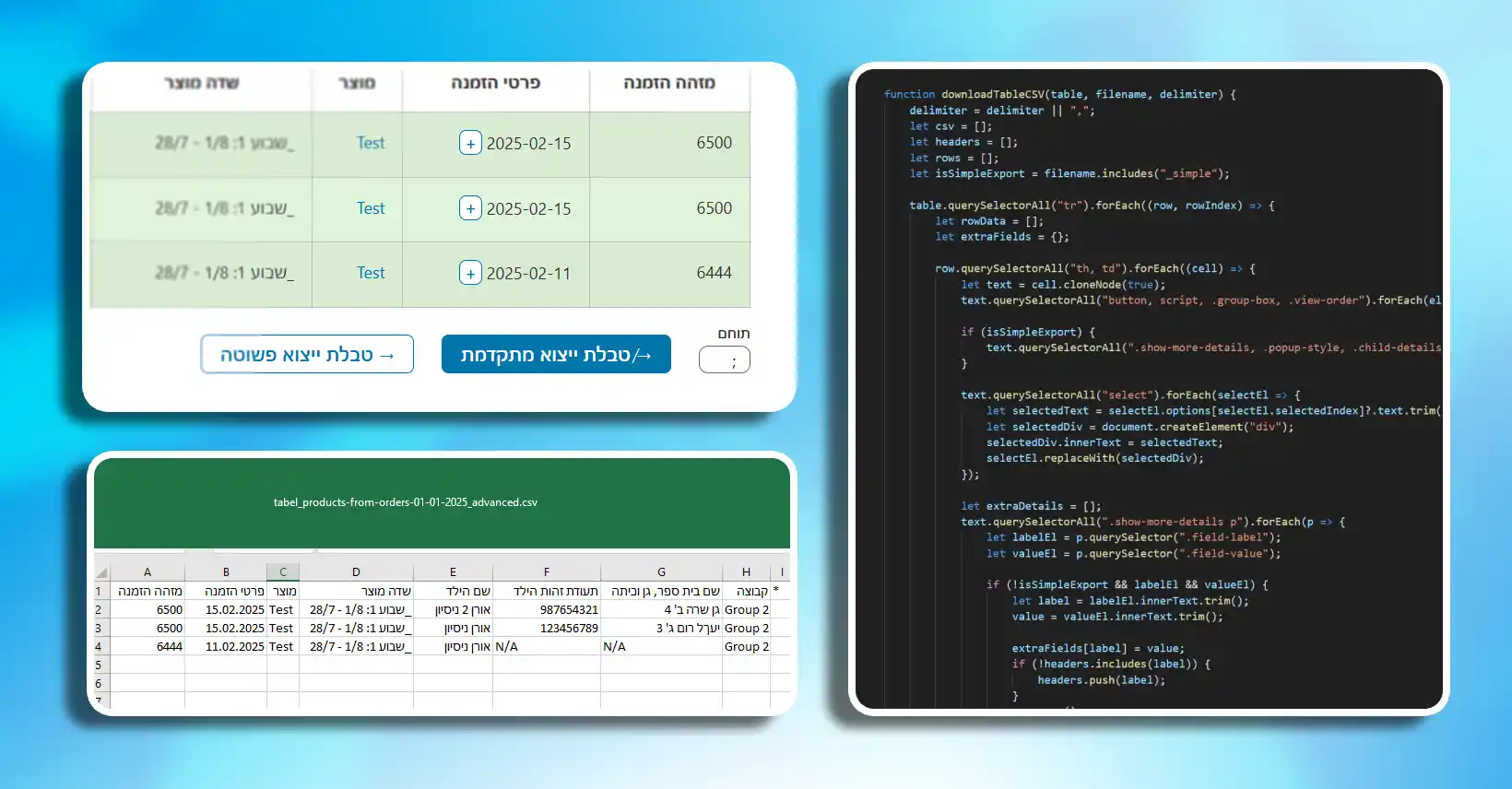
I developed a vanilla JavaScript script that automatically generates a bottom section after each HTML table from Family First. This section includes two buttons and one input field. The input allows users to customize the CSV delimiter, while the buttons handle table data export.
The first button performs a basic export—excluding toggle content and HTML formatting. The second button triggers an advanced export that scans toggle sections for custom fields with labels and values, then adds new columns to the CSV using those labels, filling in each row with the corresponding values.
Date: 02.2025