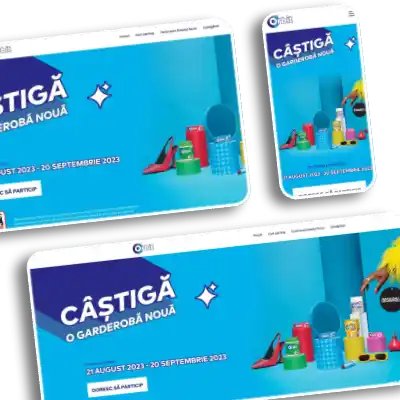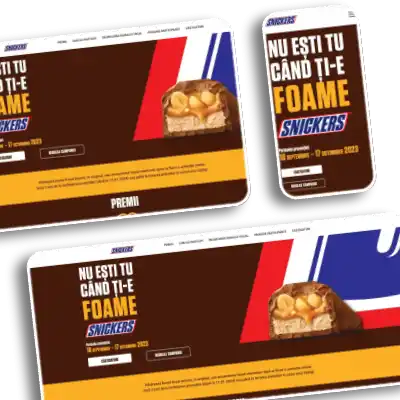
Promotii Mars Contest Application
WordPress website for Mars contests and promotions, with over 20 custom PHP registration forms.
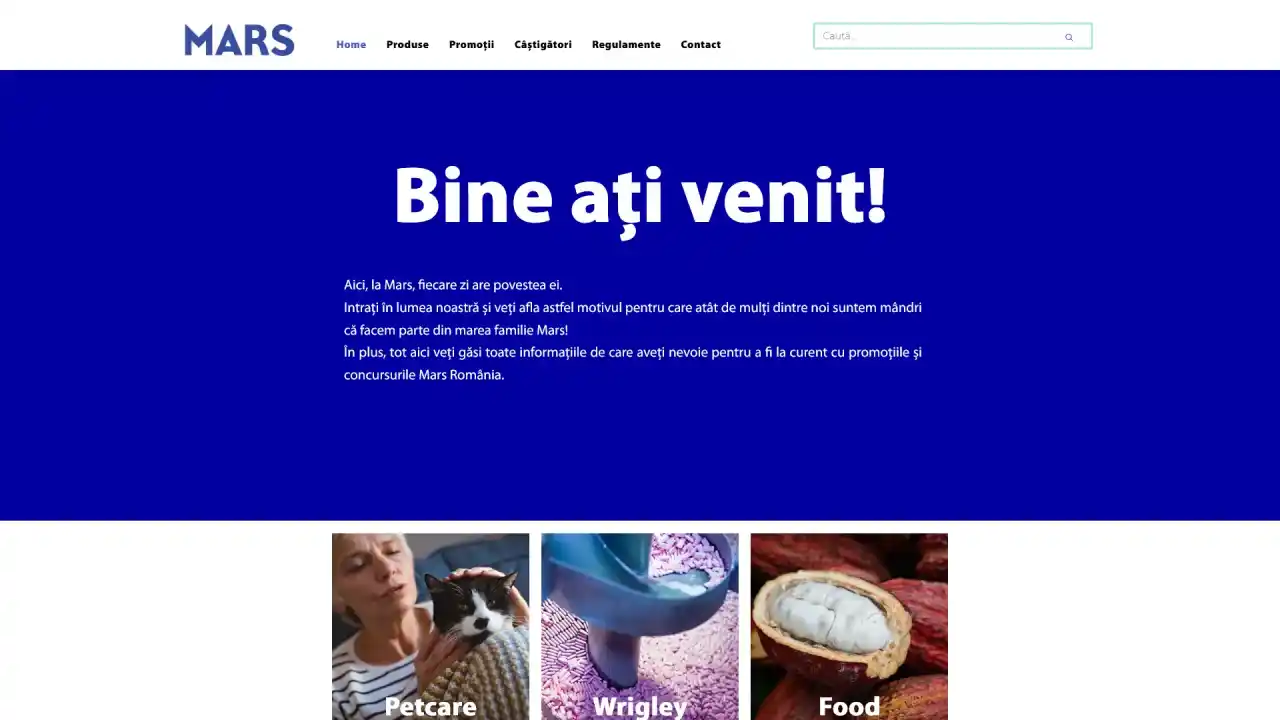
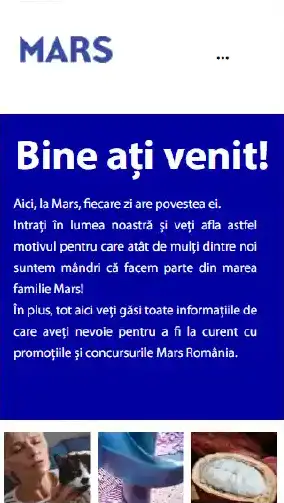 Desktop + mobile
- CategoryWeb Projects
- TypeContest application
- TypePresentation website
- TypeWeb content
- TypeWeb design
- TypeWeb maintenance
- TagWeb
- TagContent web
- PlatformWordpress
- CollaborationIndividual
- CollaborationTeamwork
- ClientTNDC
The project.
Contest application, Presentation website, Web content · Mar 2020 — Nov 2022

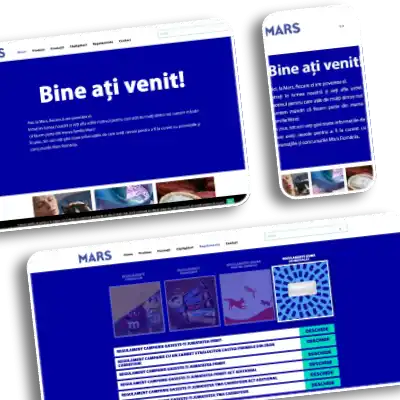
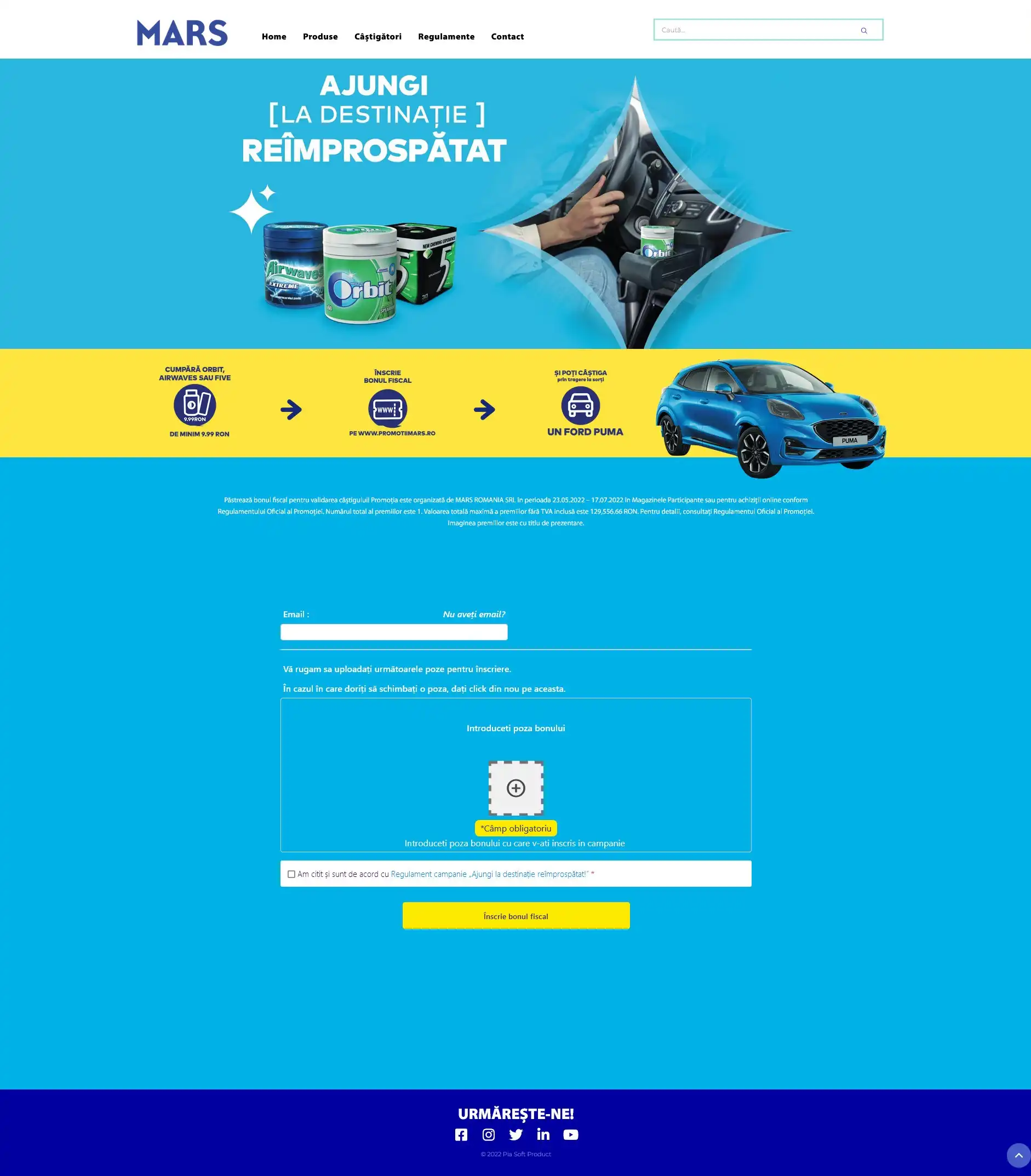
Website made in WordPress with Elementor and PHP Everywhere for contests and promotions. I built over 20 custom PHP forms, each designed from the campaign PSD images, some with their own functions. A typical form validates every field, accepts each invoice code only once, checks the campaign dates, compresses and stores the uploaded receipt image, saves the entry in its own SQL table and lets admins export the data as CSV. Some pages also use JavaScript and CSS animations.
Website showcase
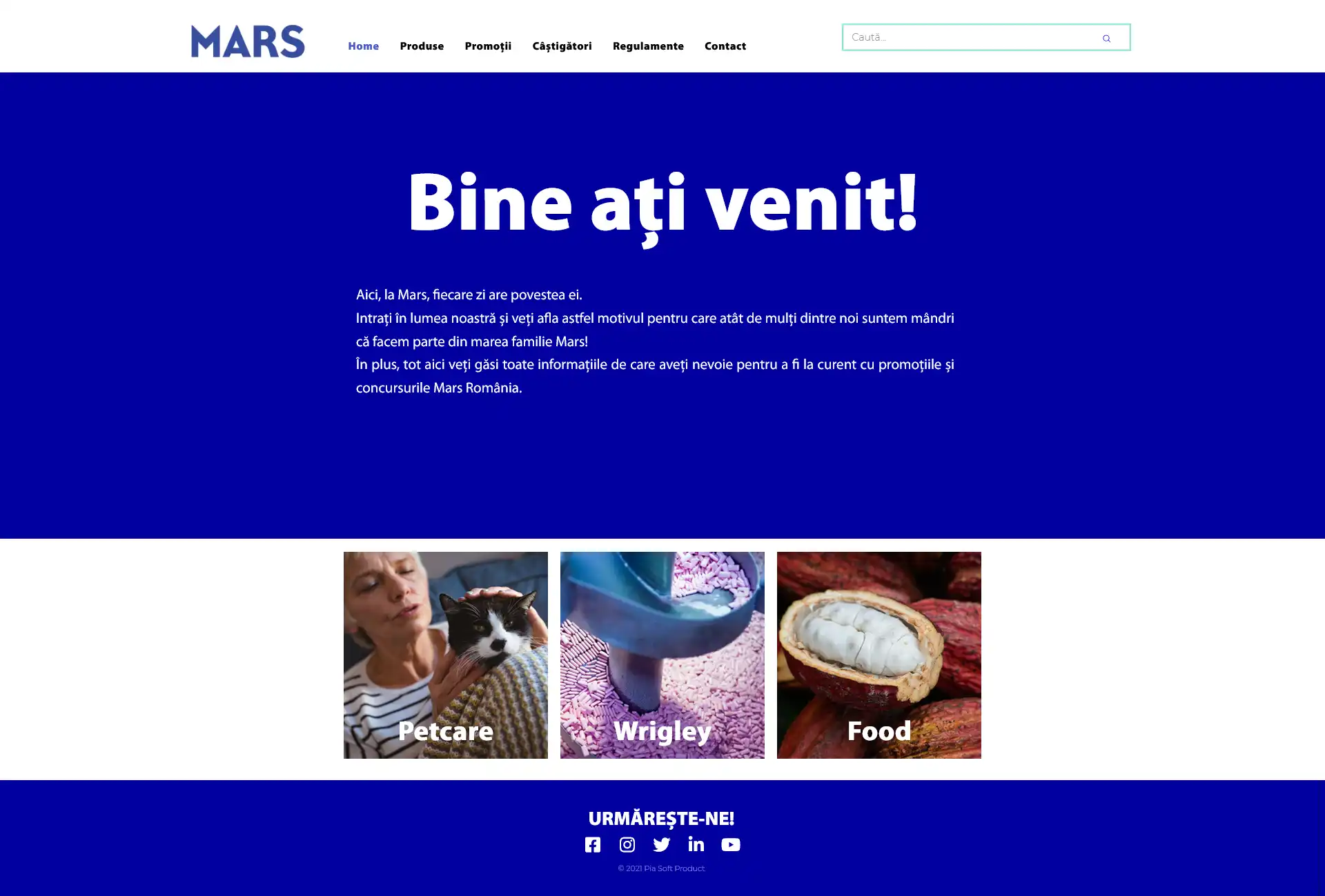
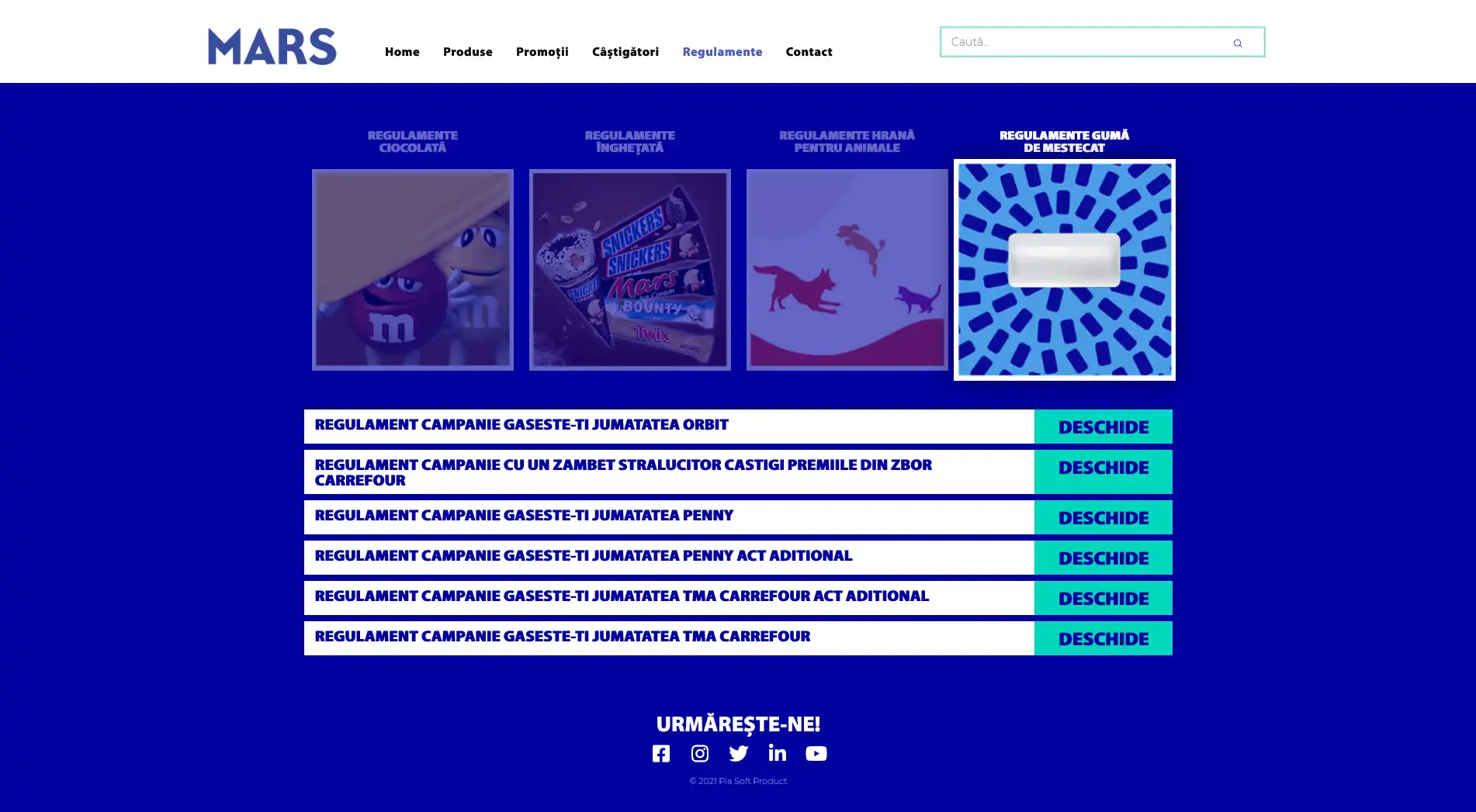
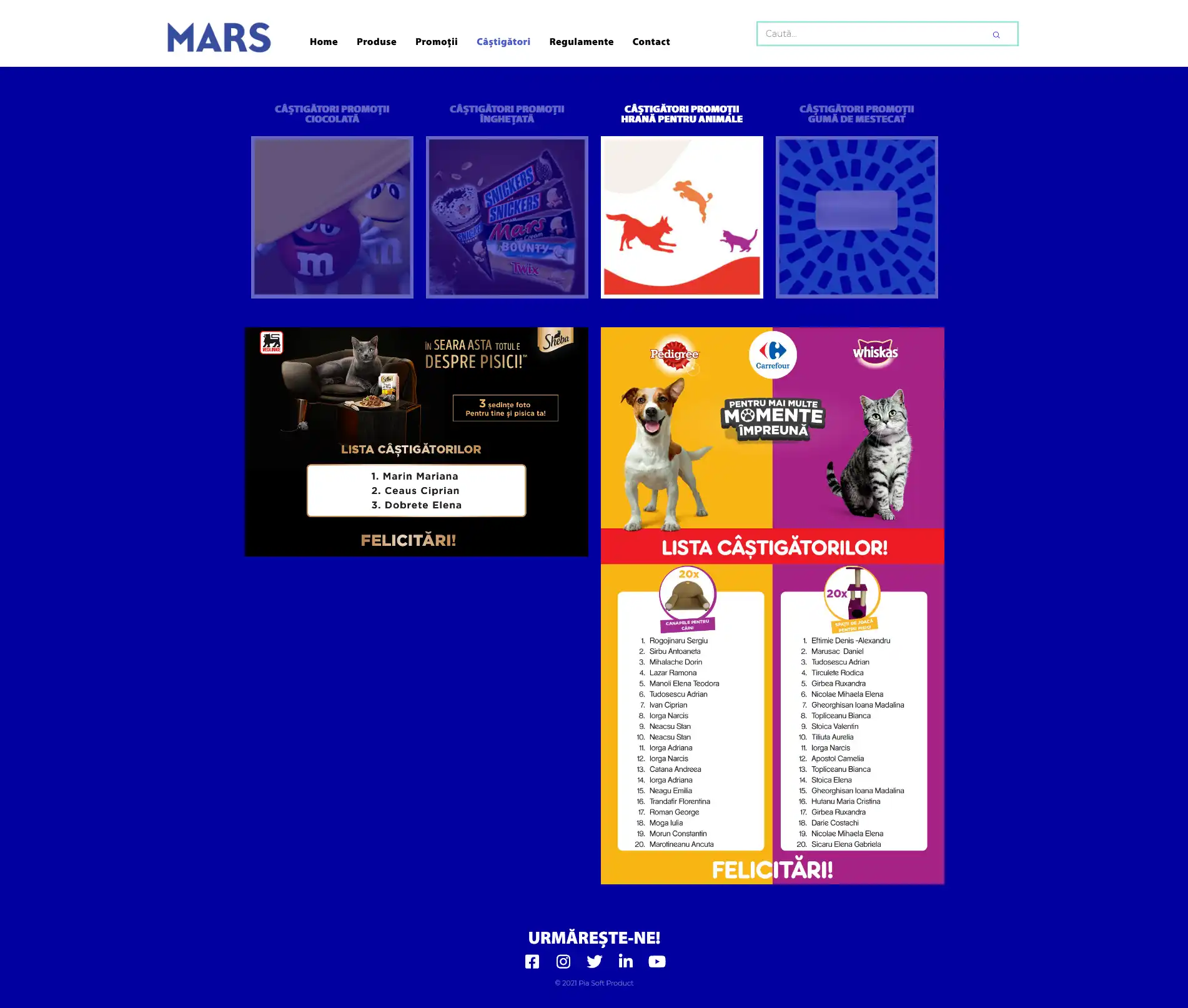
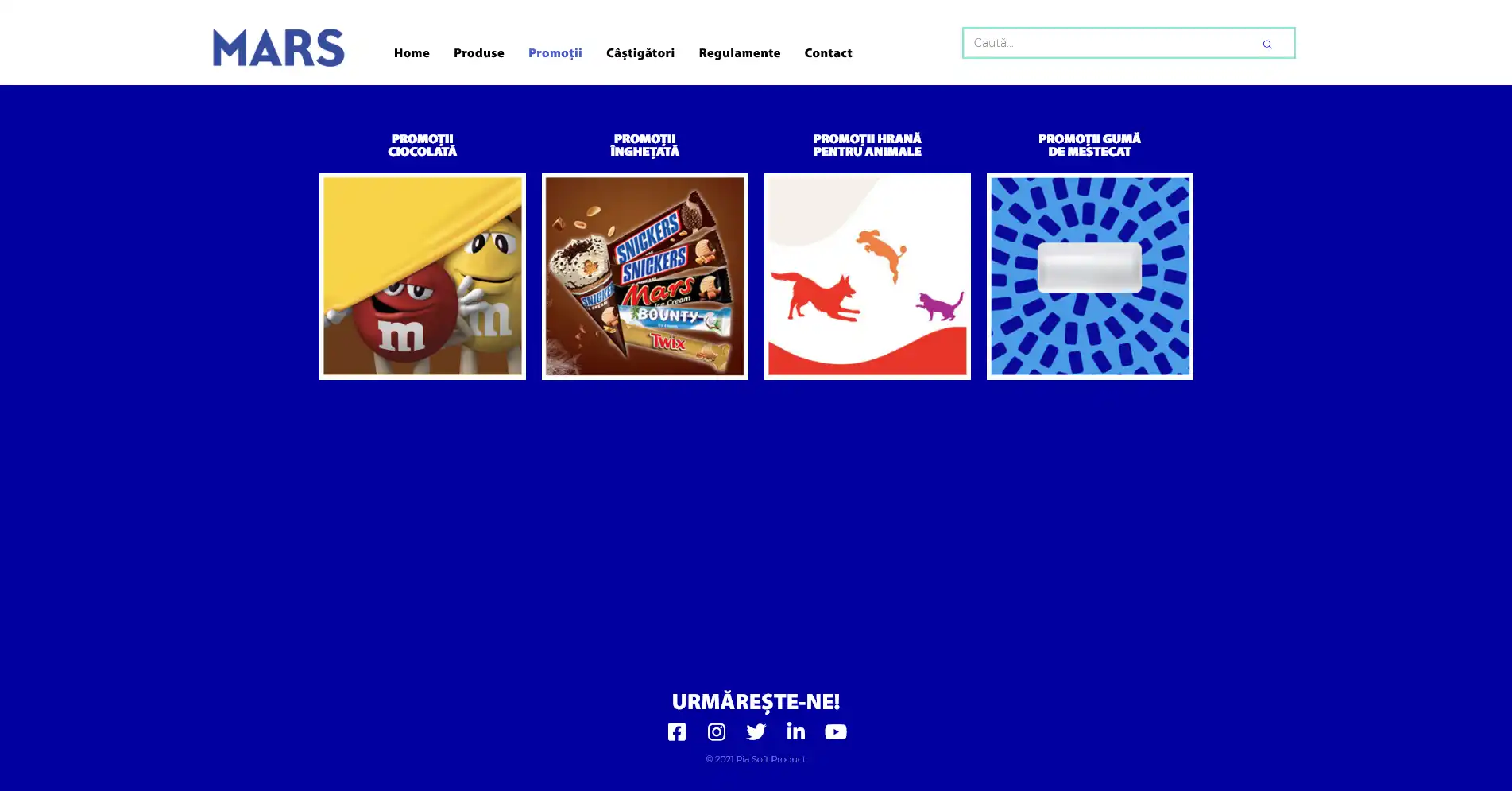
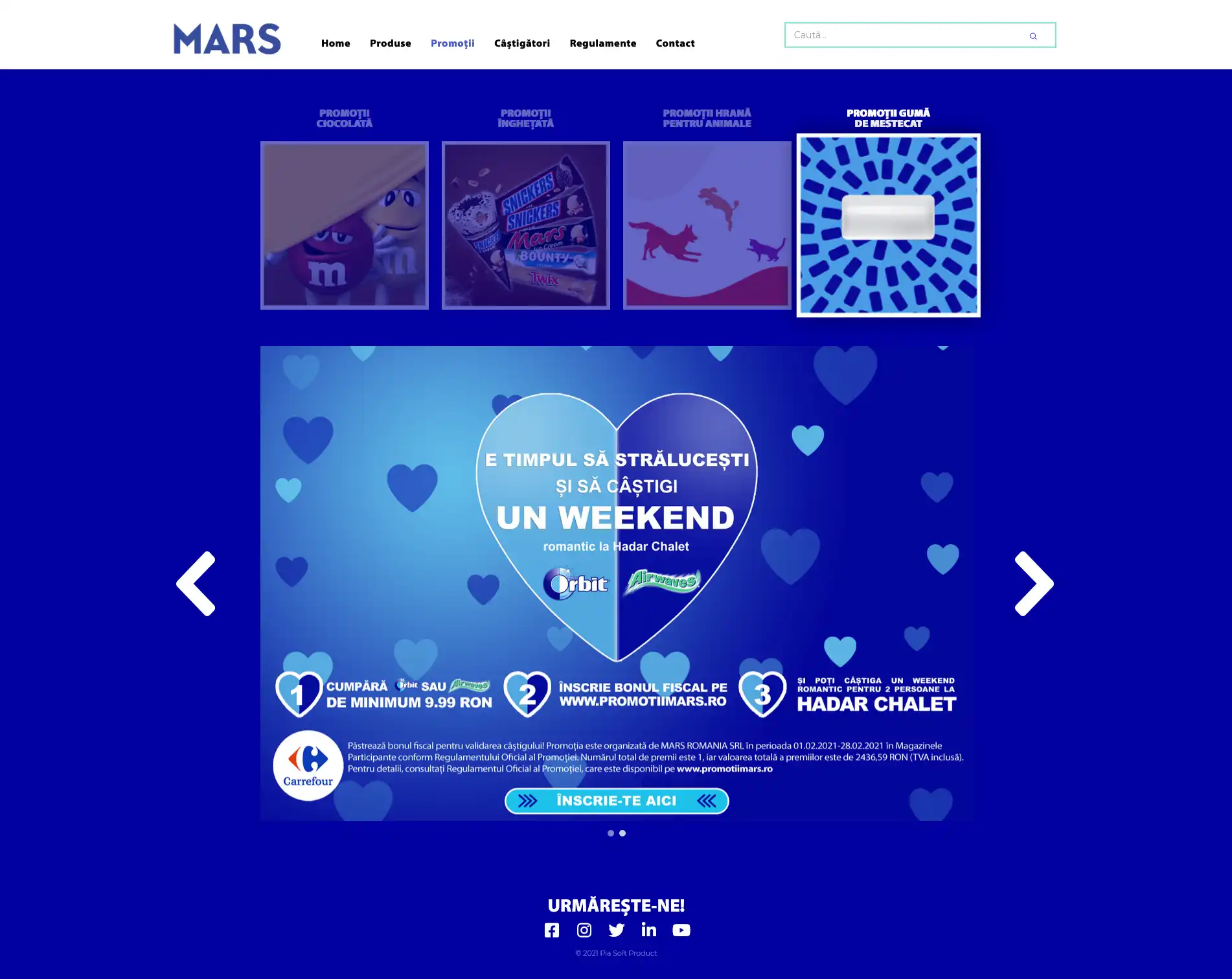
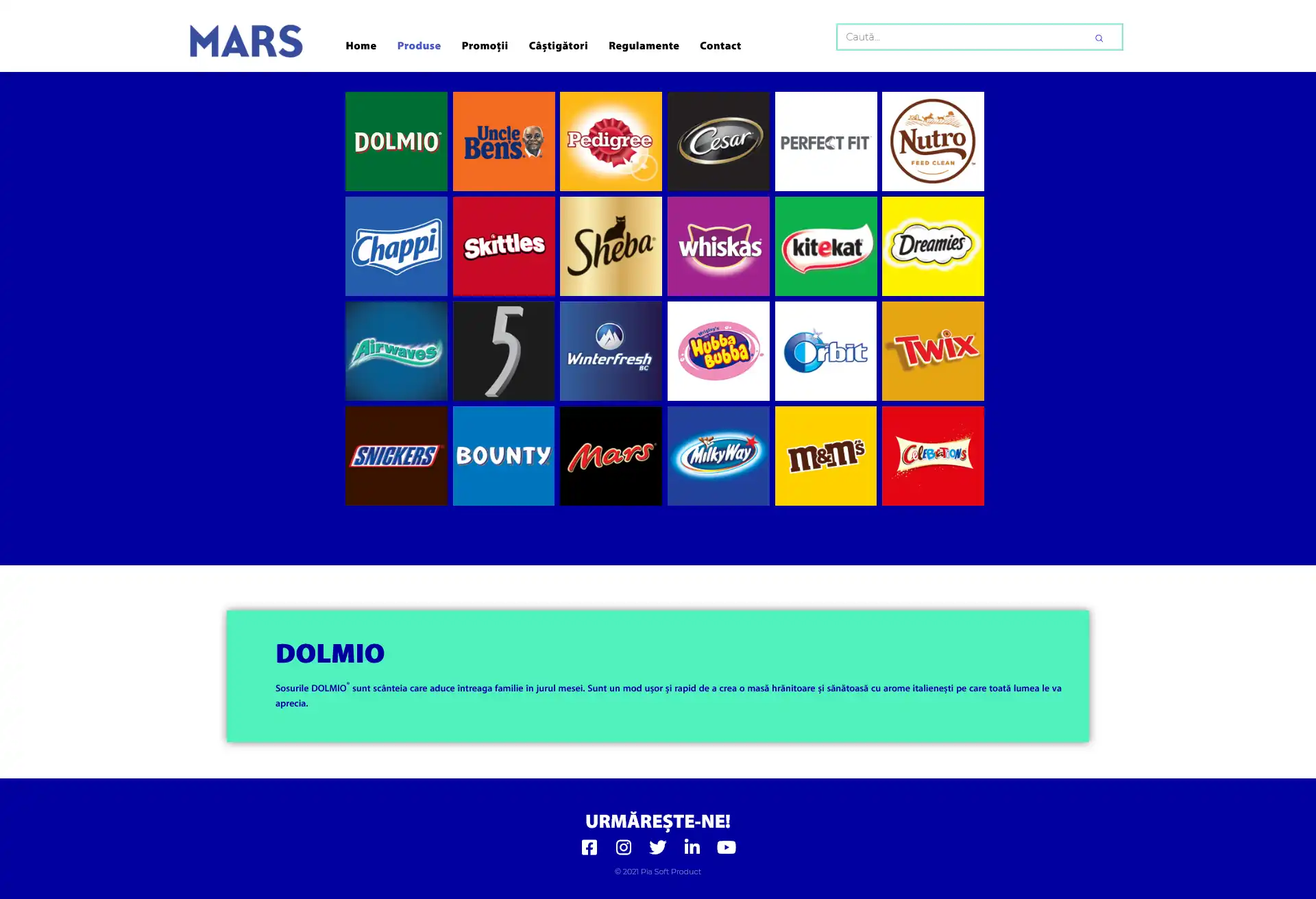
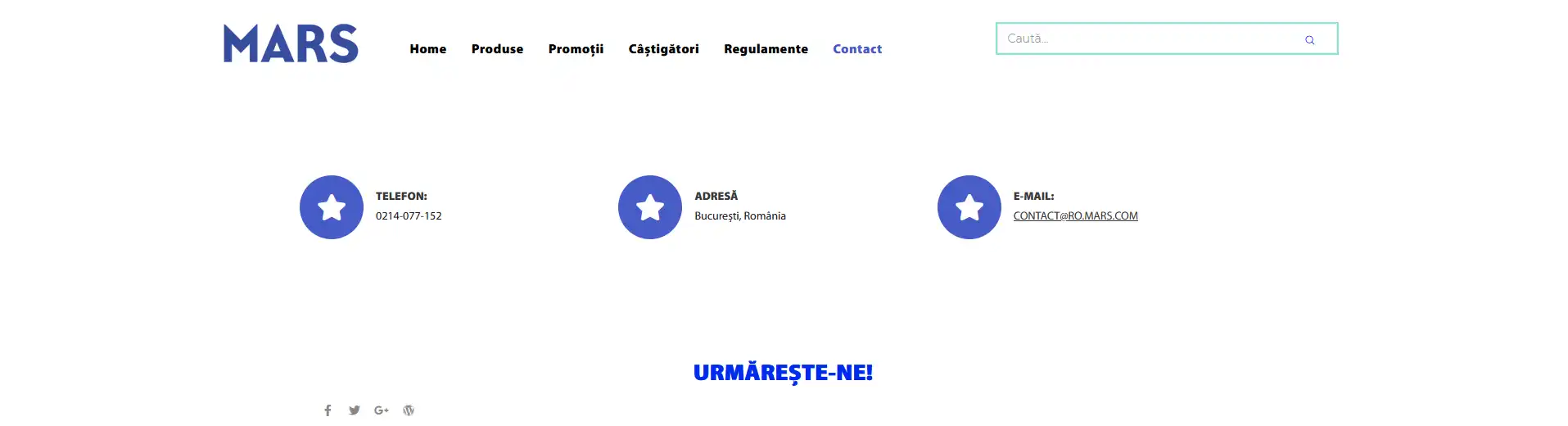
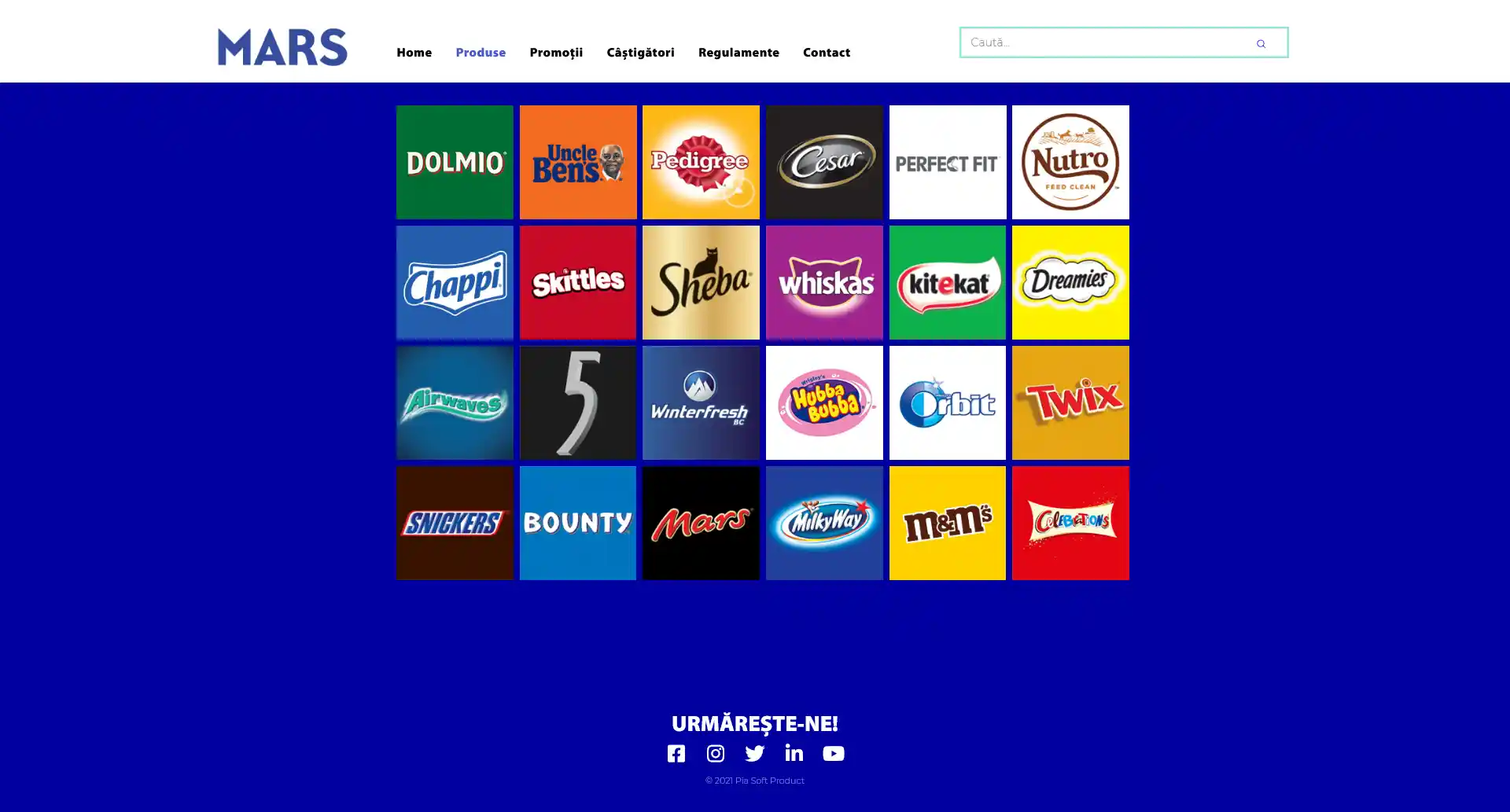
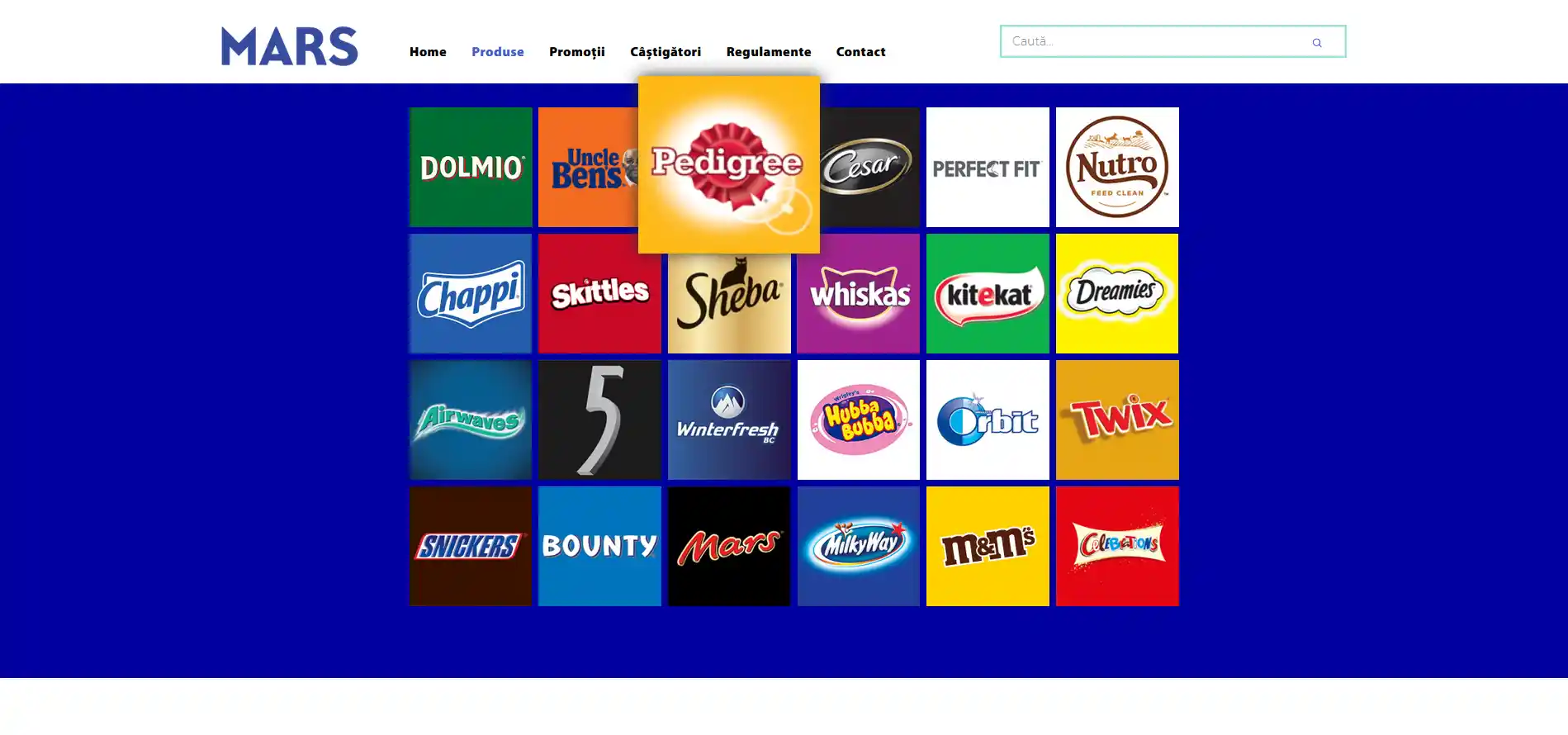
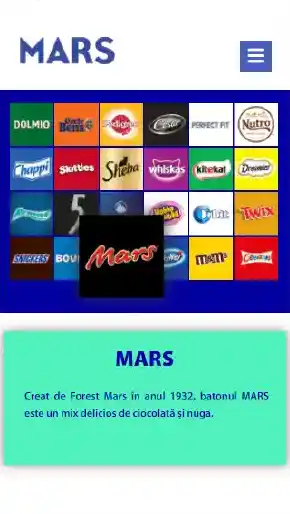
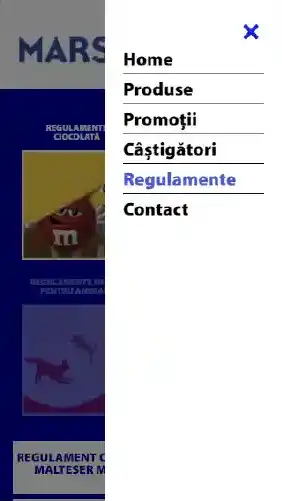
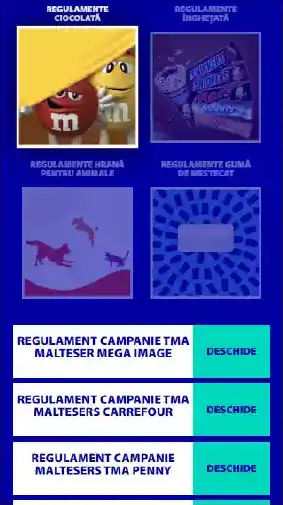
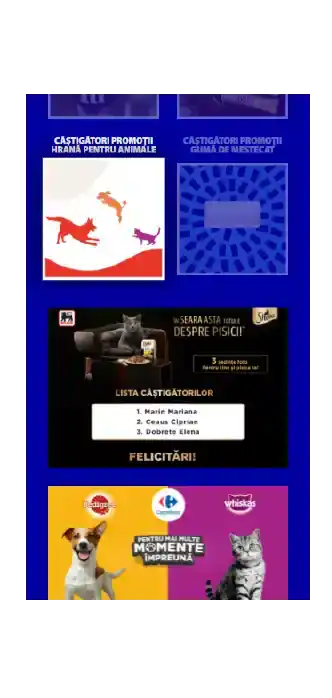
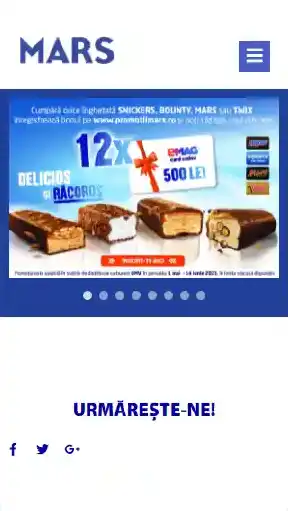
47 desktop and 32 mobile views, shown in pairs. Pick a screen from the rail; open the stage for the full capture.
















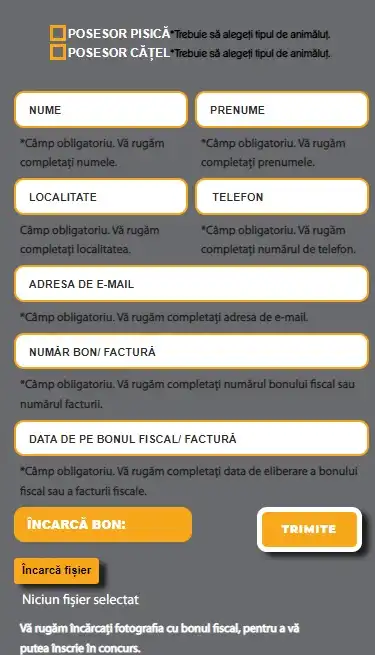
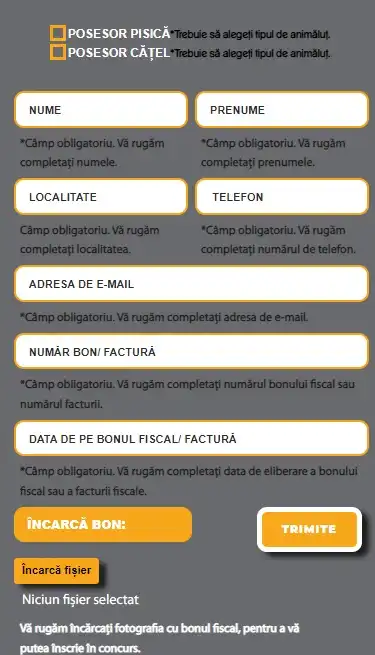
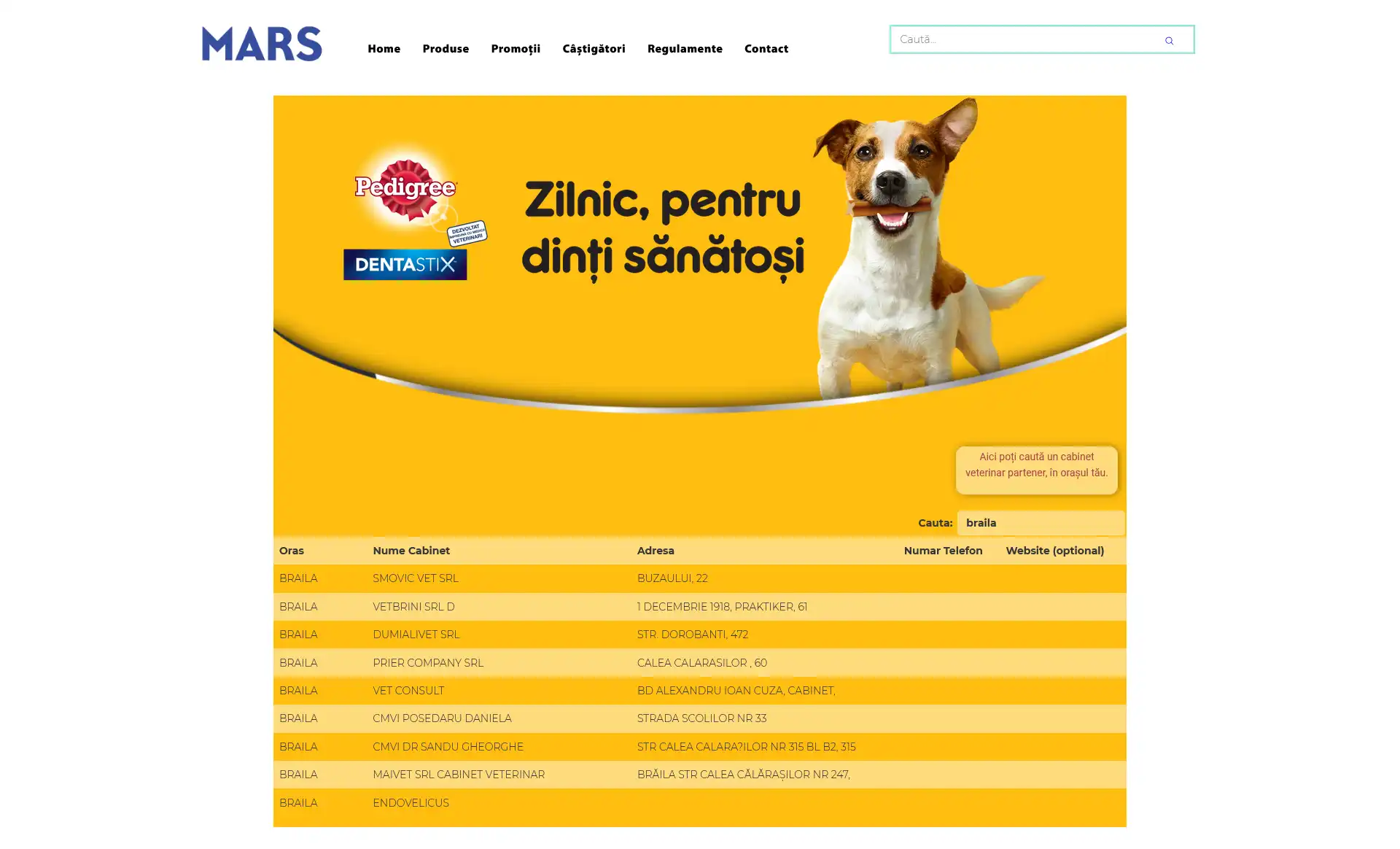
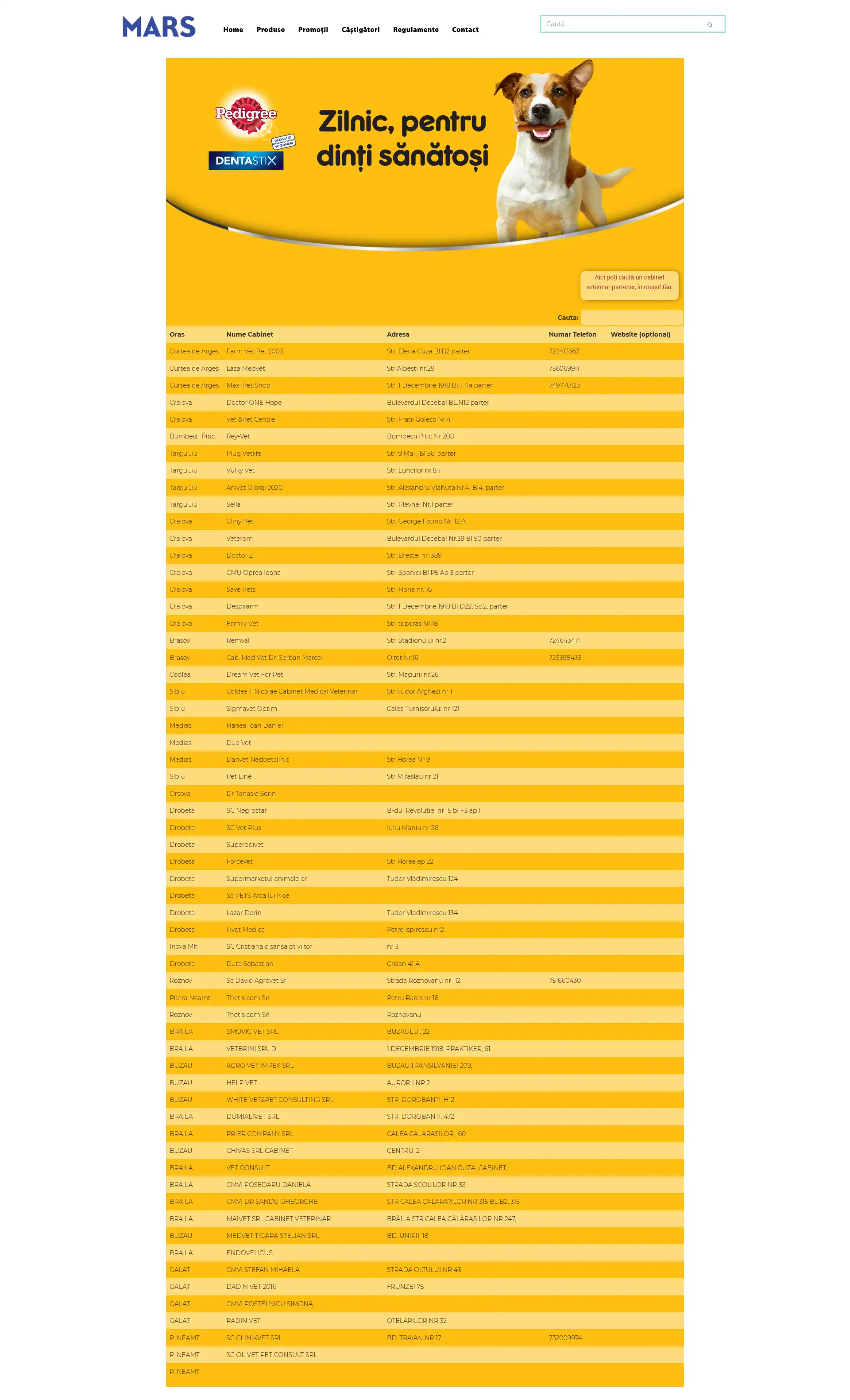
Campaign Registration Form
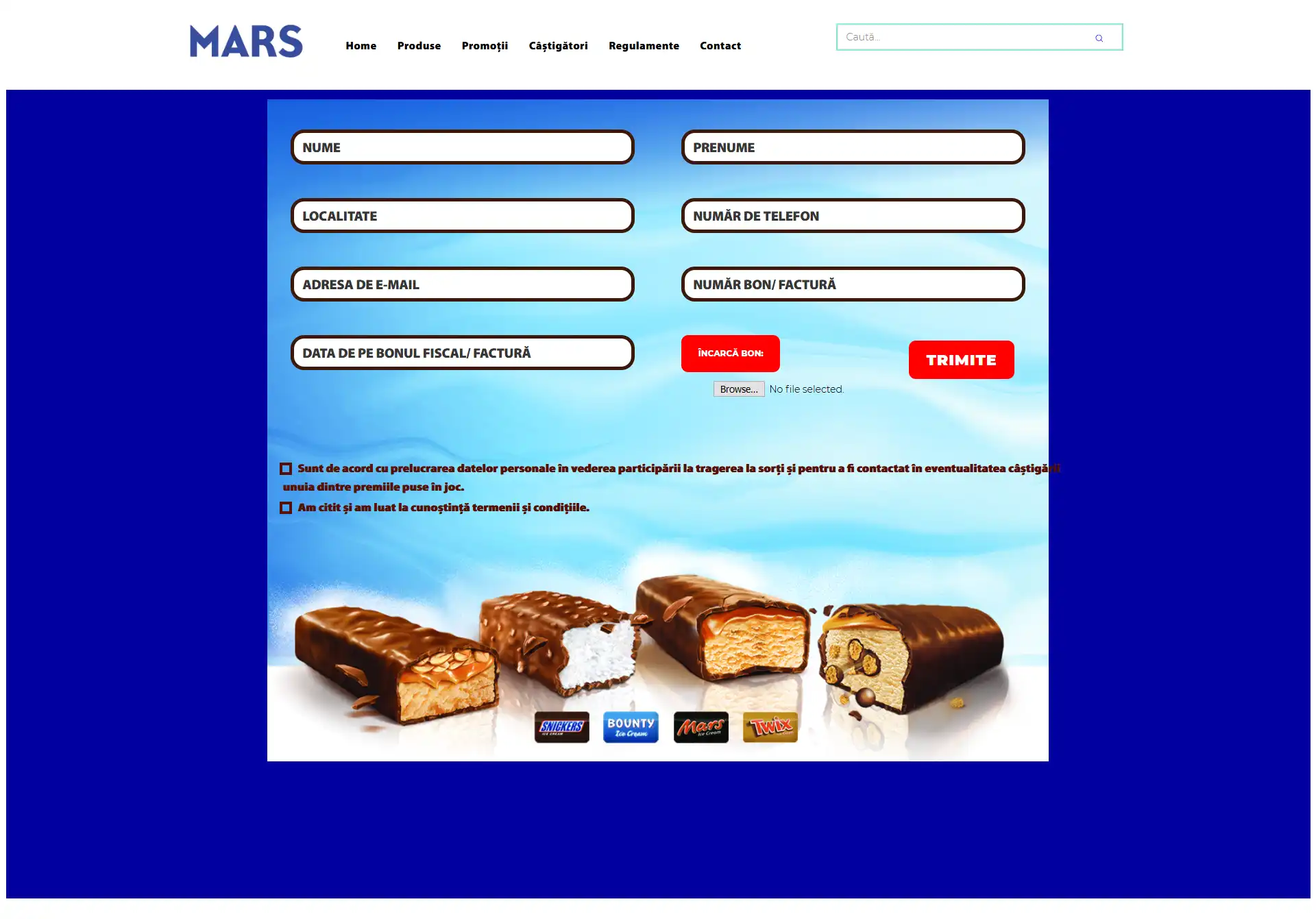
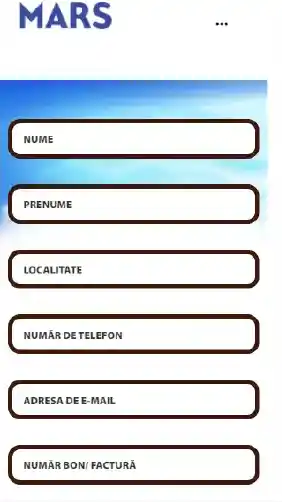
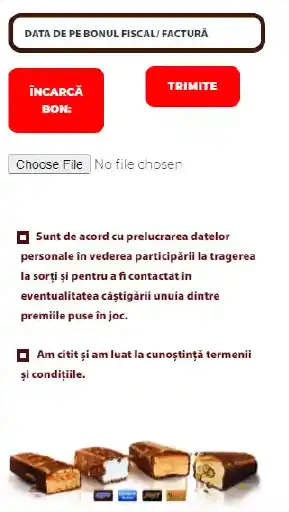
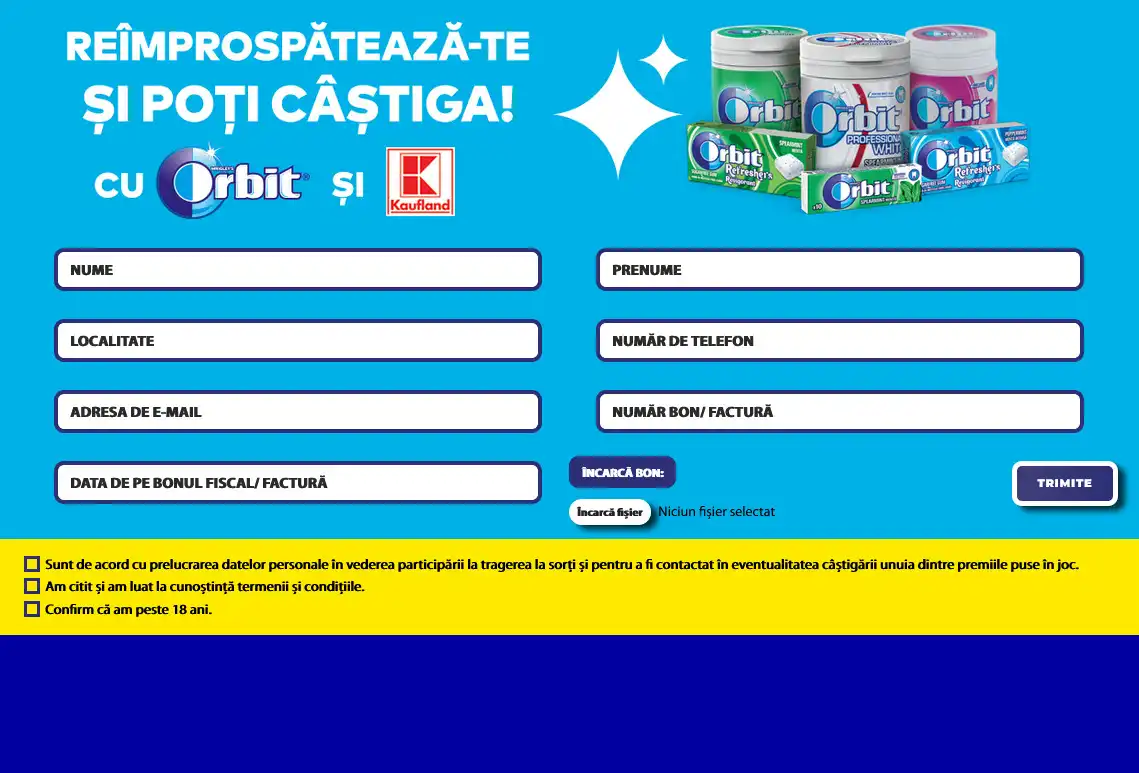
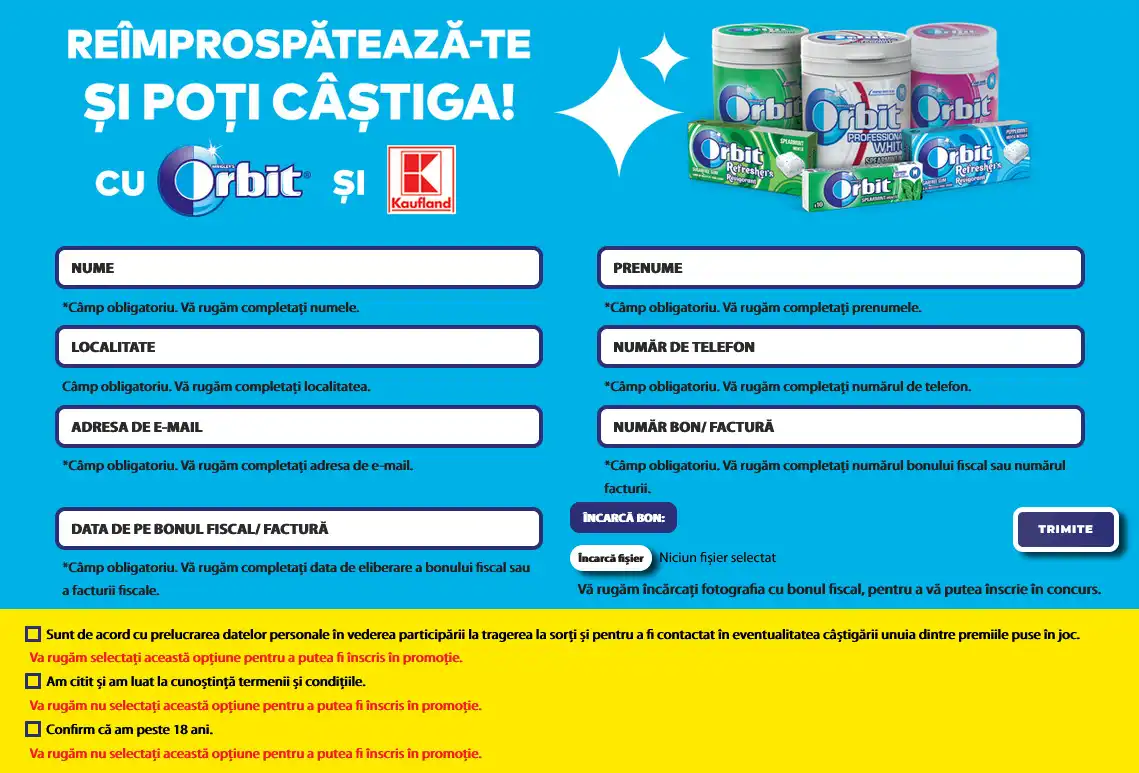
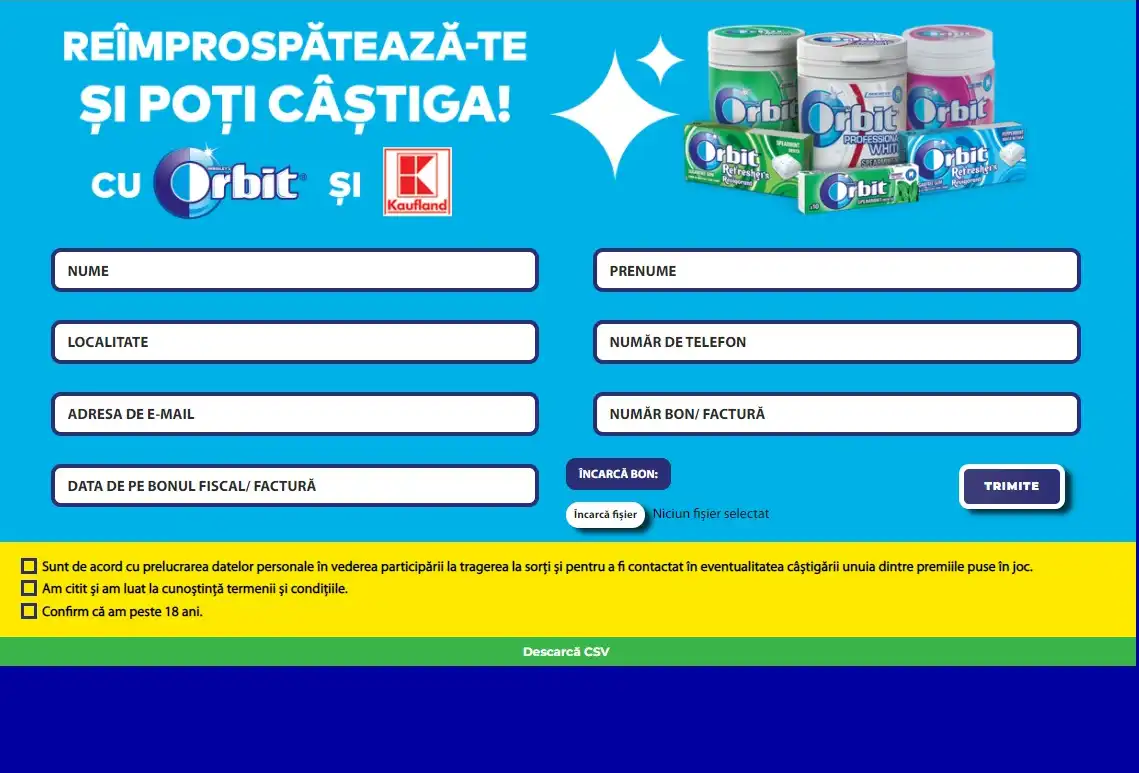
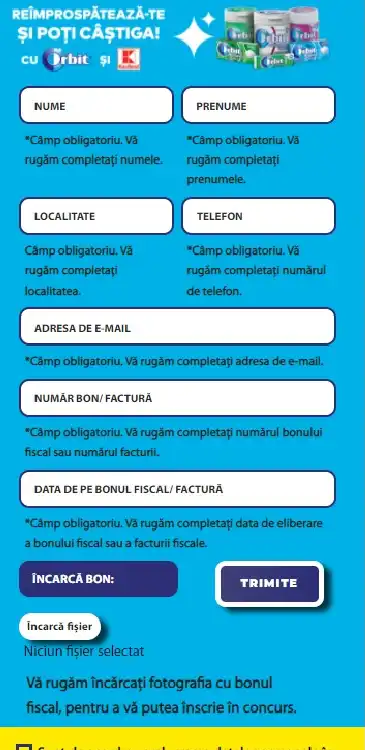
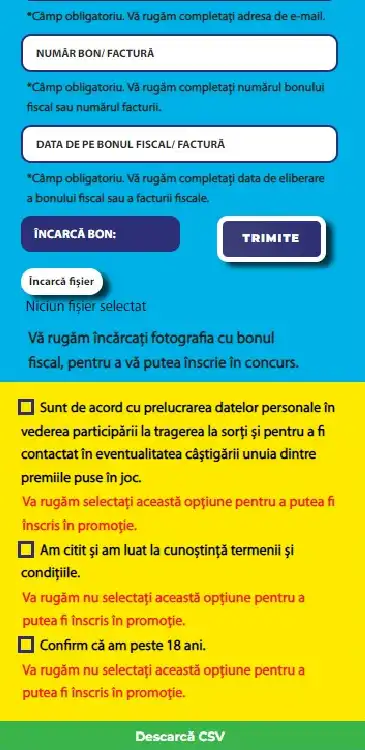
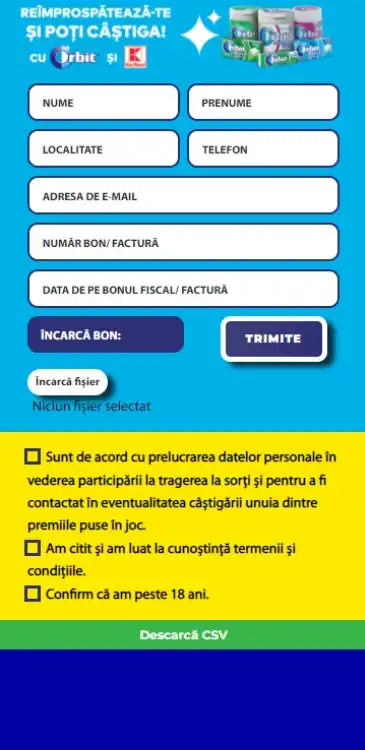
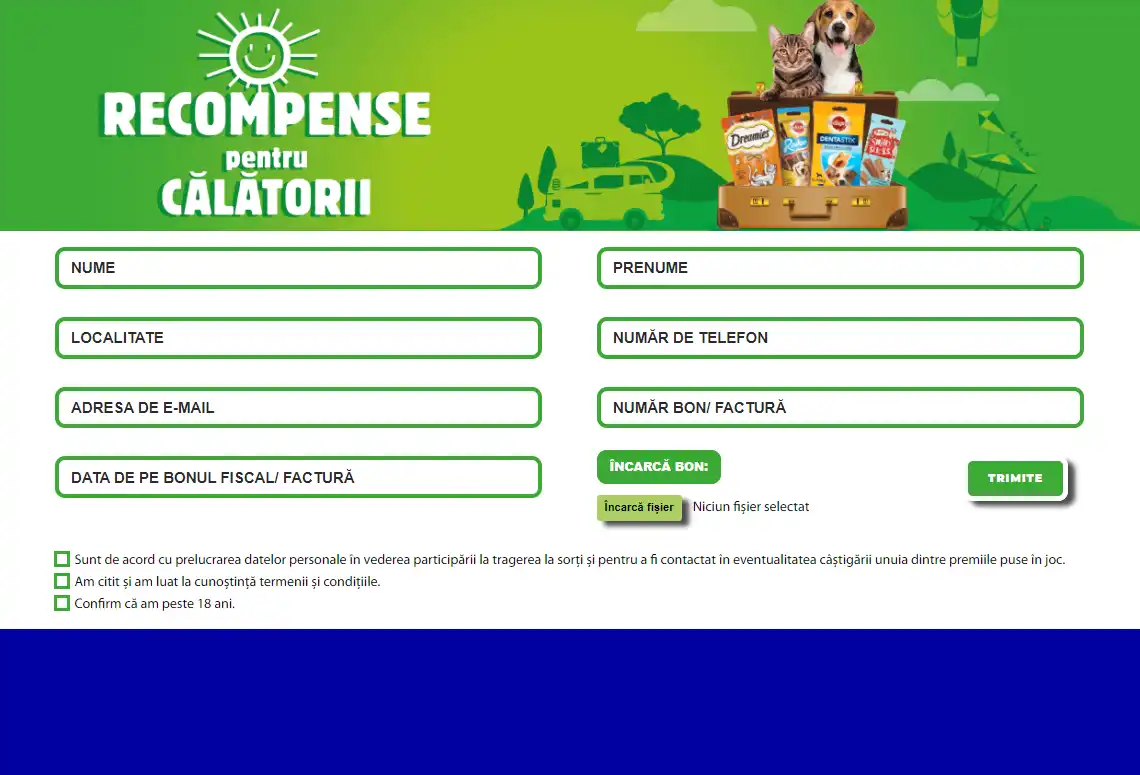
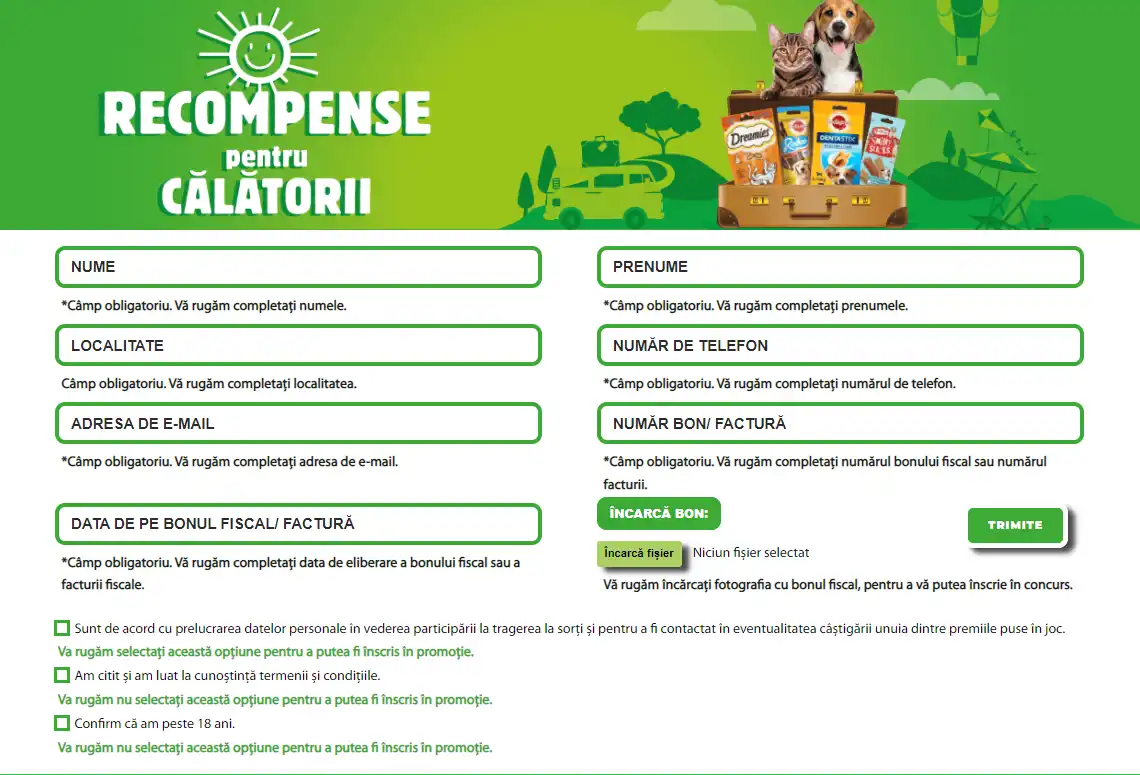
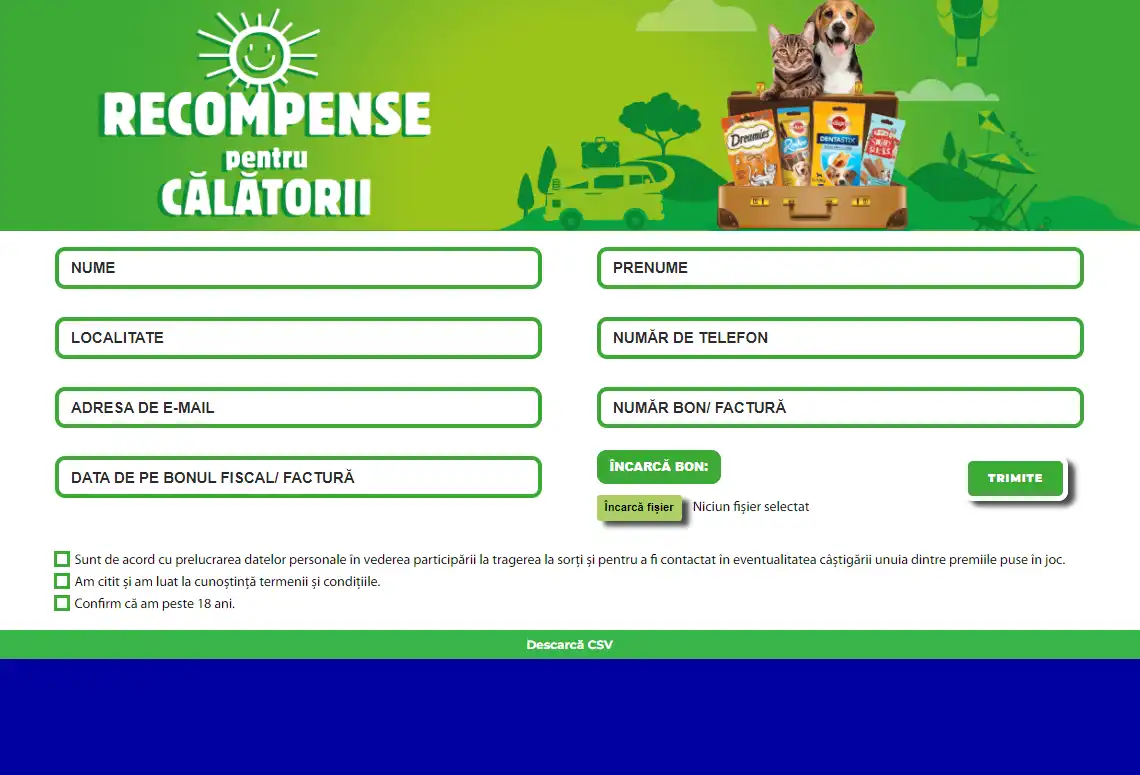
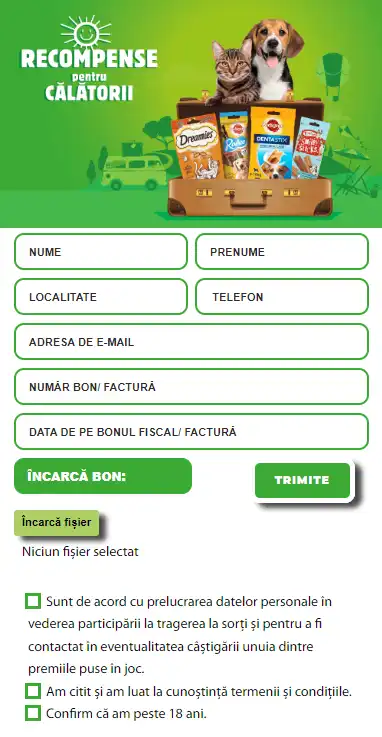
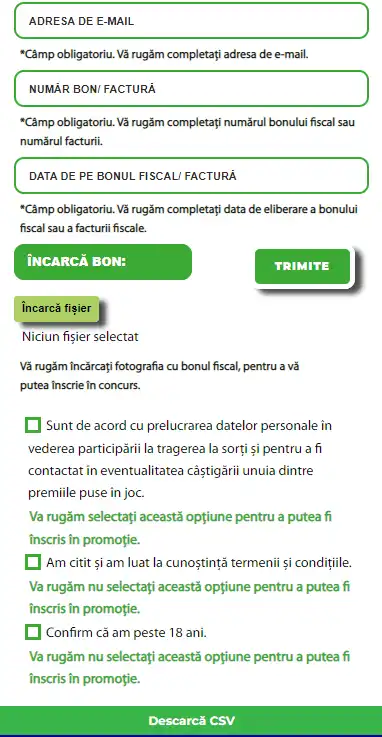
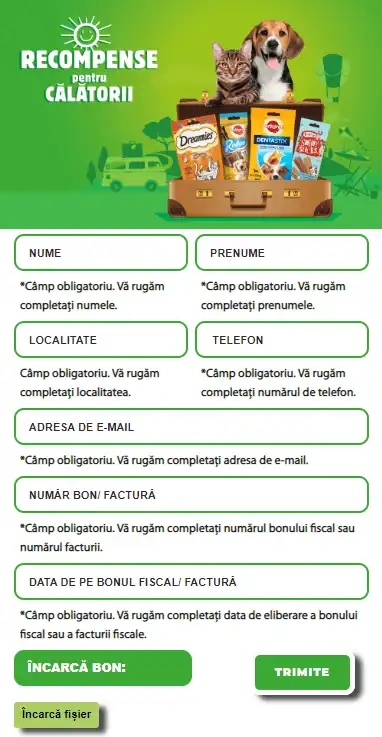
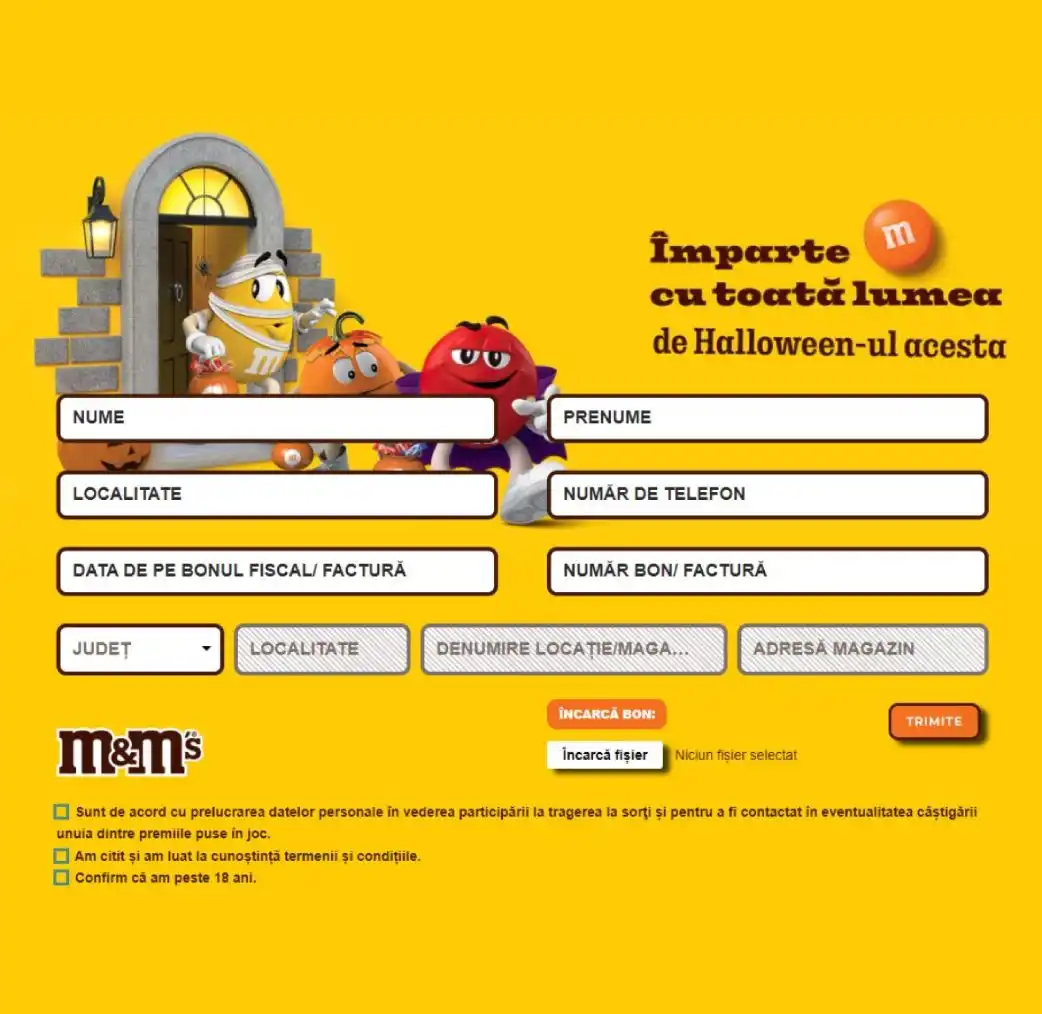
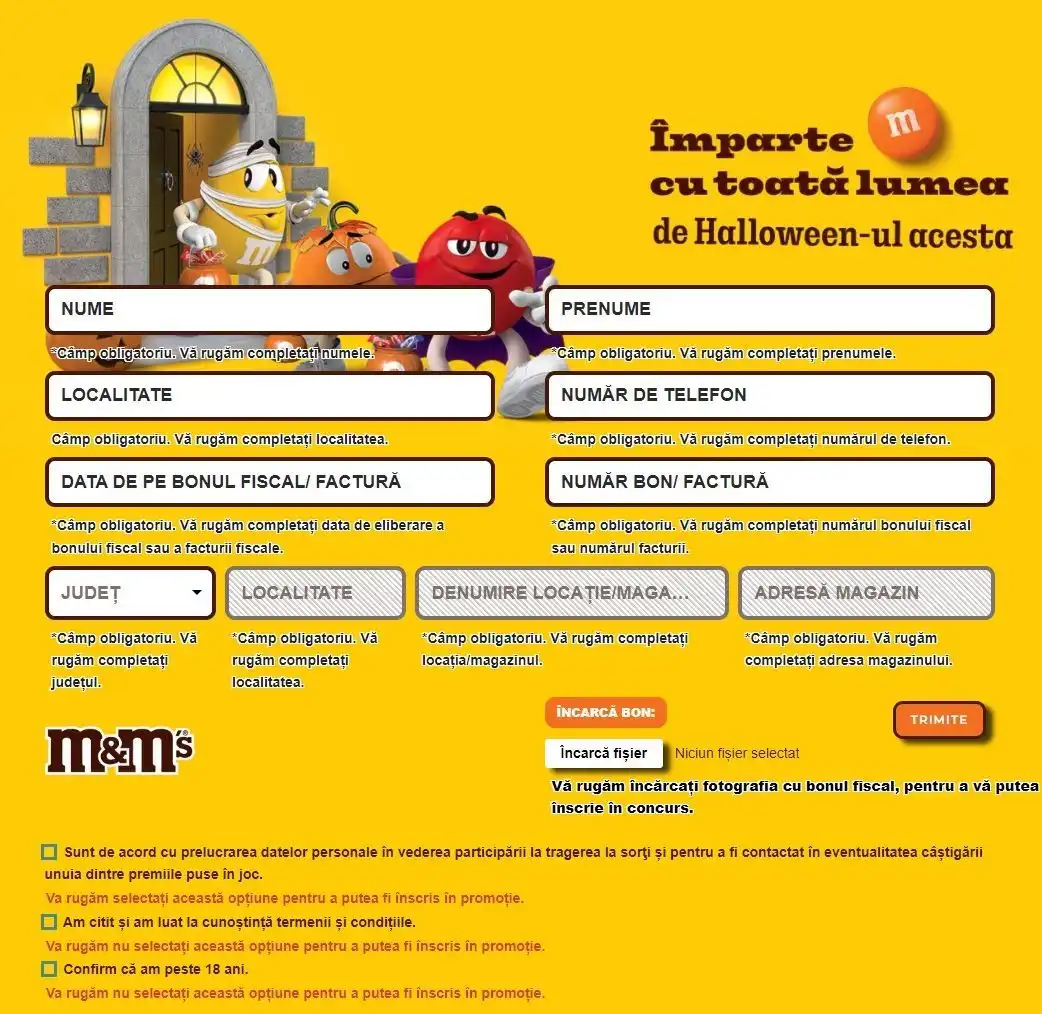
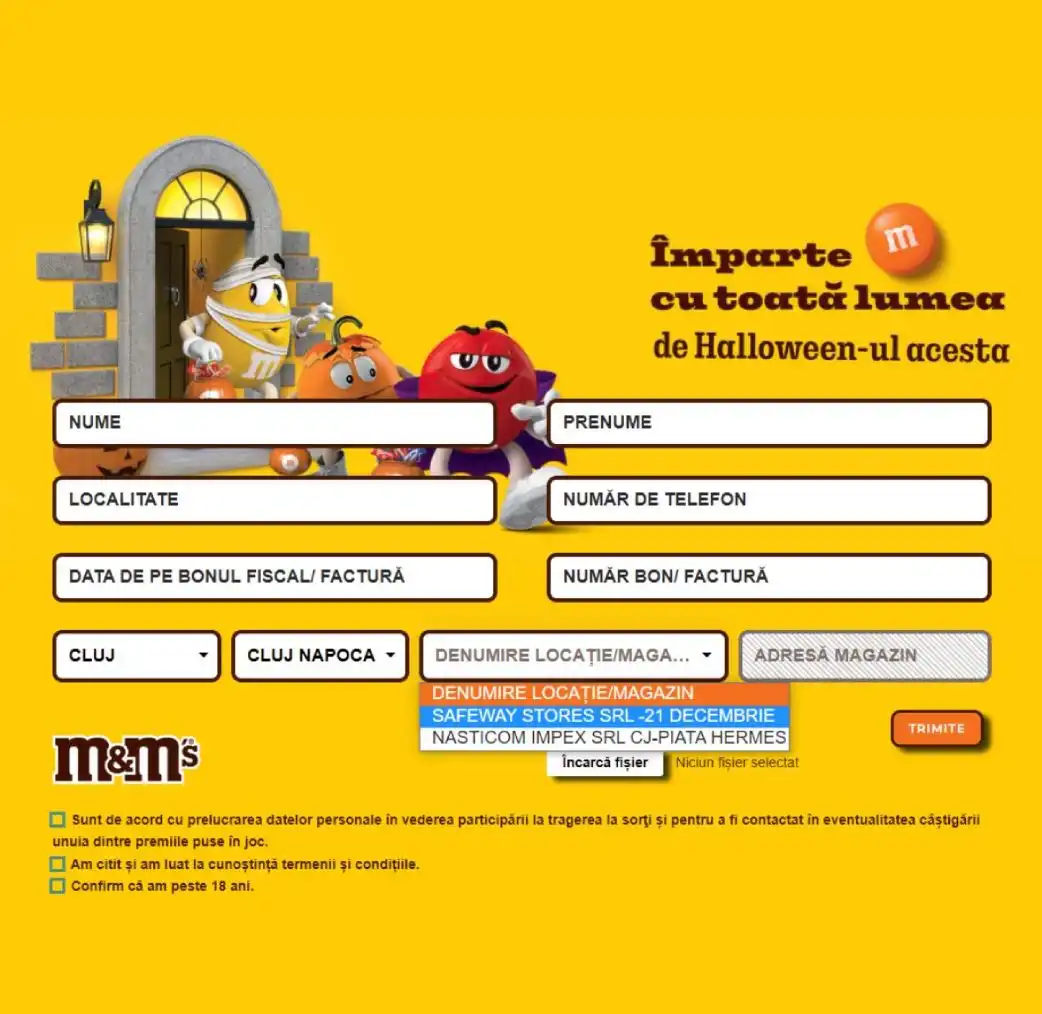
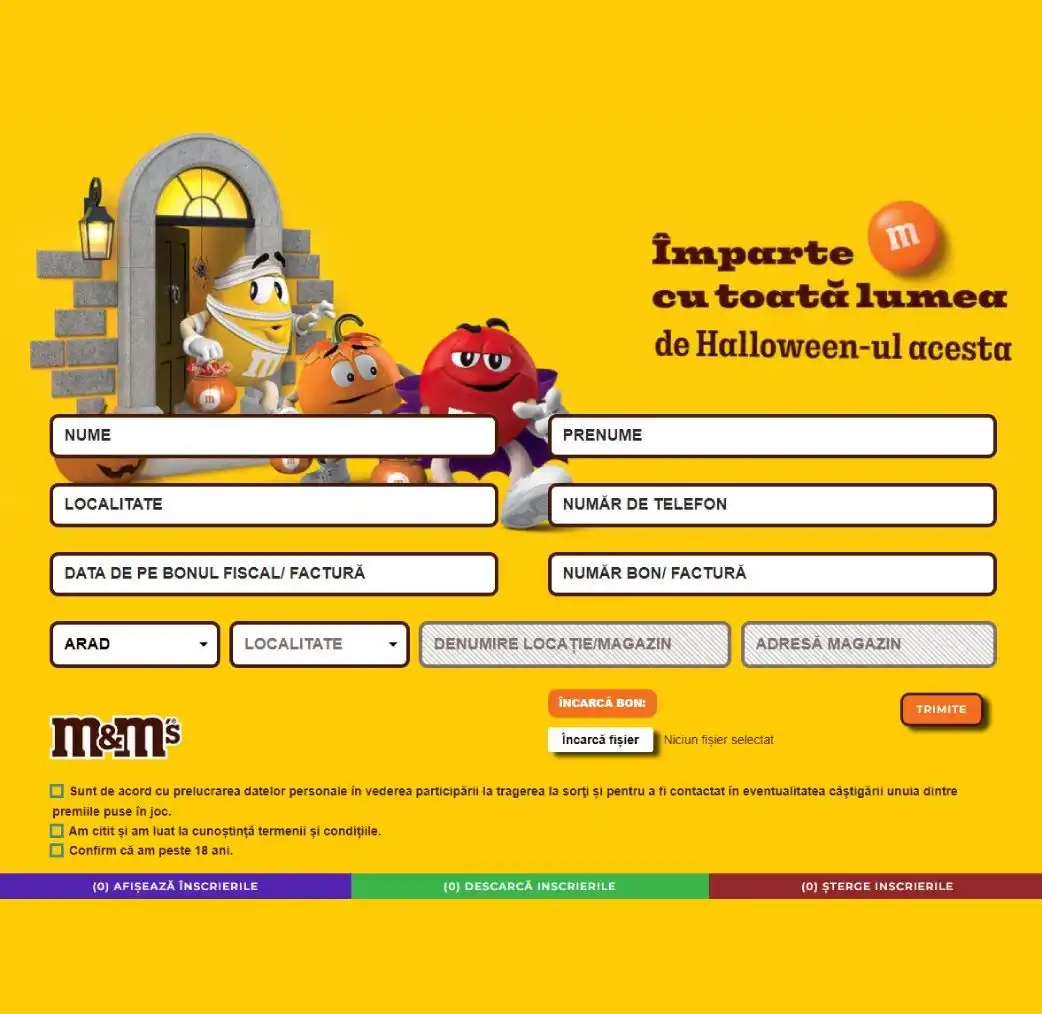
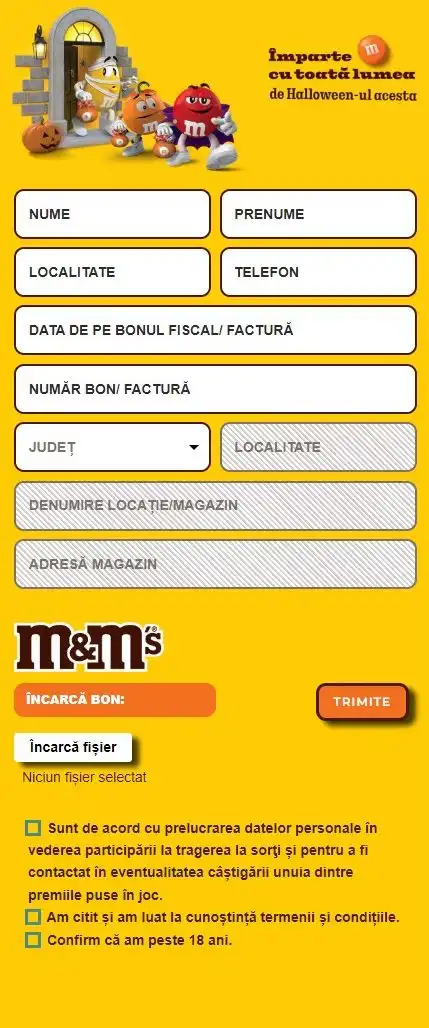
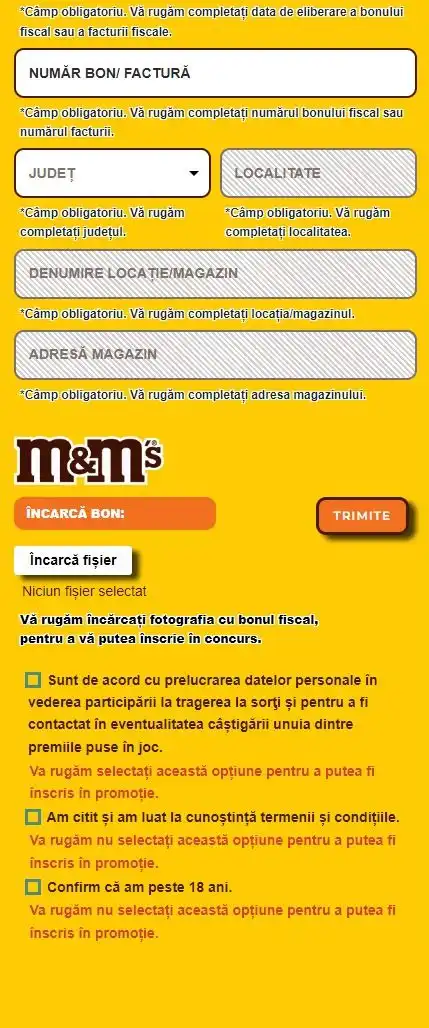
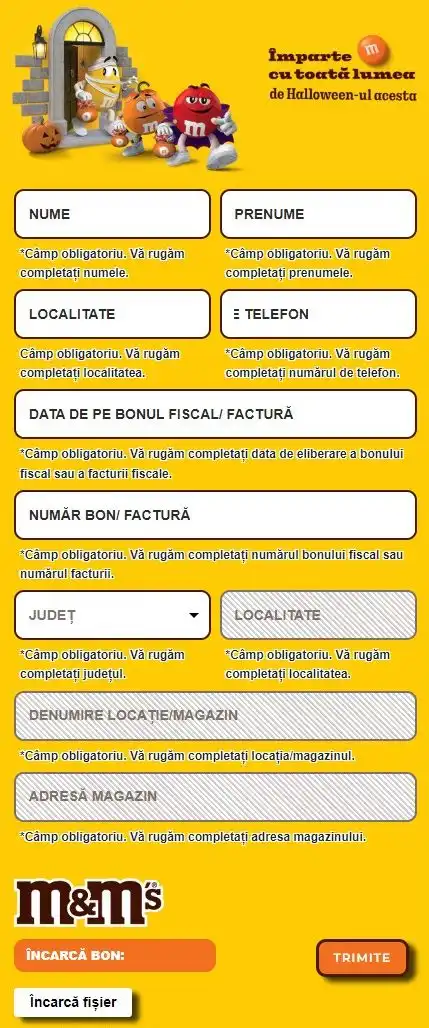
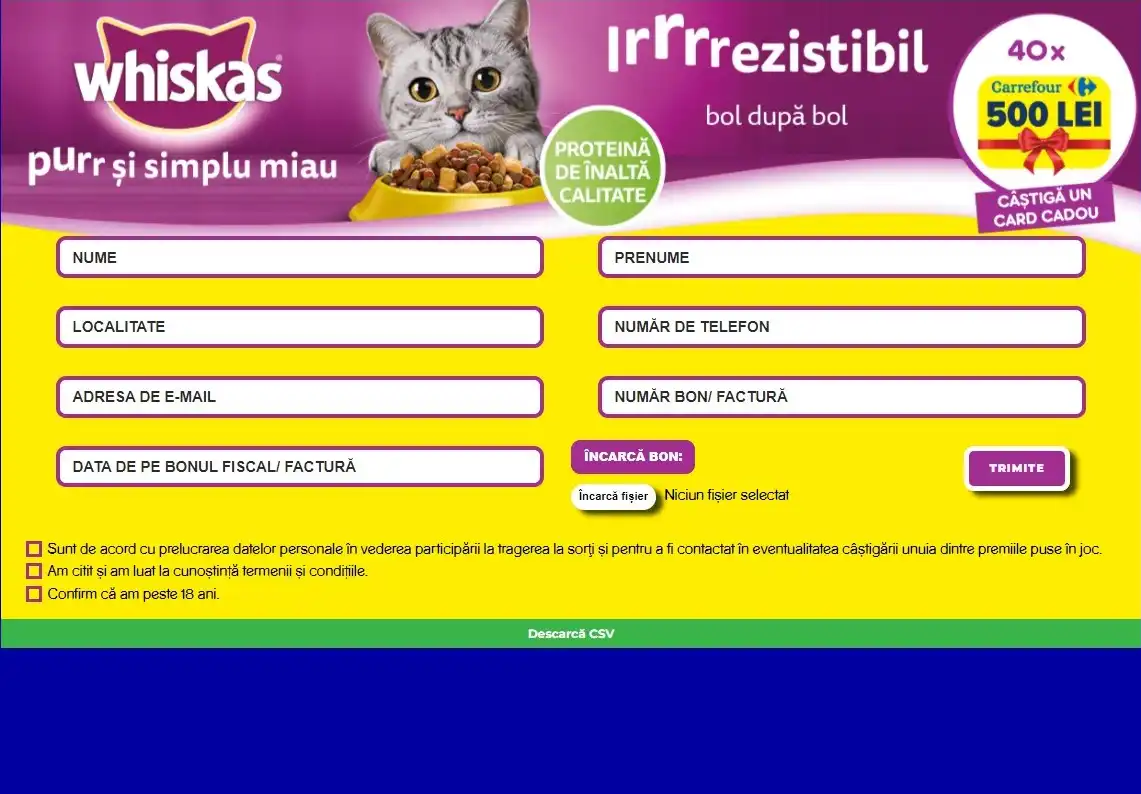
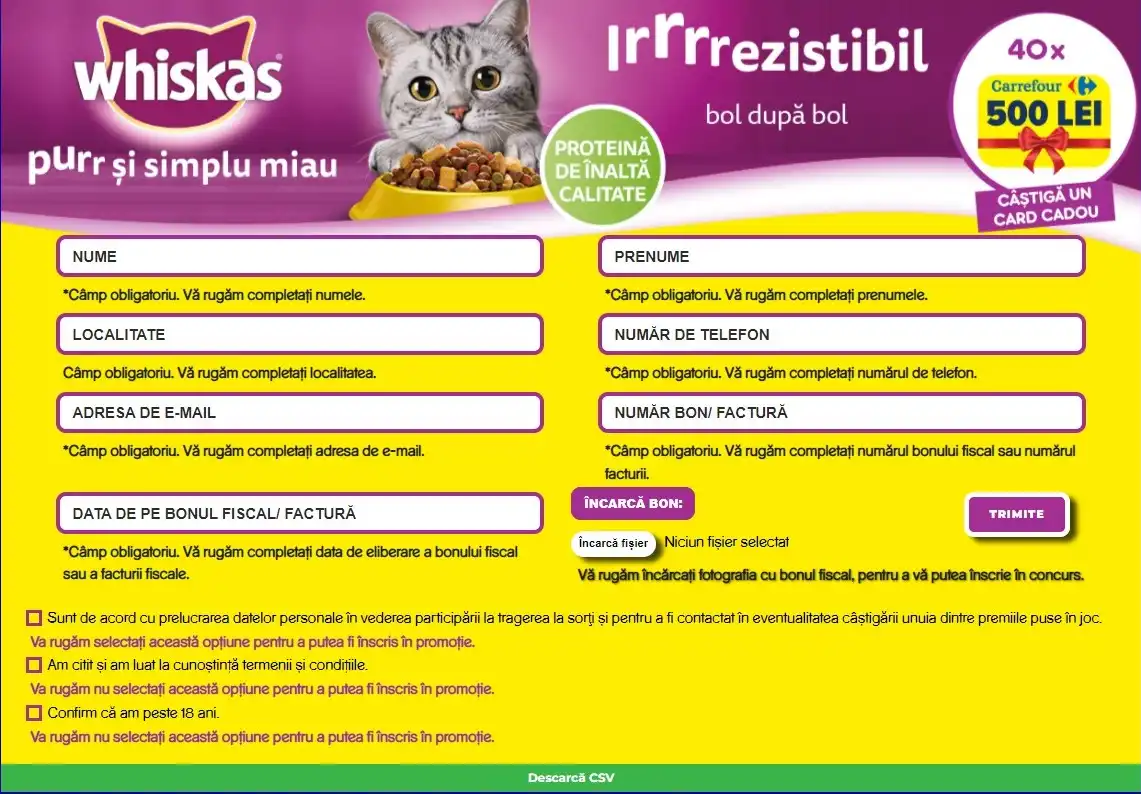
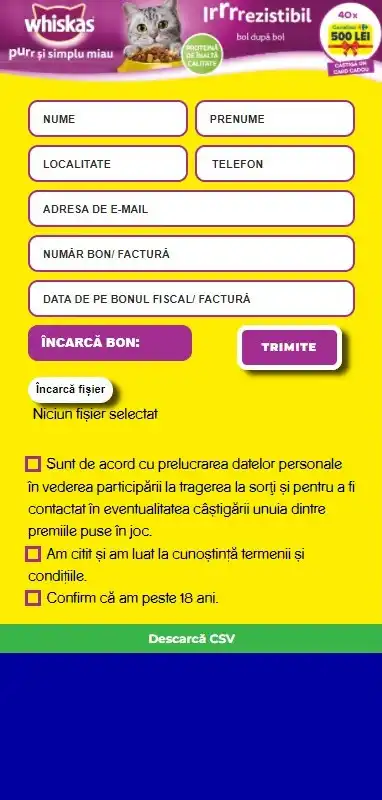
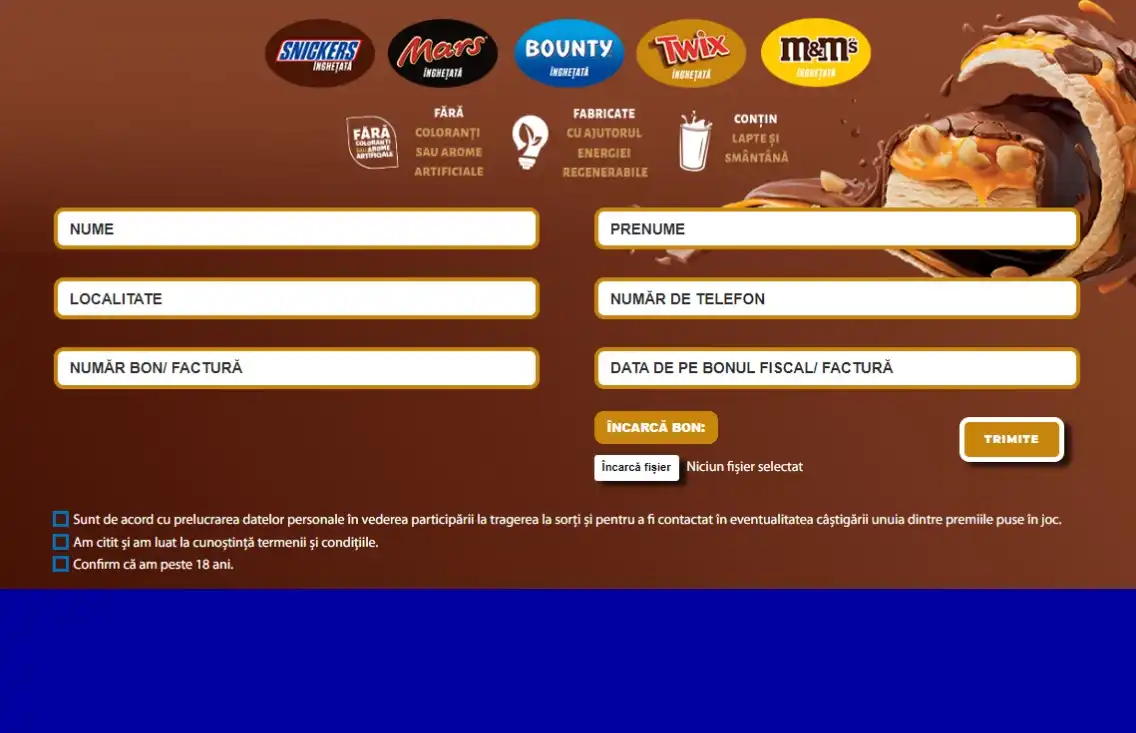
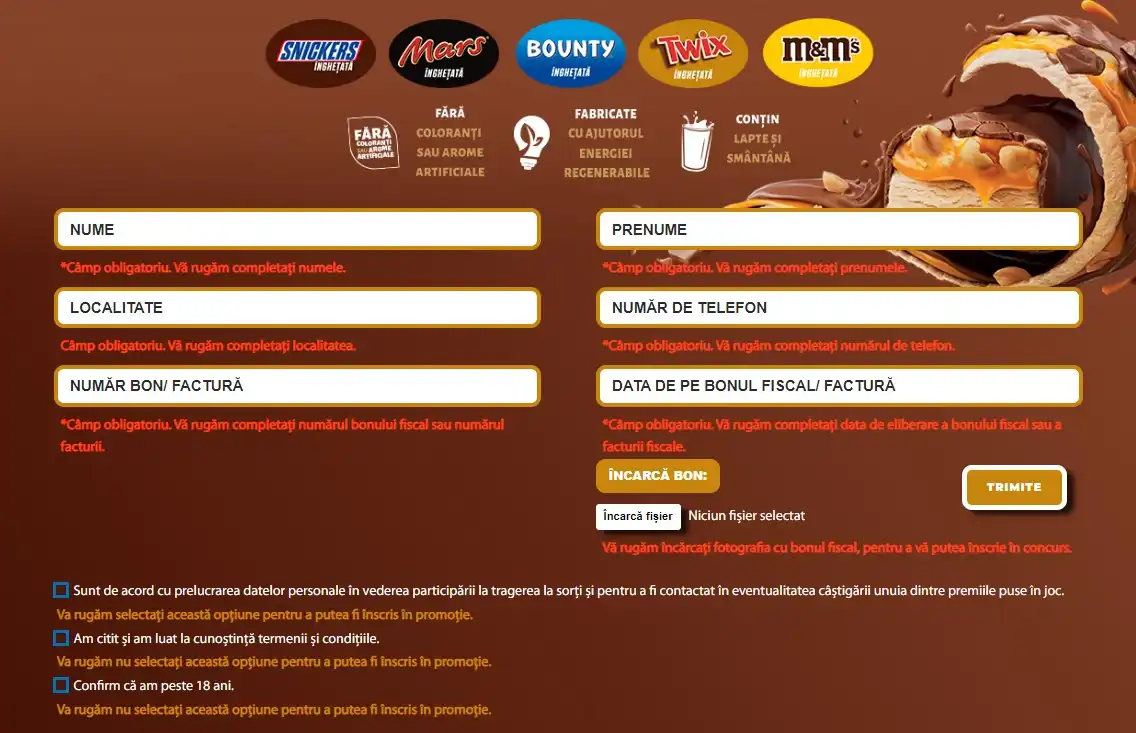
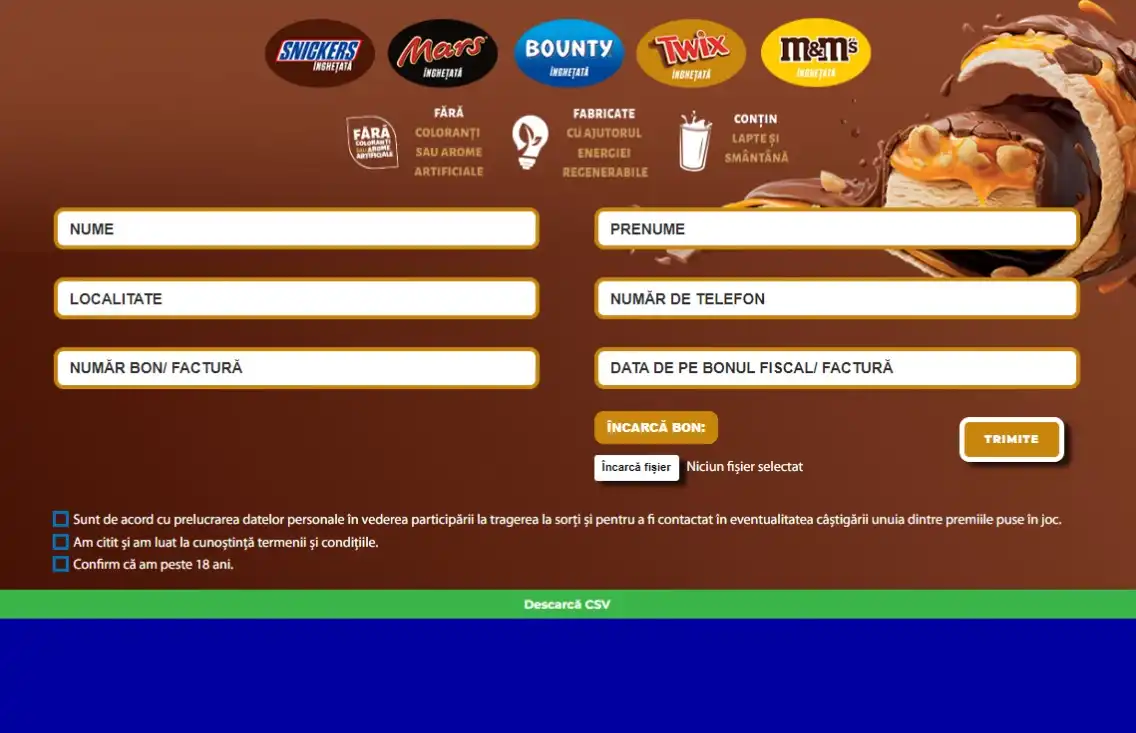
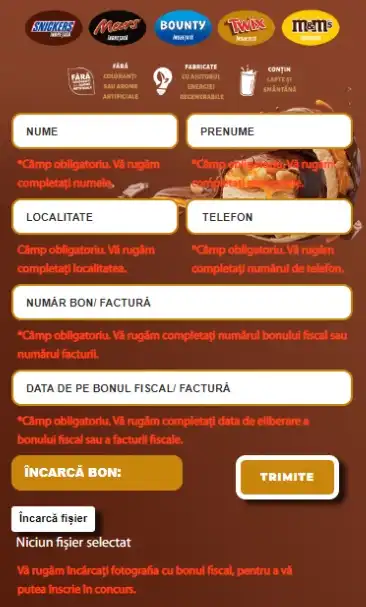
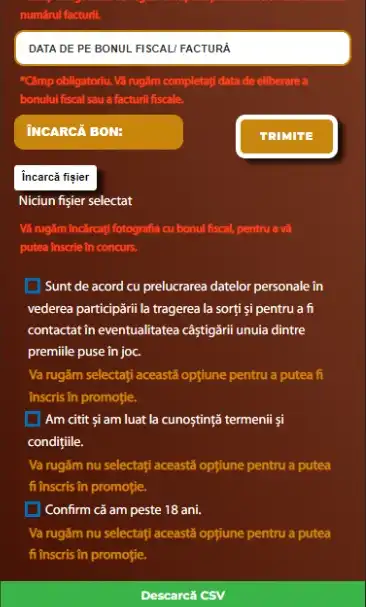
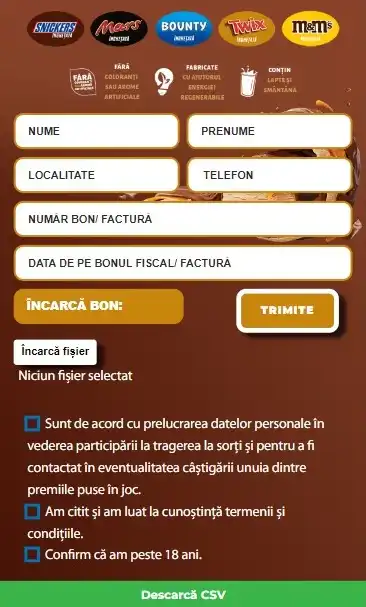
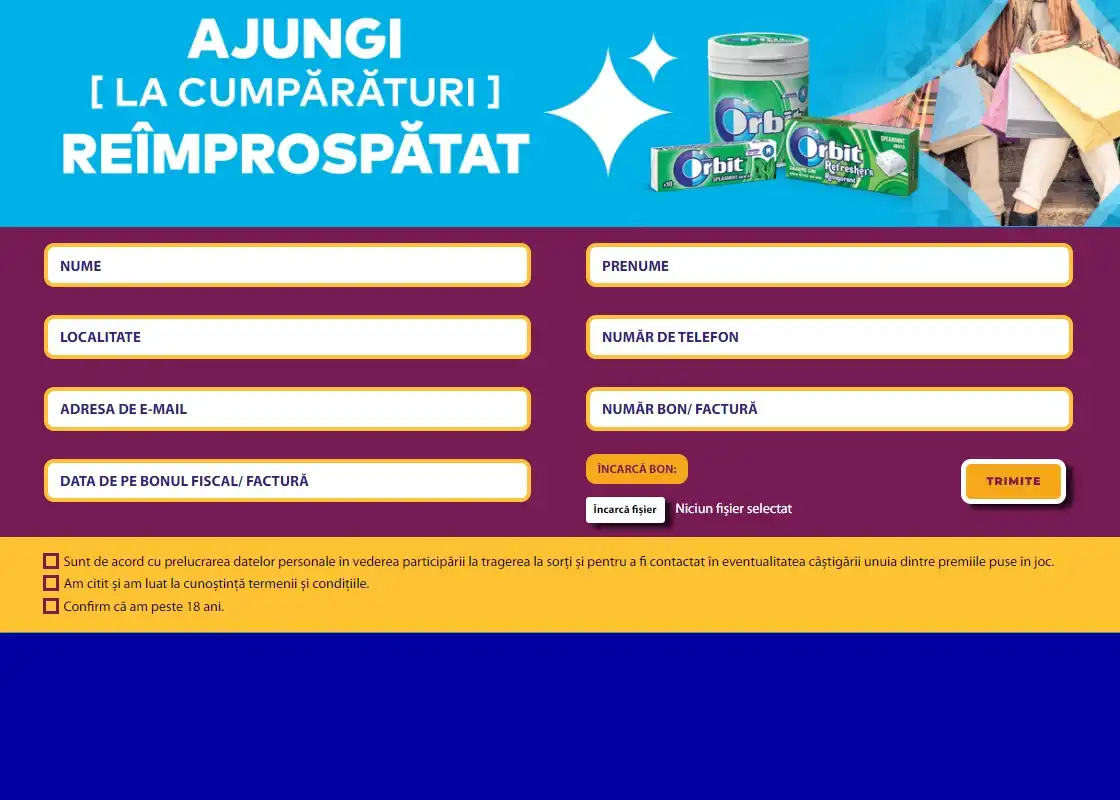
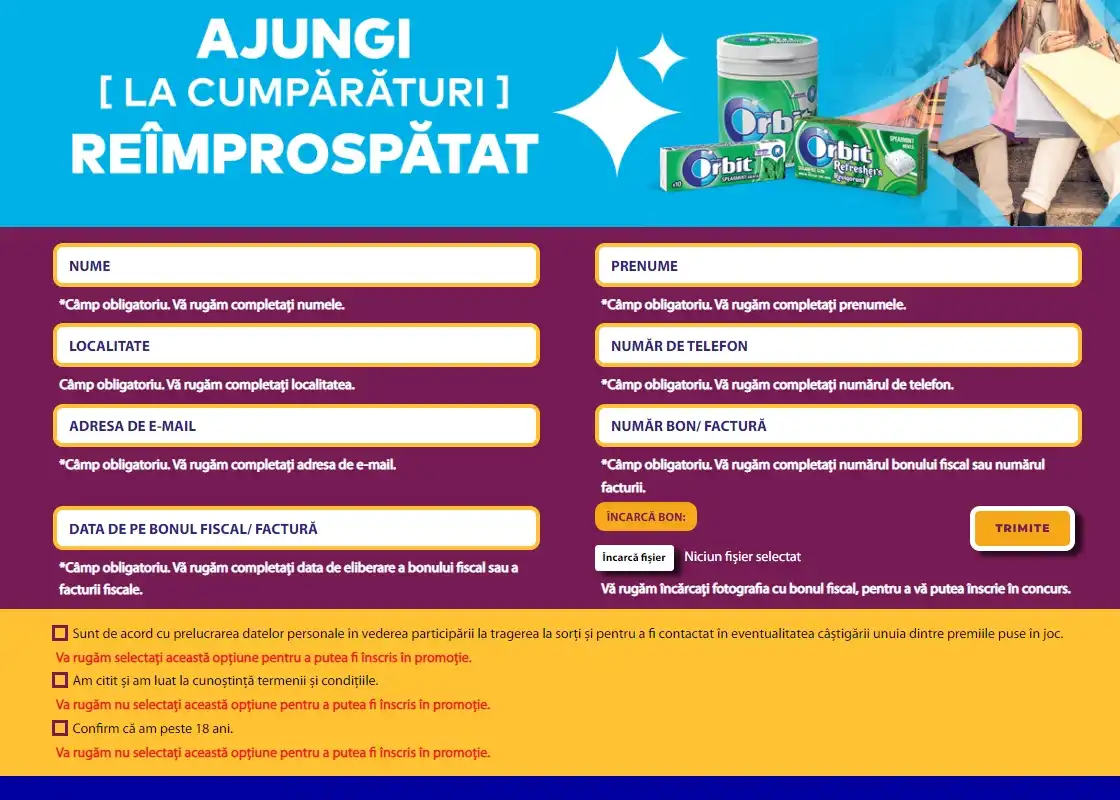
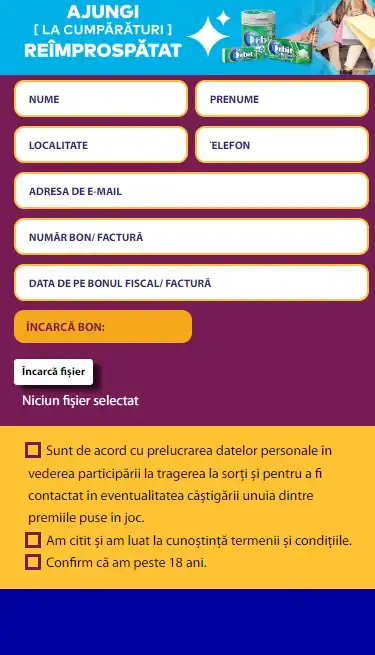
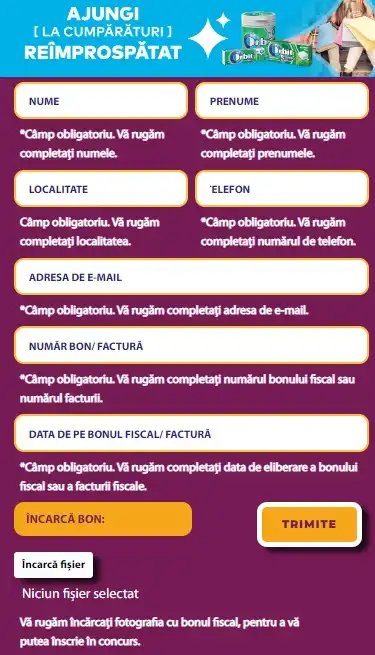
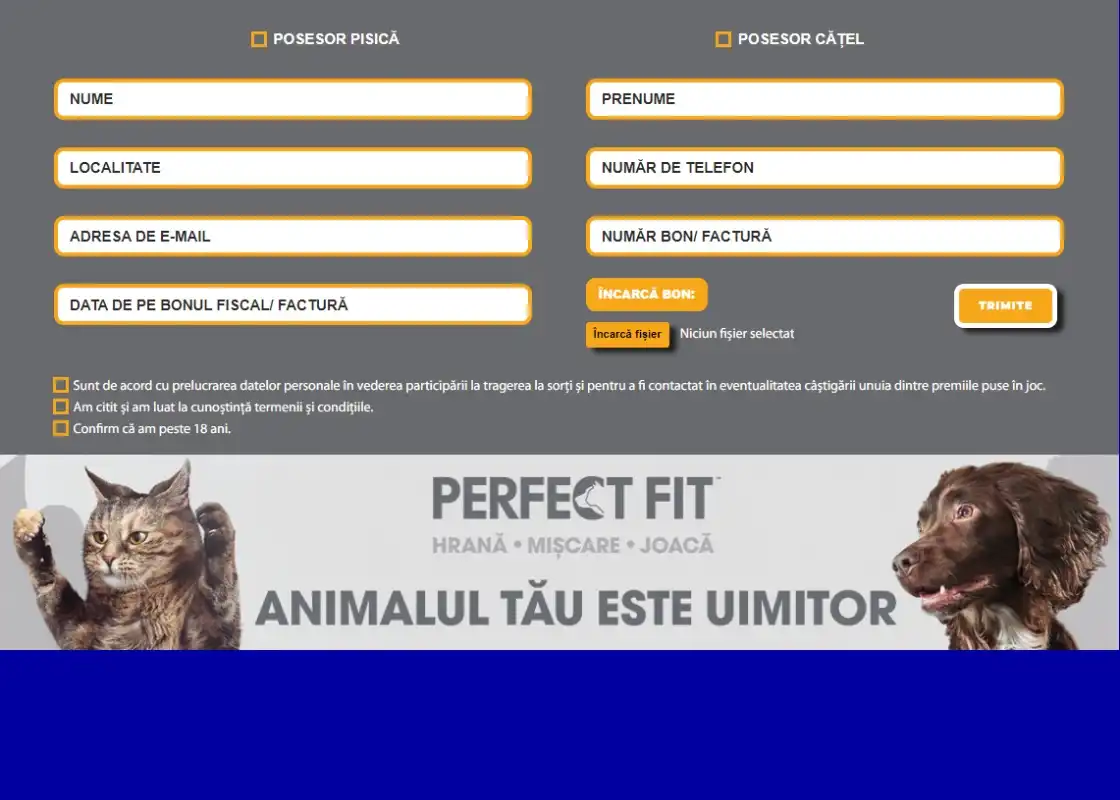
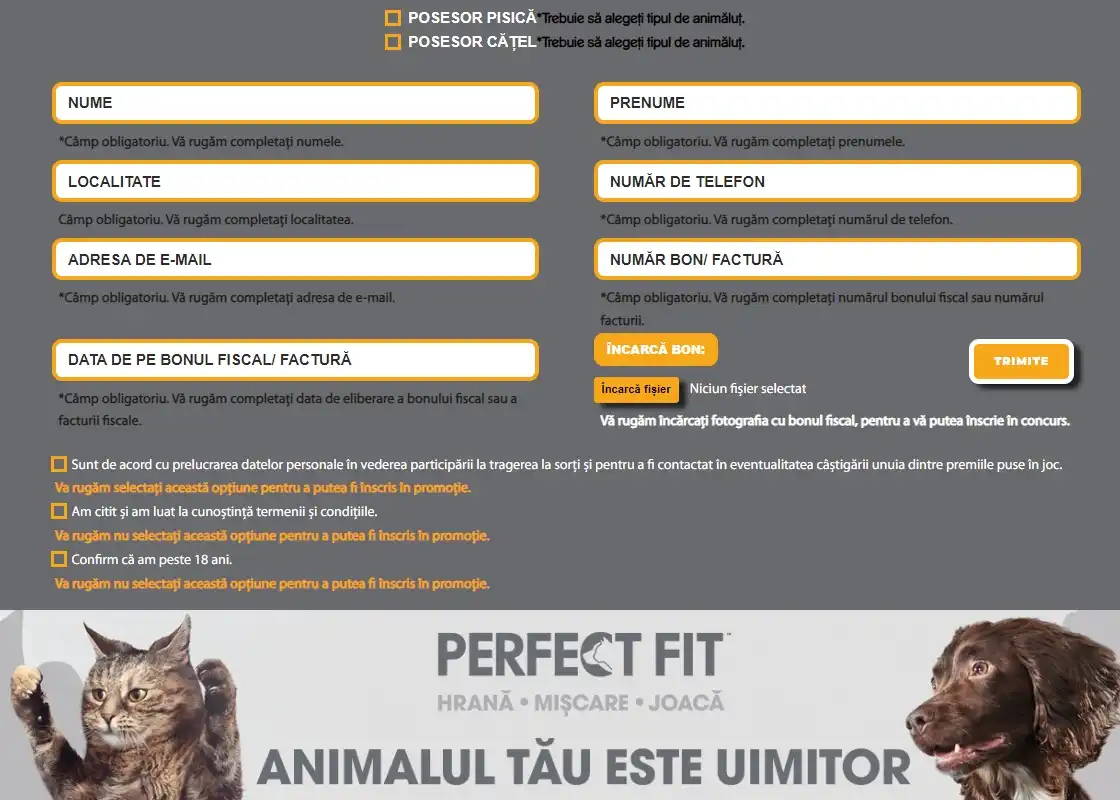
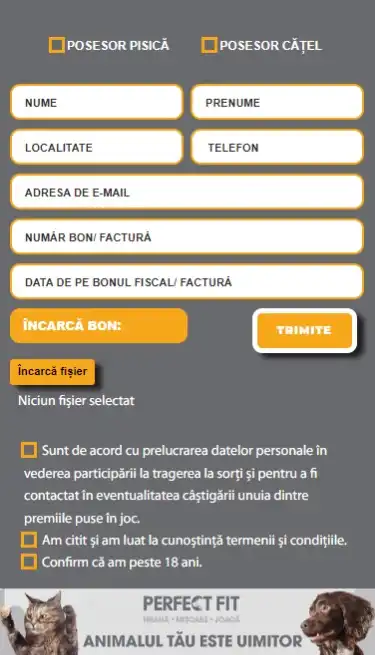
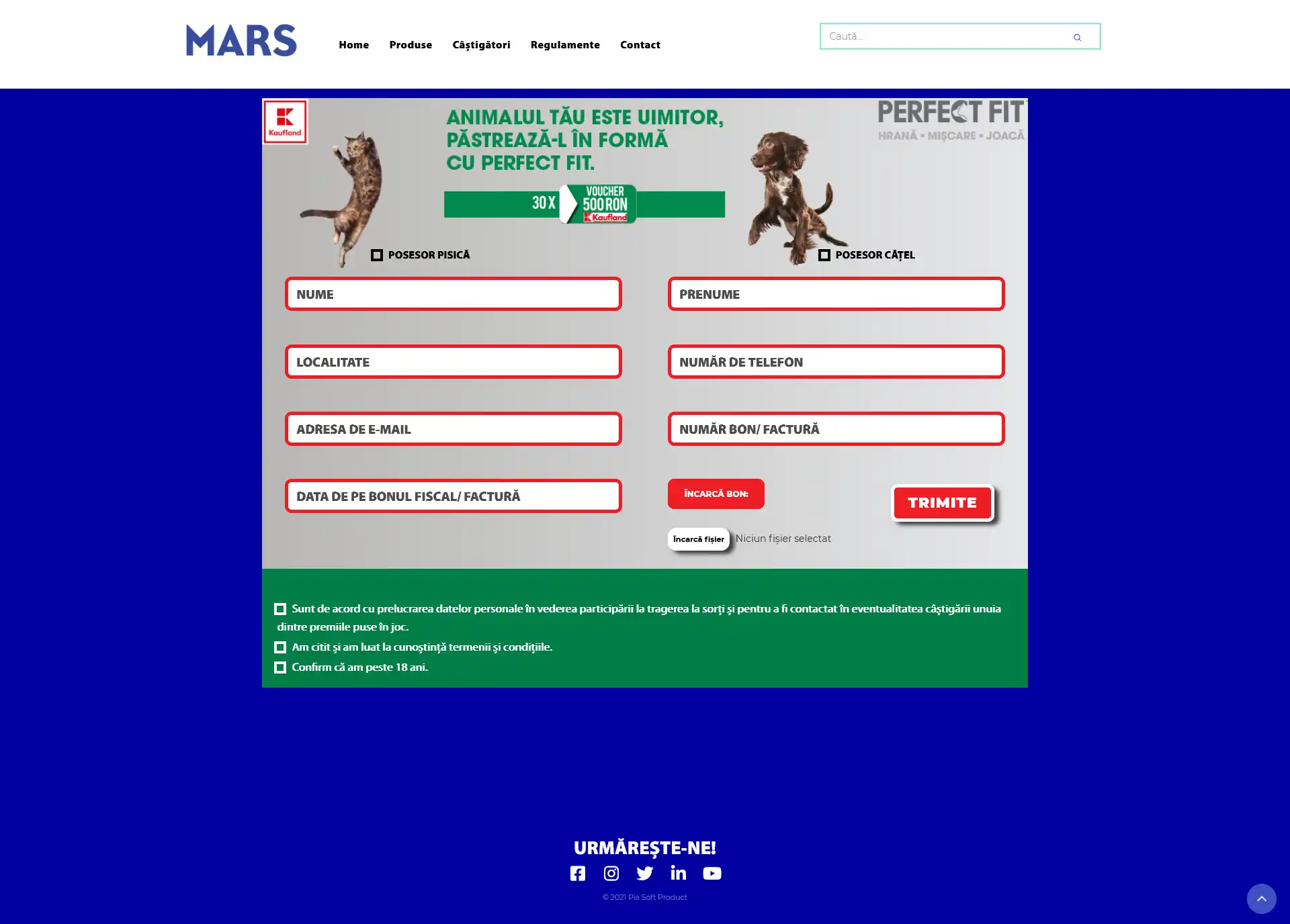
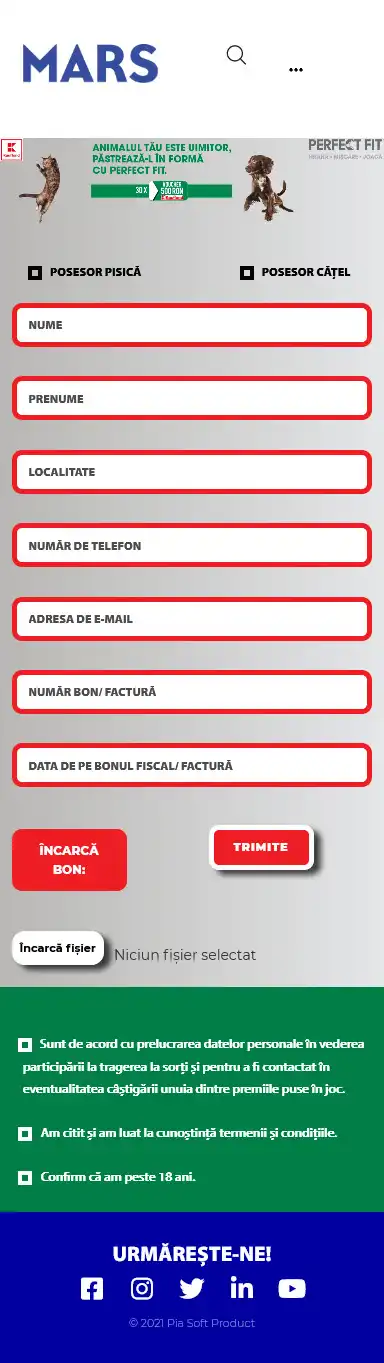
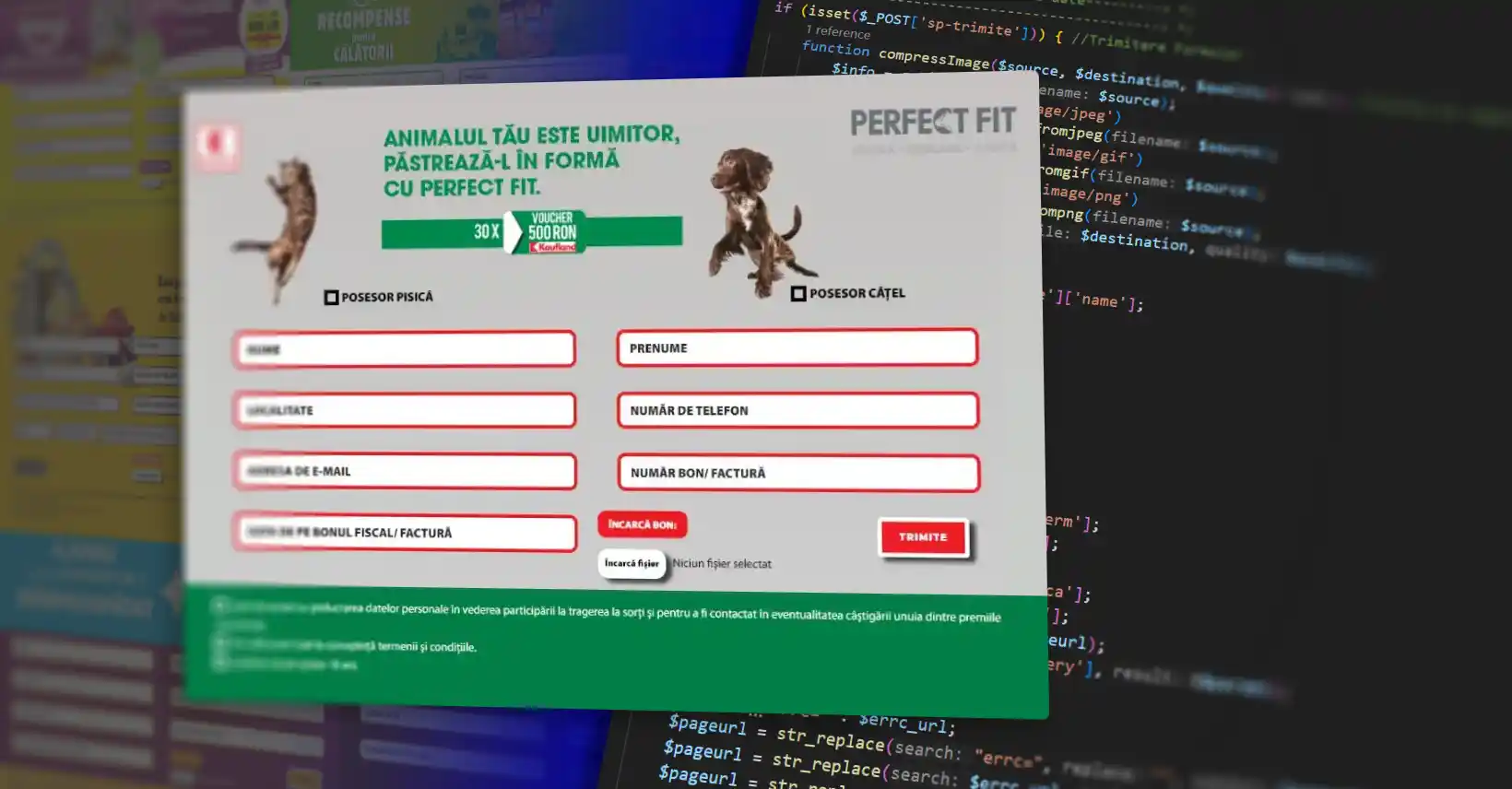
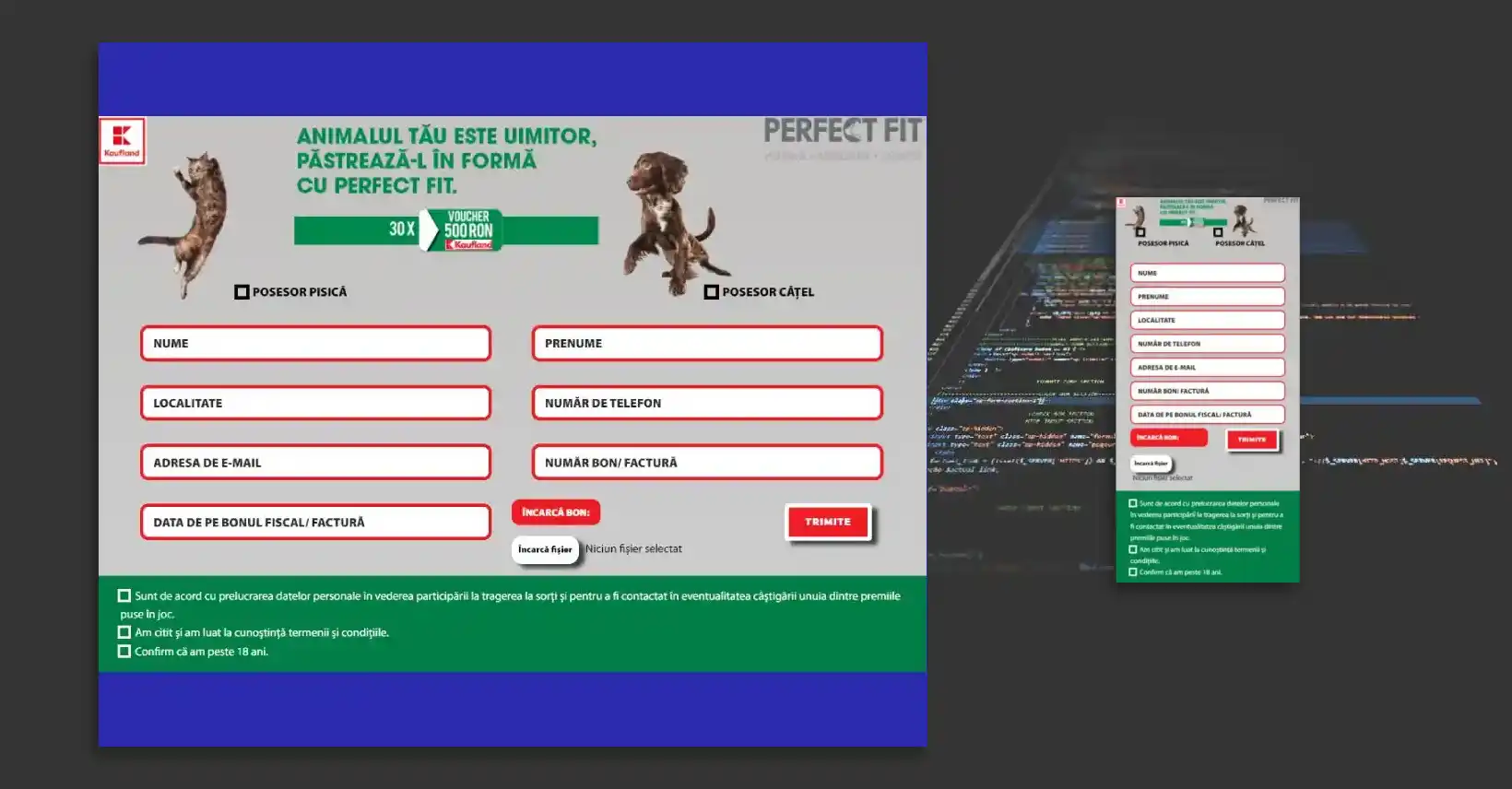
Single Form Page made with PHP, HTML, CSS, JavaScript and SQL. The PHP code works in this way: You get the data from form and at the submit button it will create a database if it does not exist, will verify the data, all check boxes must be checked, the input fields must be non empty, one radio box must be checked, the code from invoice with the phone number must be unique and used only once in the database (in this example), the data submit must be within the set data range (begin date - end date) and the file upload must be an image in JPG, PNG or GIF format with maximum size of 40 Mb. If the conditions are met, the image file will be compressed and saved in a folder with the name of SQL table name in wp-content, the data will be saved in a SQL table from data base with a URL for image, and in the final, the page will reload and instead of the form content will show a specific banner for success status.
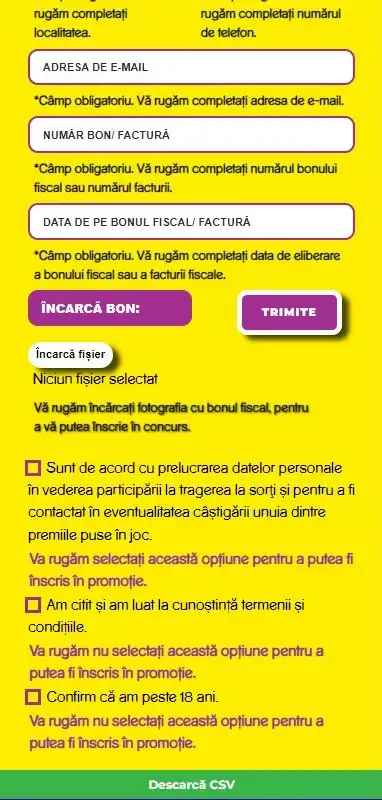
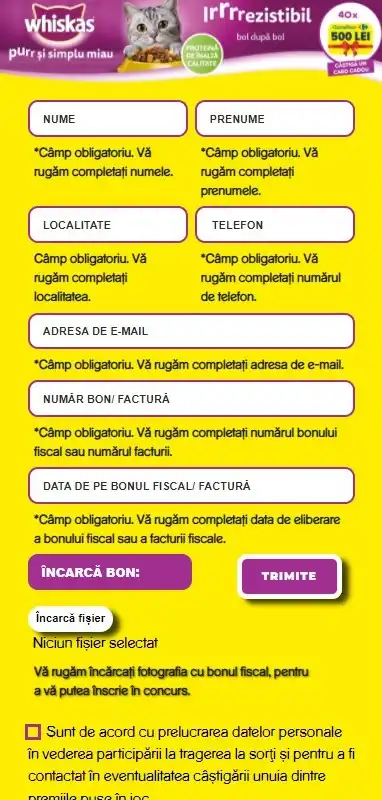
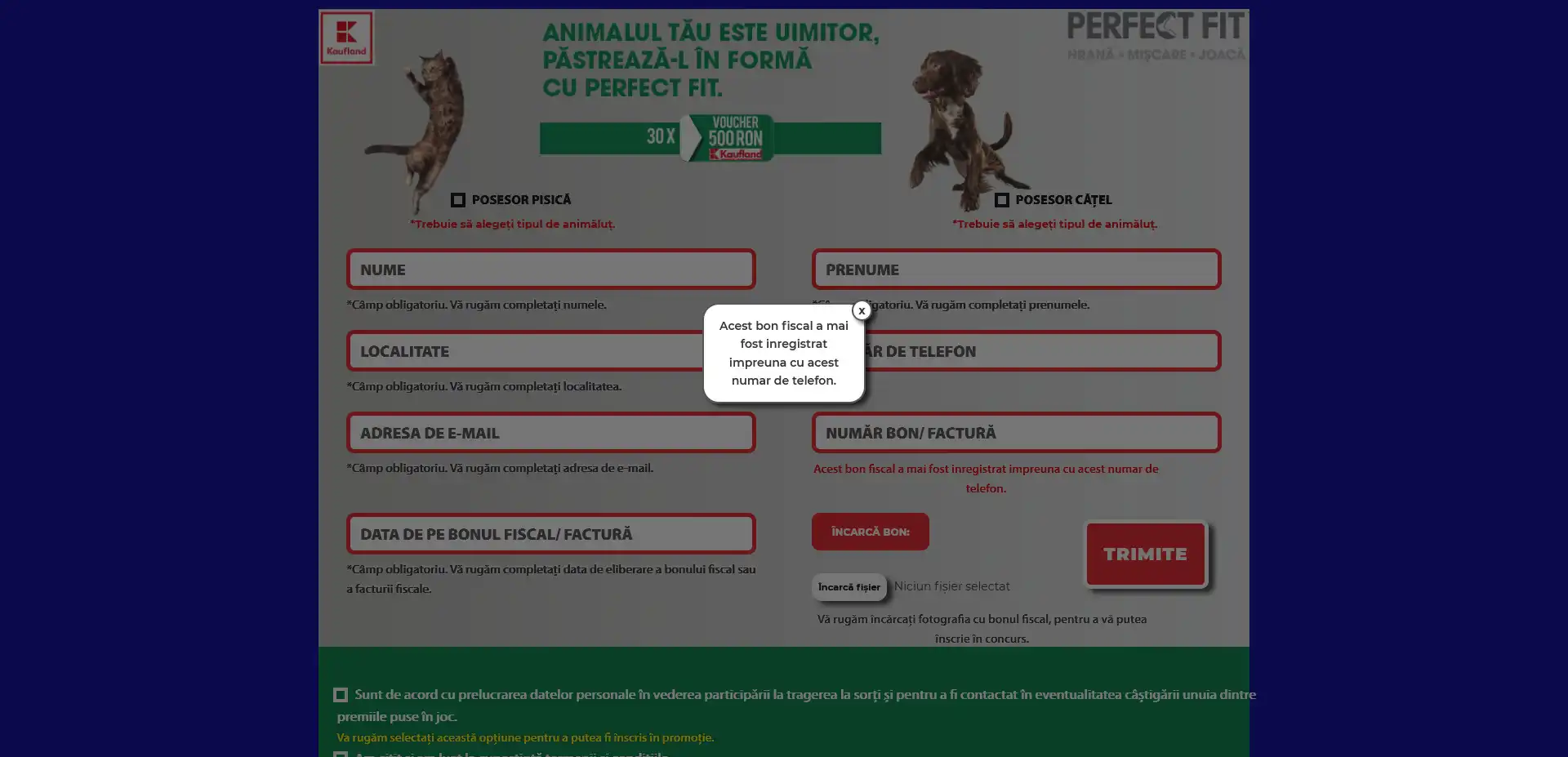
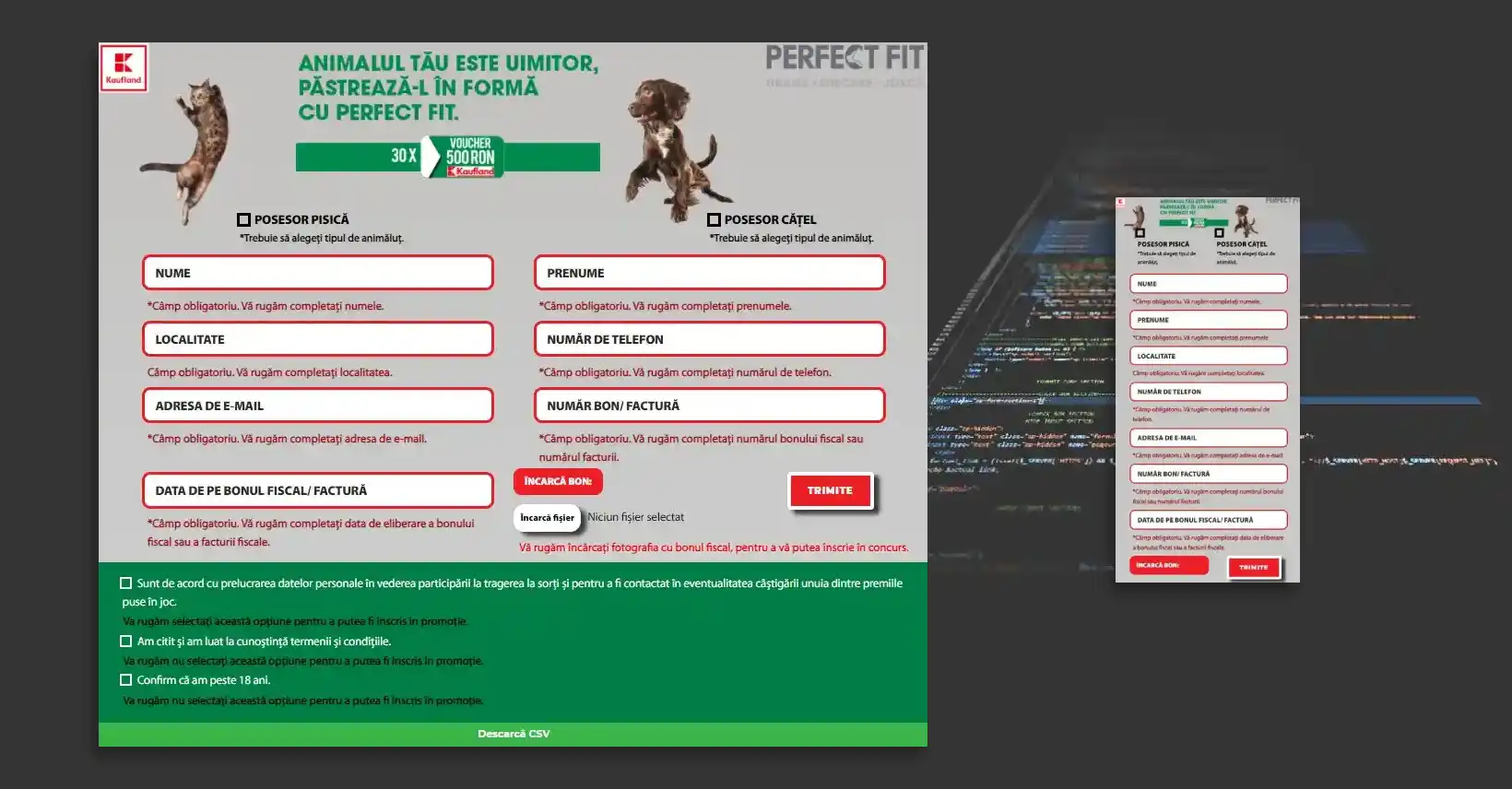
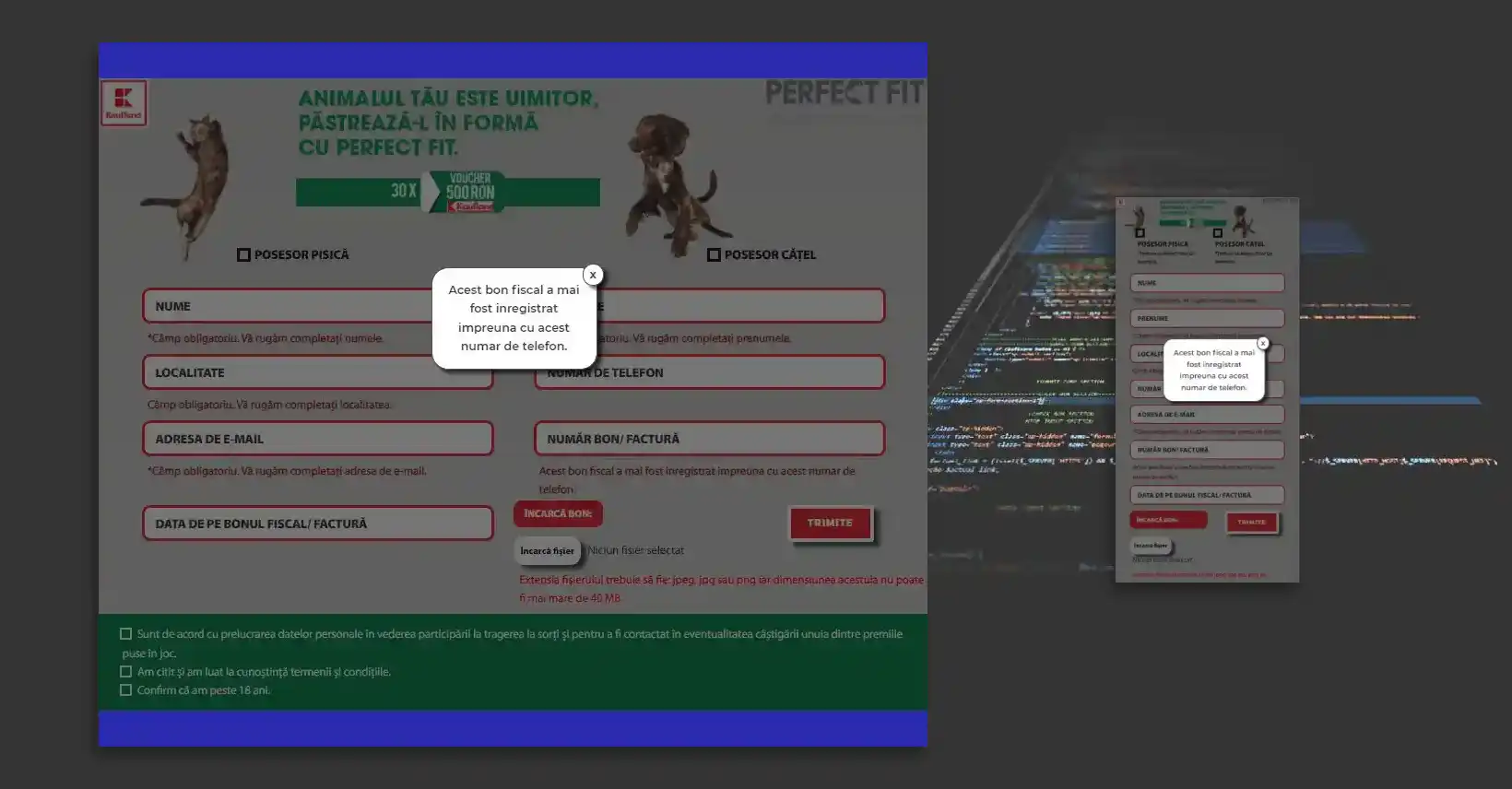
If the conditions are not met, a specific error message will be displayed below each field, and if the invoice code was previously used in the database, a pop-up message with a specific error message will be displayed or a banner will be displayed. If the campaign has started, the submit button from the form will not appear or a banner will appear instead of the form, if the campaign is over, a banner will appear instead of the form. A button to download CSV data from data base will show if you are an admin or editor of WordPress, or if you have the credentials from code inserted in URL. The form is implemented with PHP Everywhere widget and Elementor page builder.